


The modular line
AIRY Modular Collection
The AIRY shelf has a mounting grid running underneath it. Holders, docks and trays screw into the grid wherever you want them, and move to a new position whenever your desk changes — so the setup you build today isn't the one you're stuck with next year.
Step one — the foundation
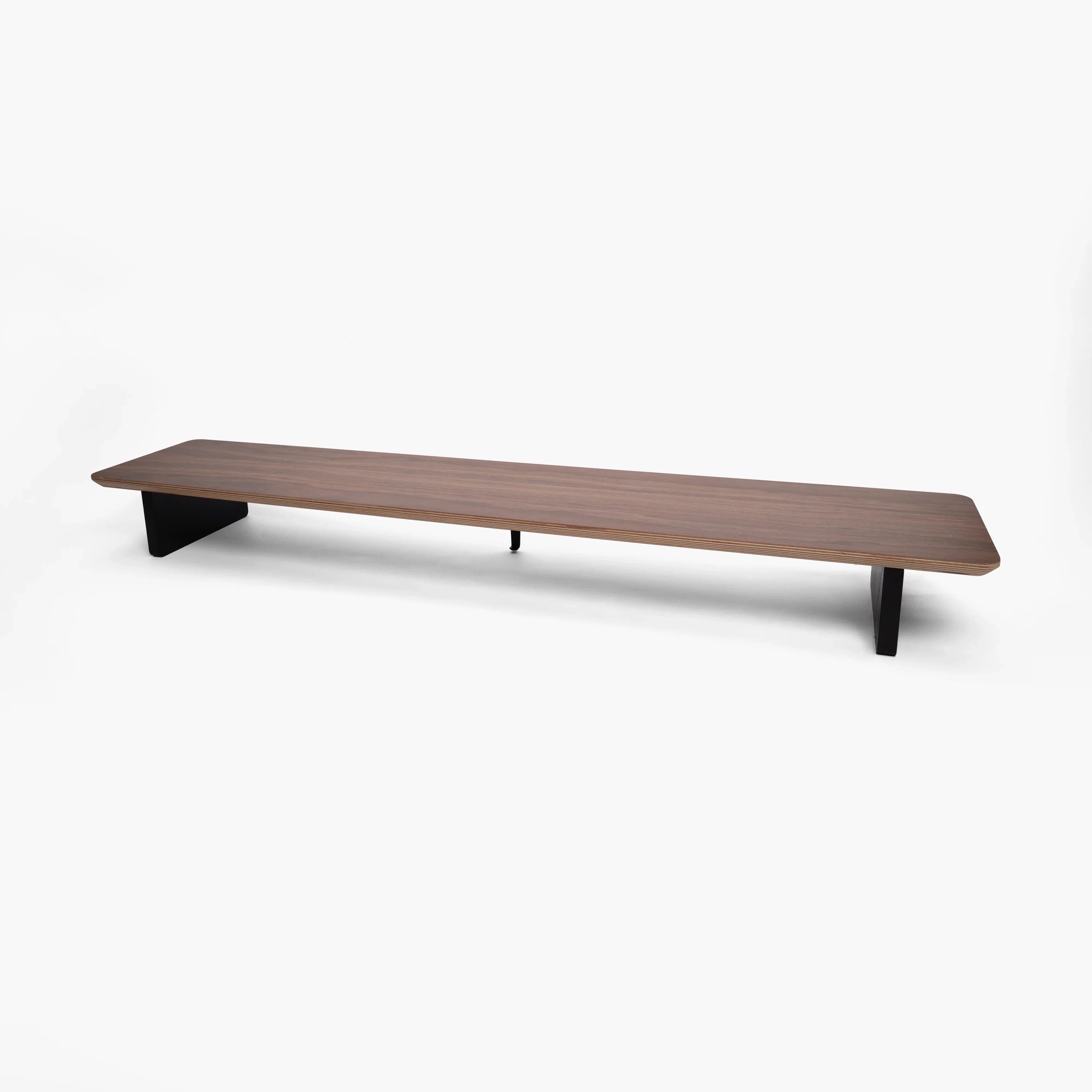
The grid that every add-on screws into is built into this shelf. Start here, then add the holders whenever your desk needs them.
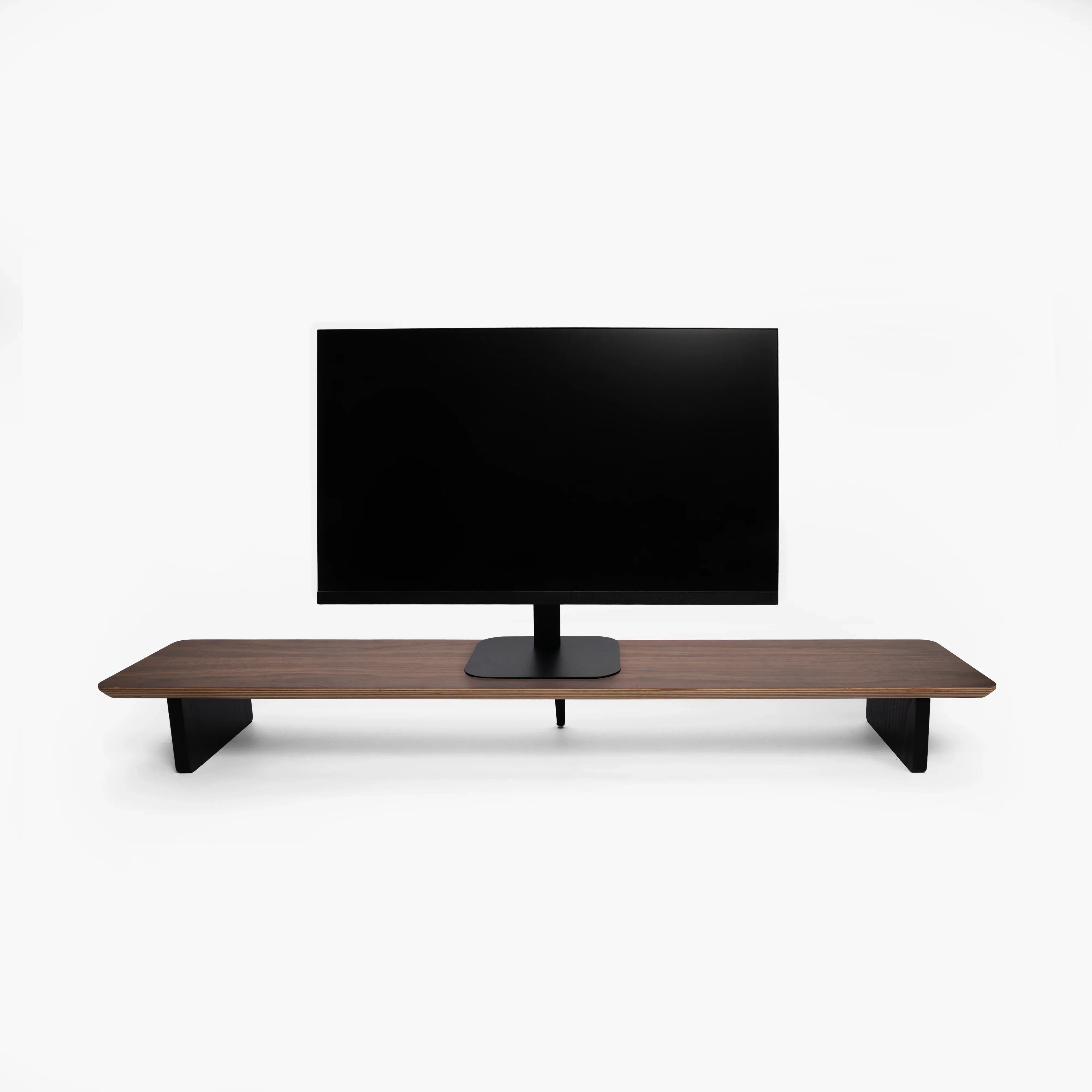
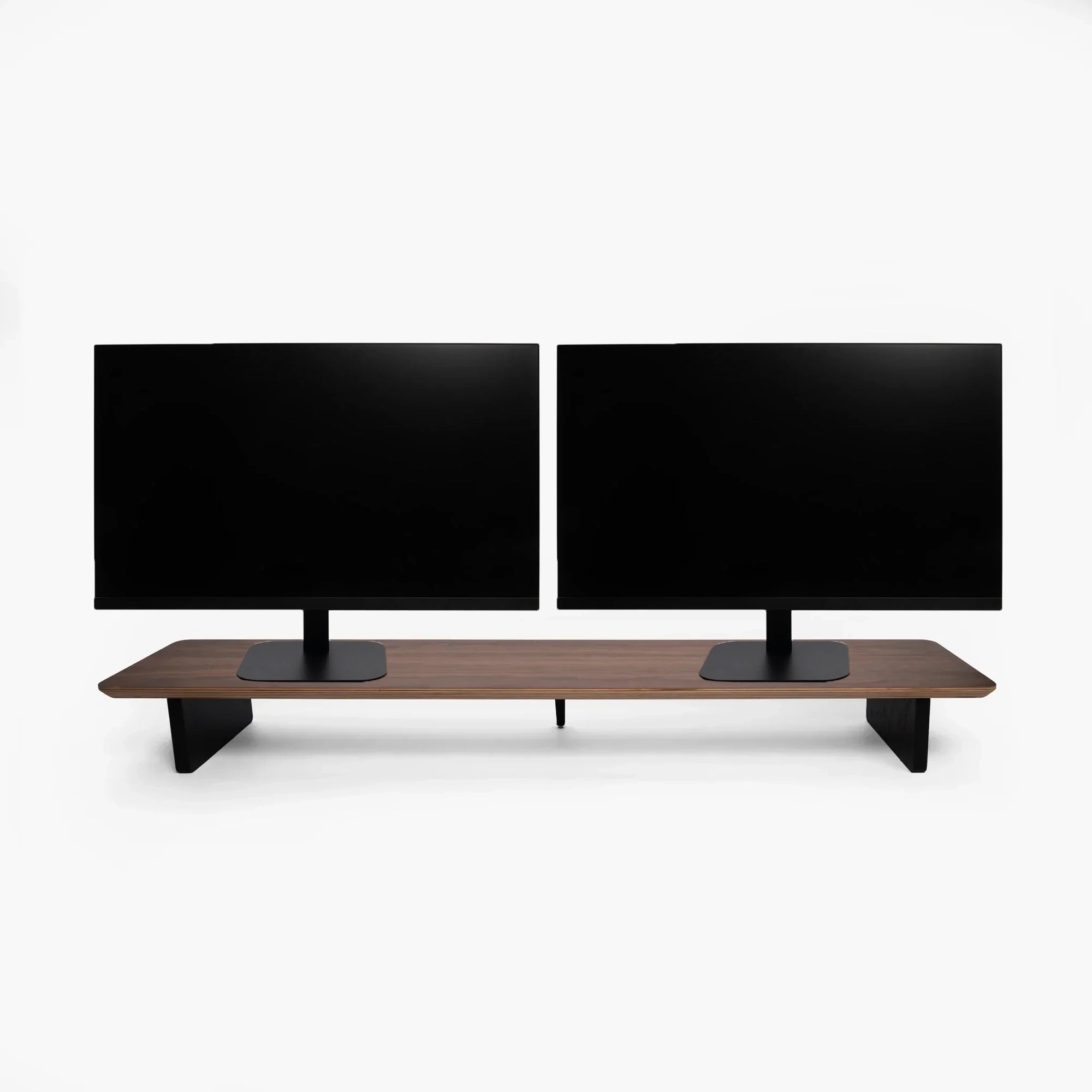
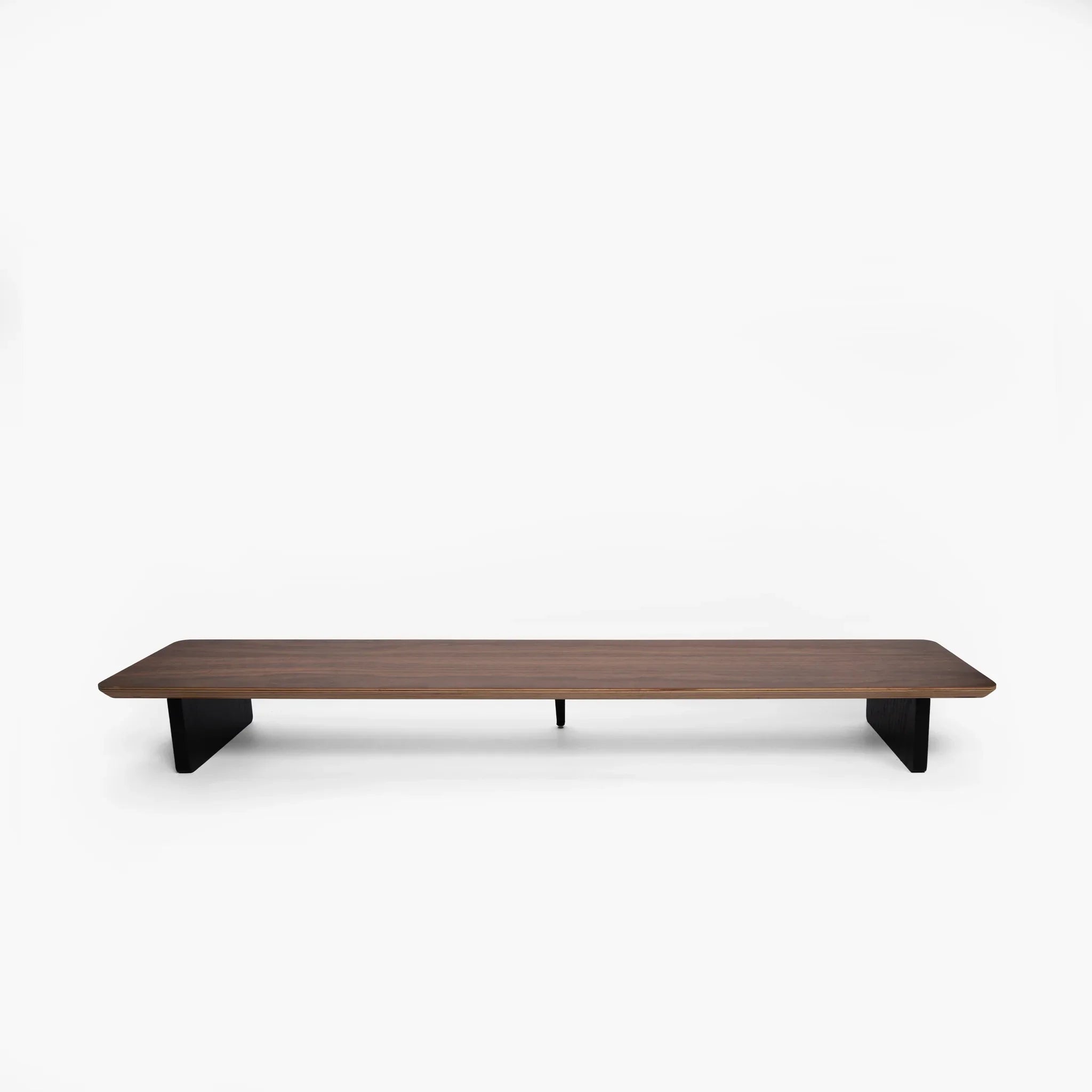
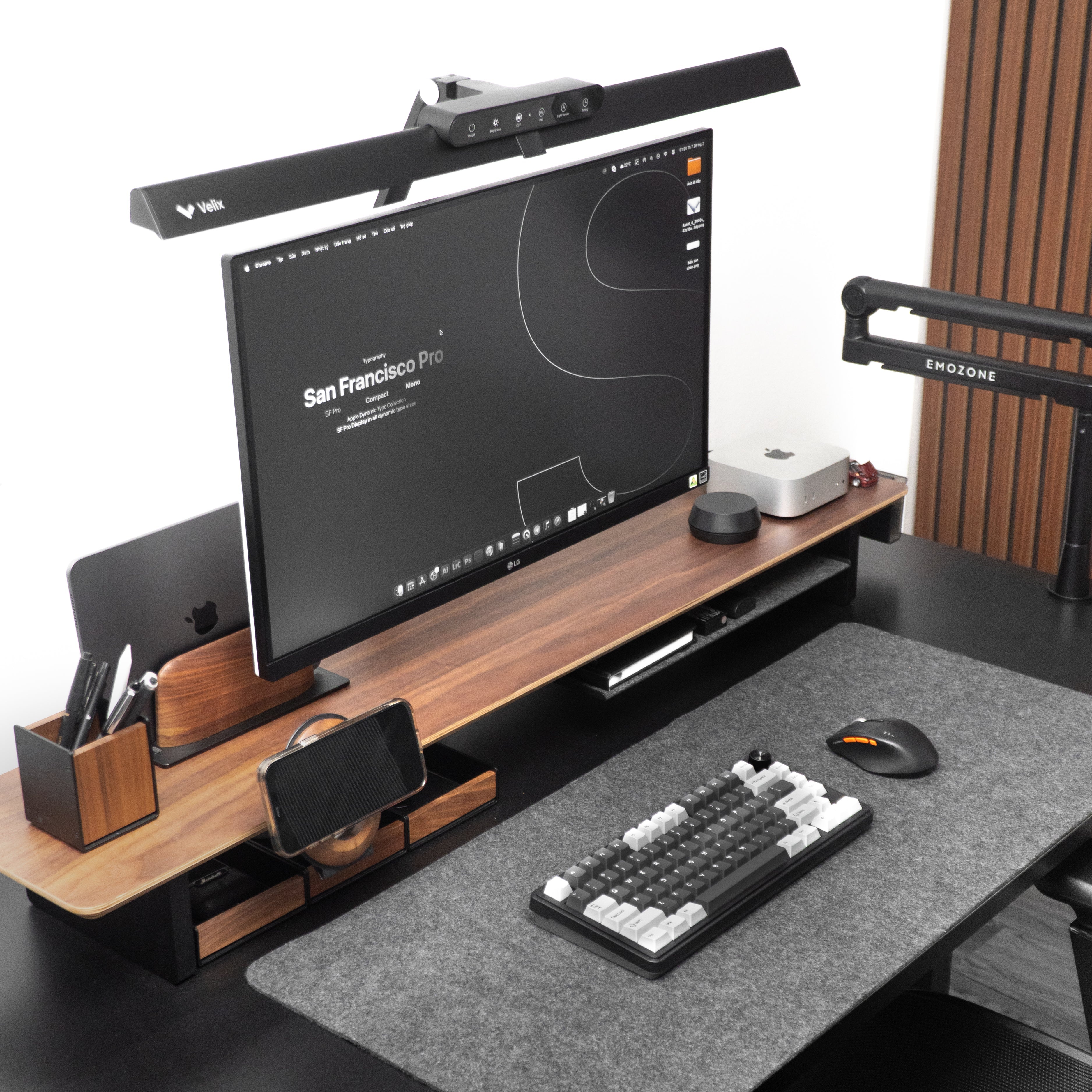
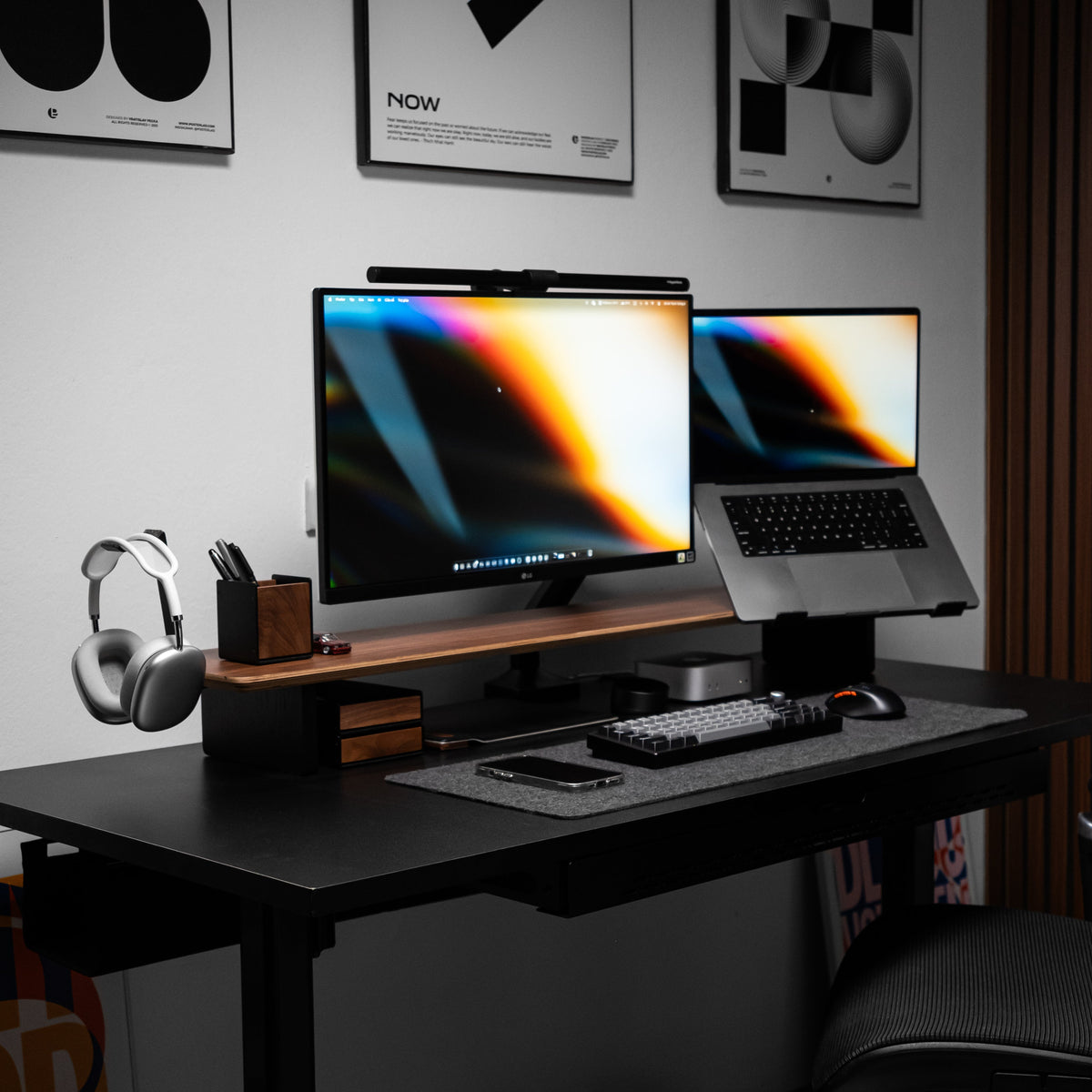
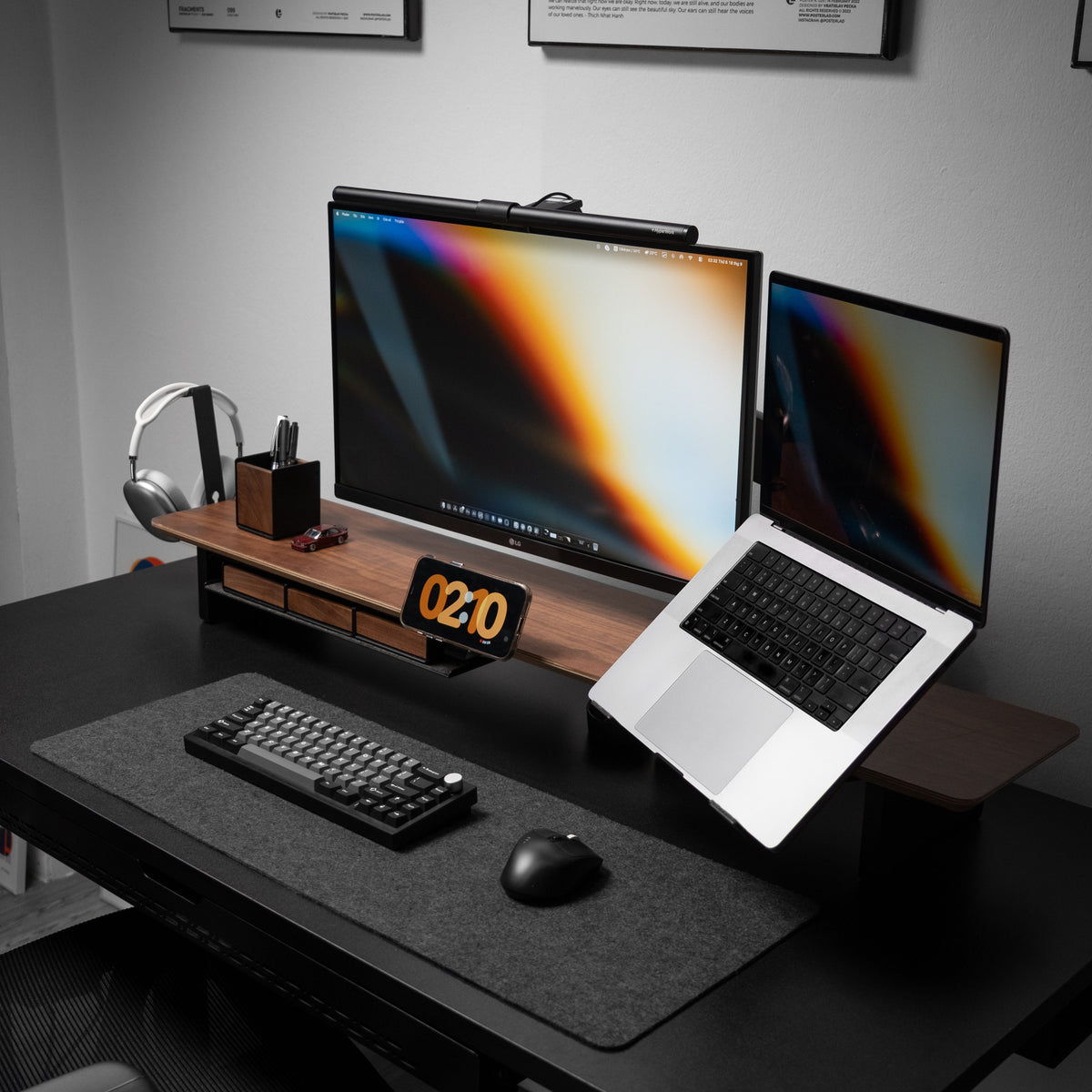


AIRY Modular Desk Shelf
The foundation of your workspace — organize your desk with the AIRY Modular Desk Shelf. The Shelf comes in two sizes, perfect for any setup. Built with a new mounting grid system, it offers greater flexibility for modular add-ons, making installation simple and customization effortless.
Eleven add-ons, grouped by what they hold
All of them mount to the AIRY shelf's slots. Pick the ones that match what's actually cluttering your desk.
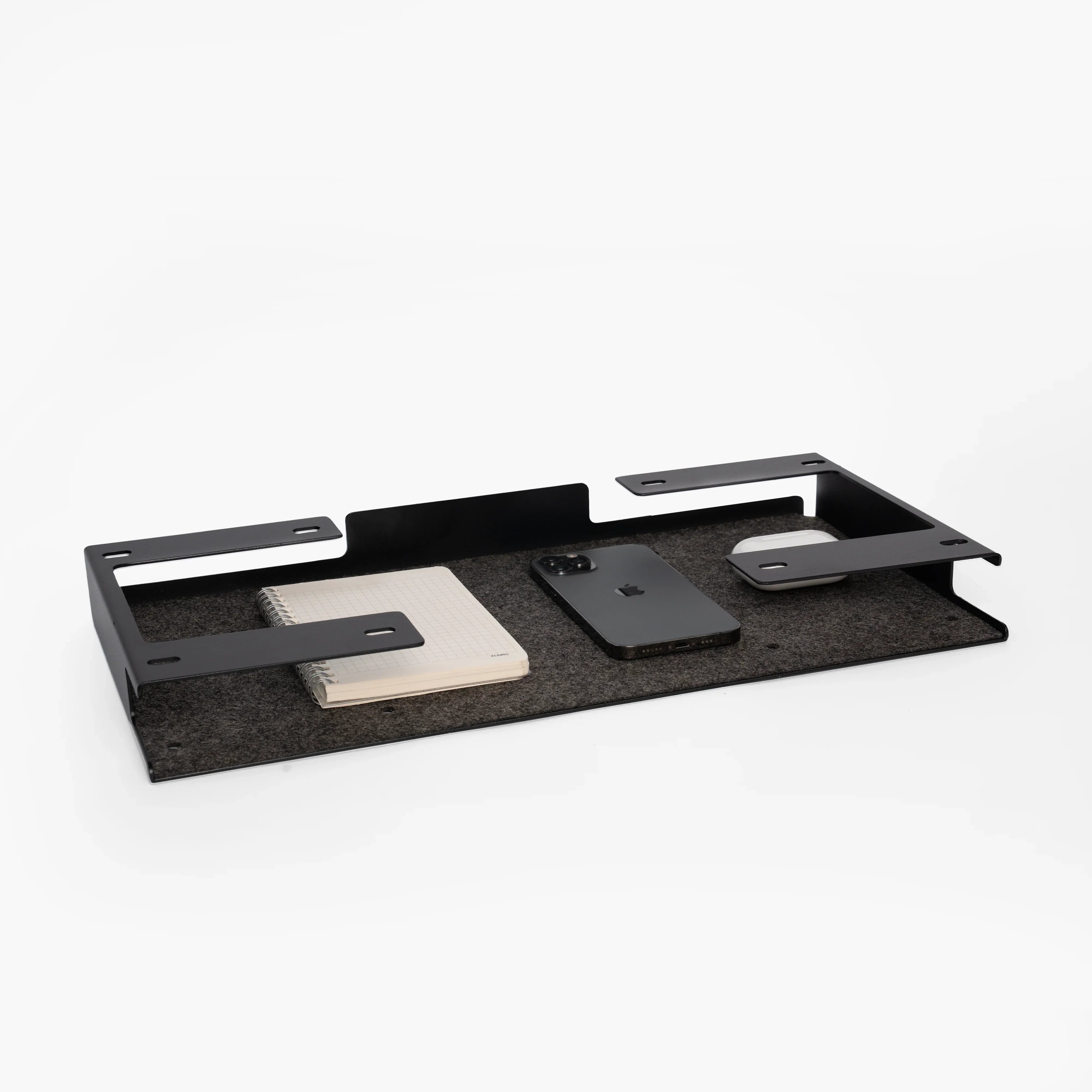
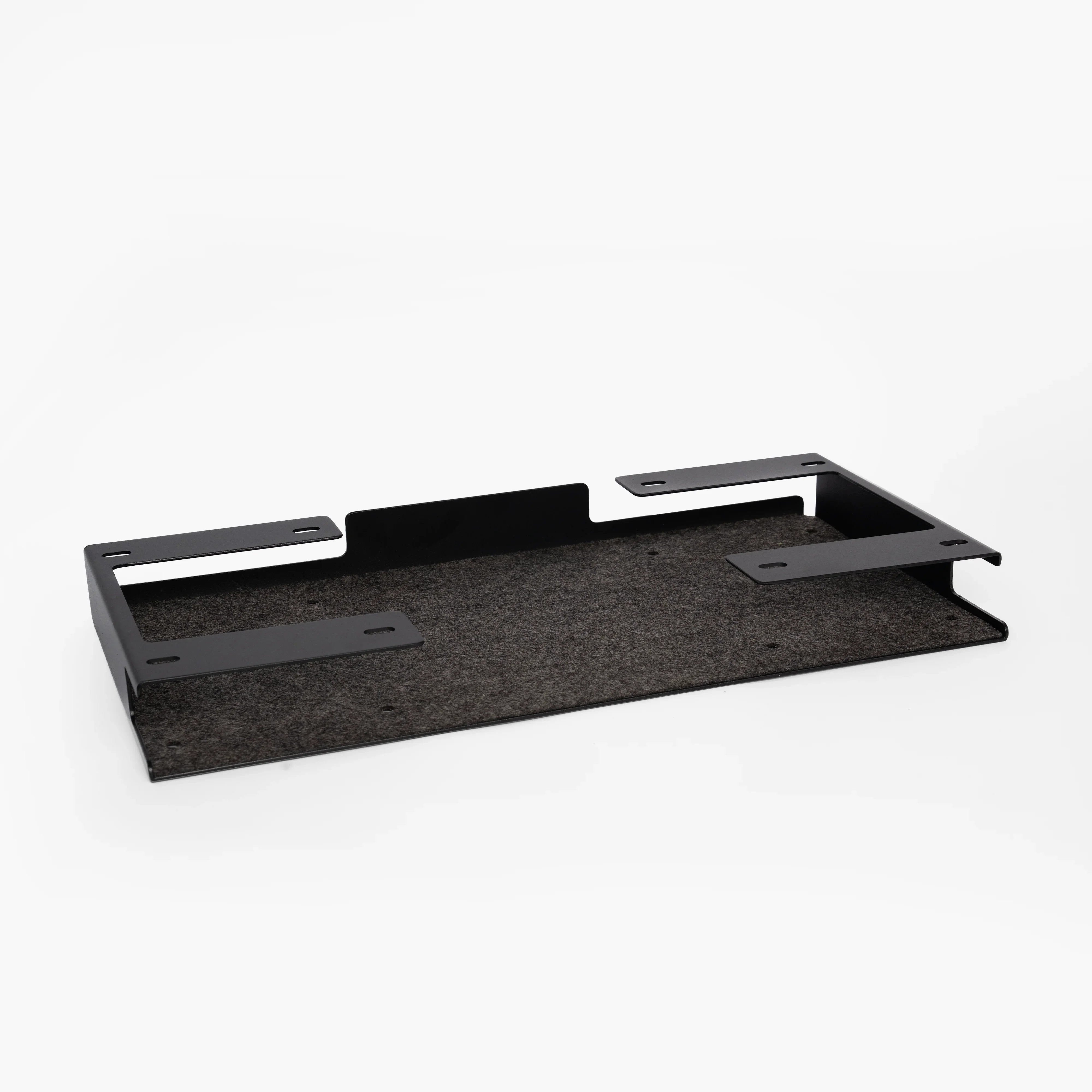
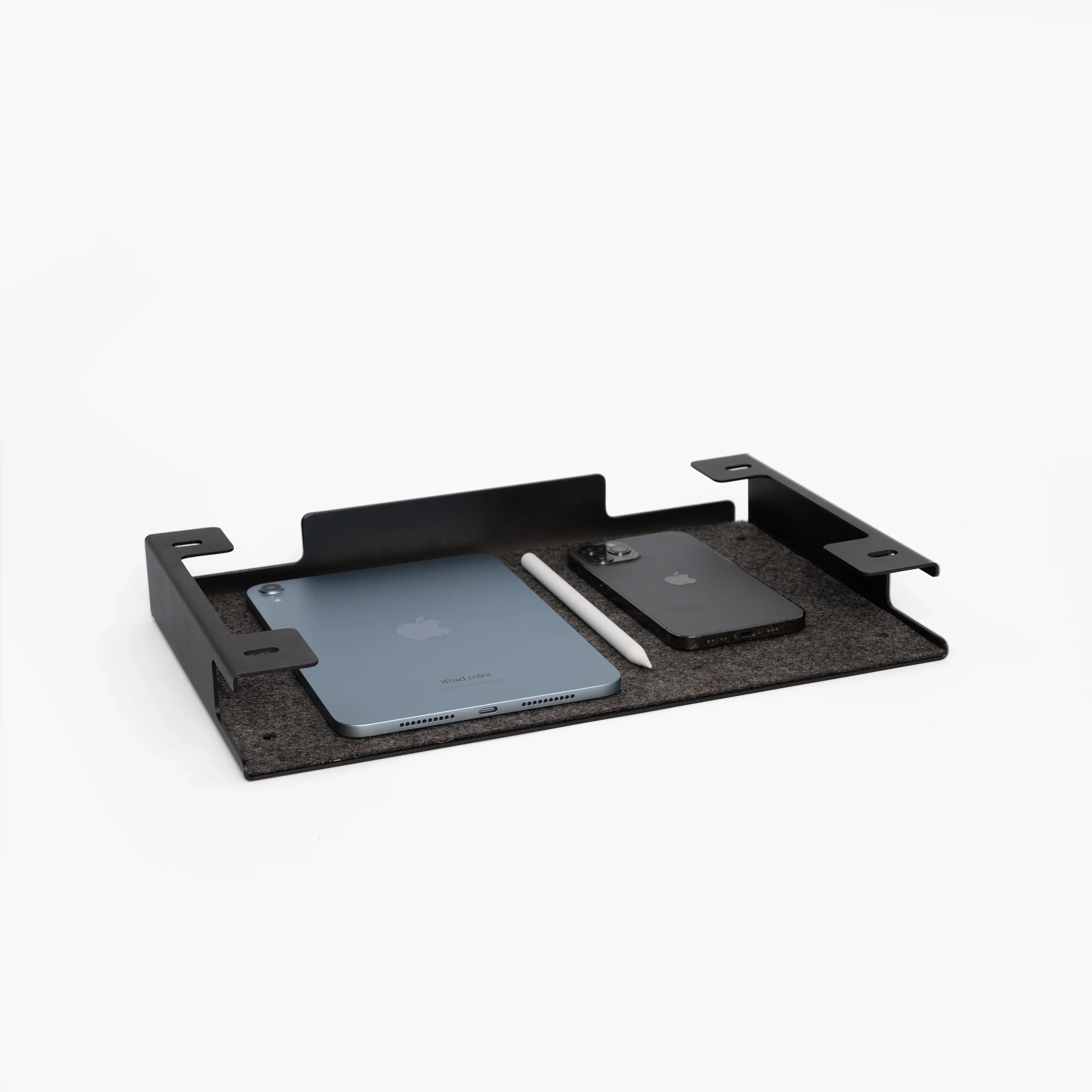
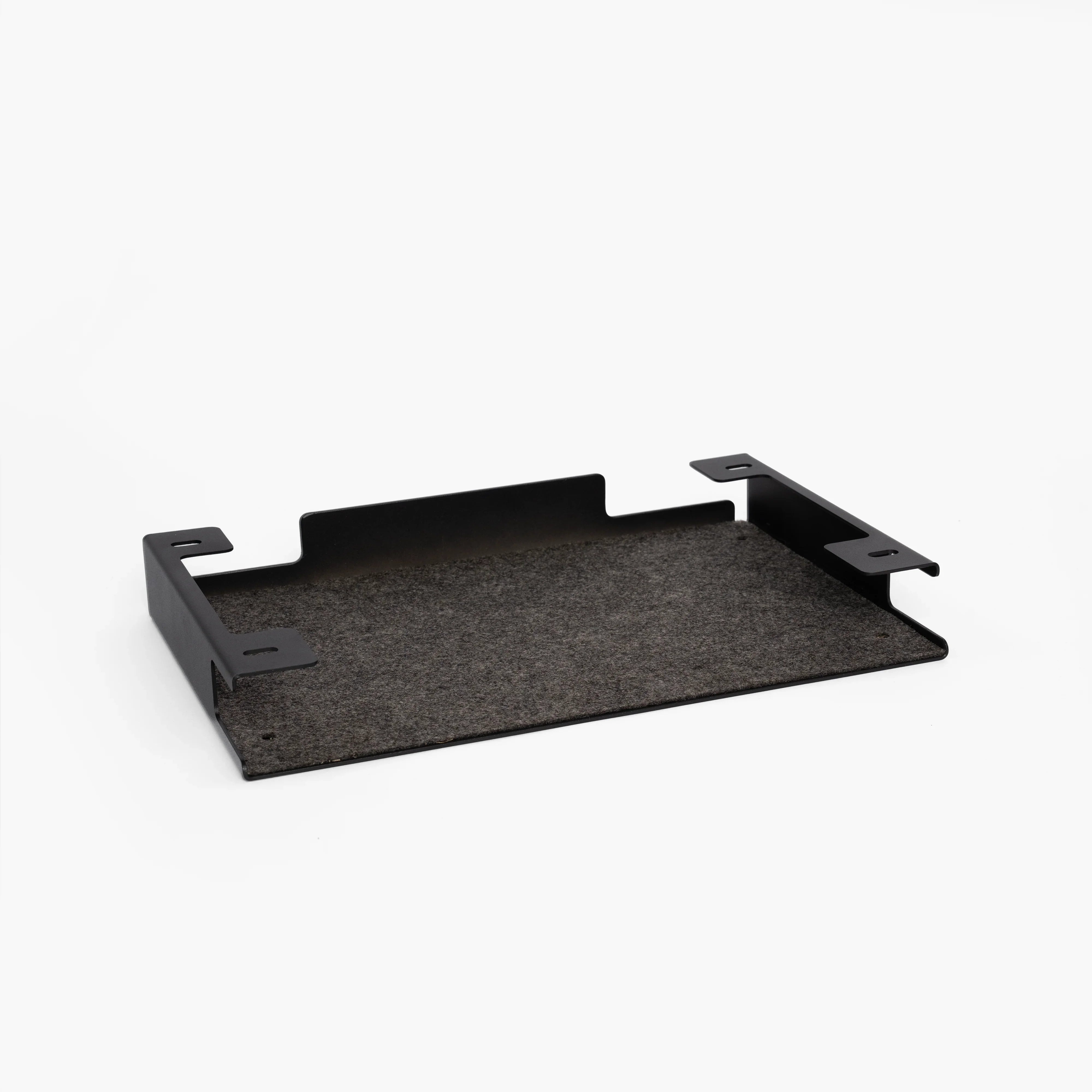
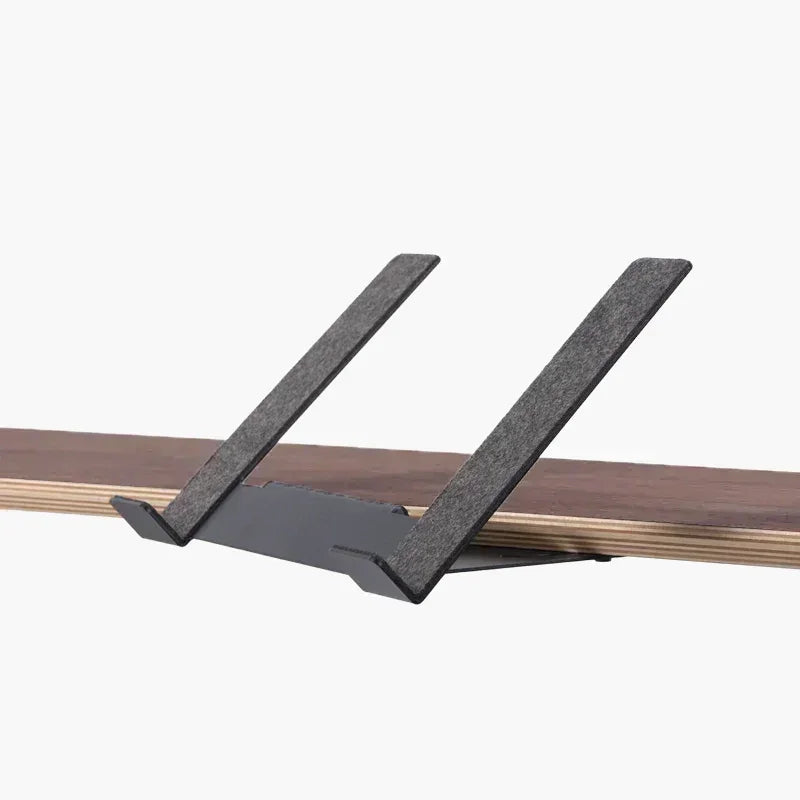
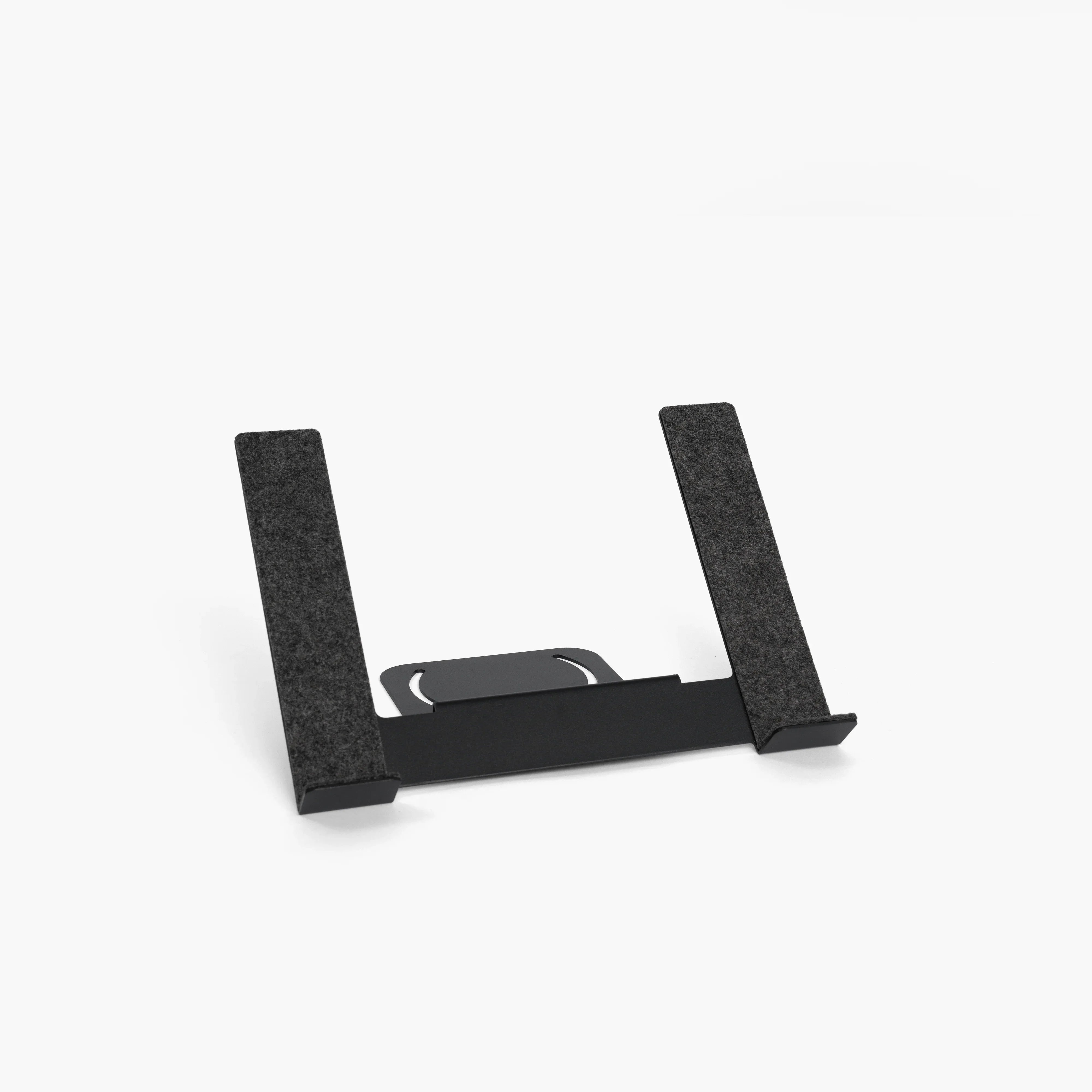
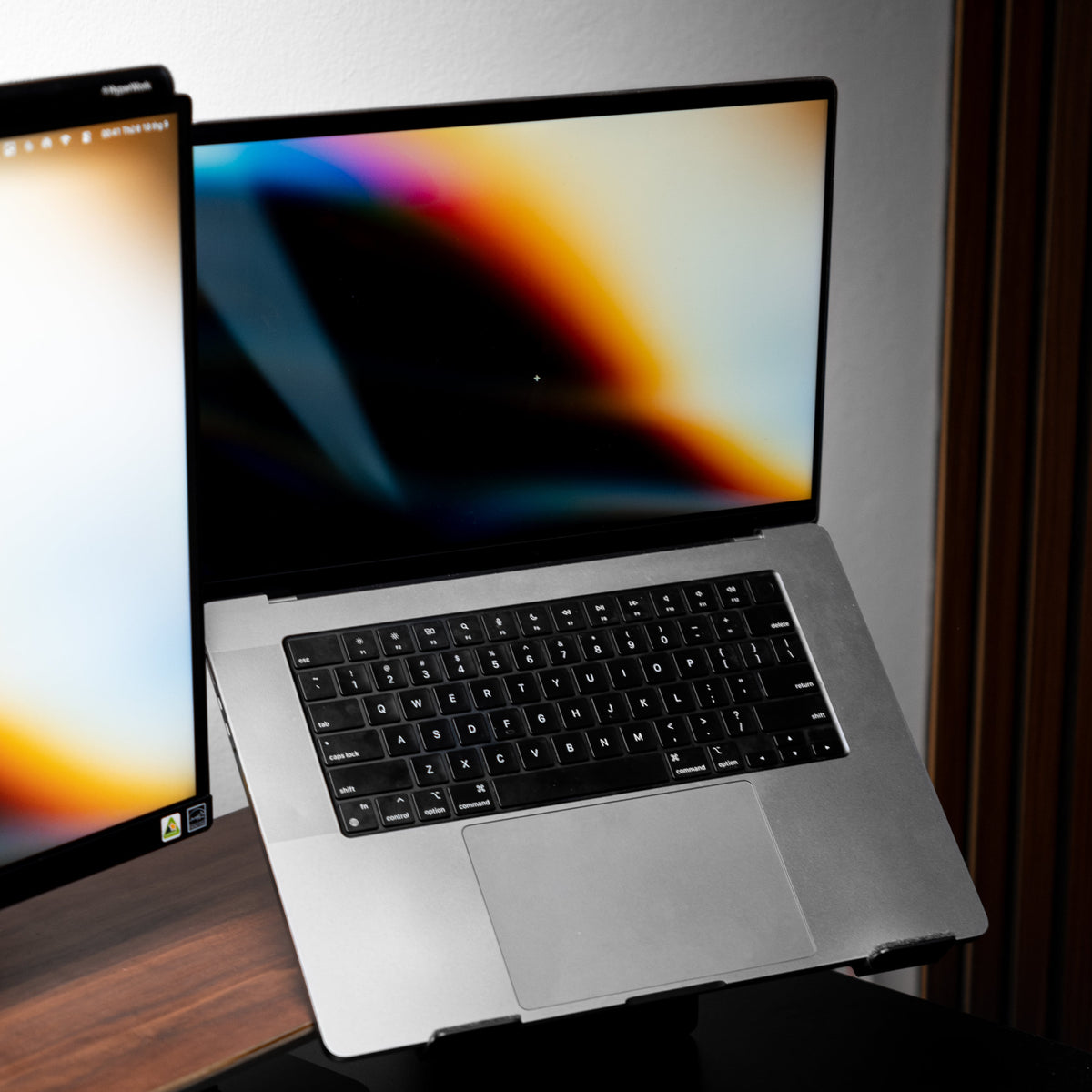
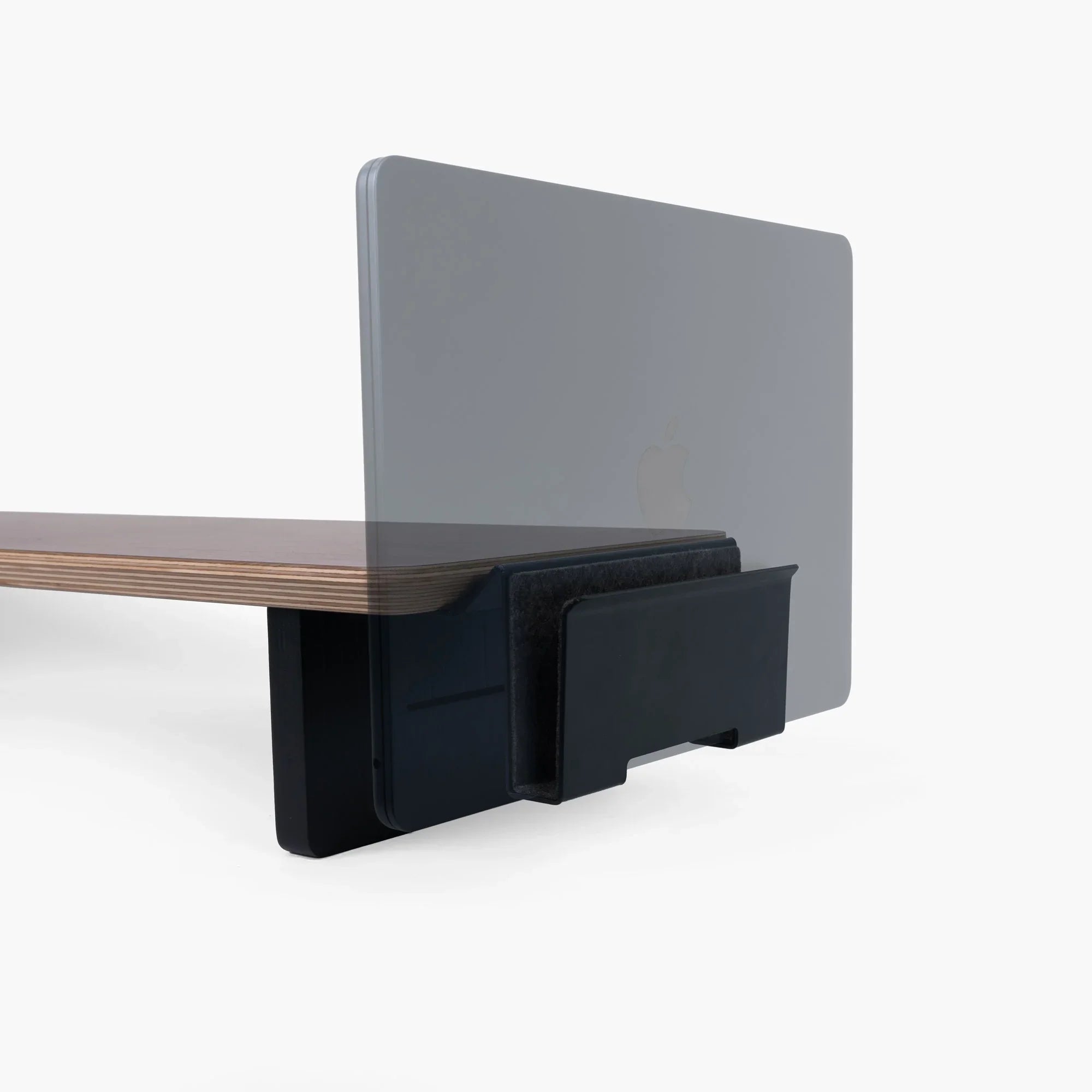
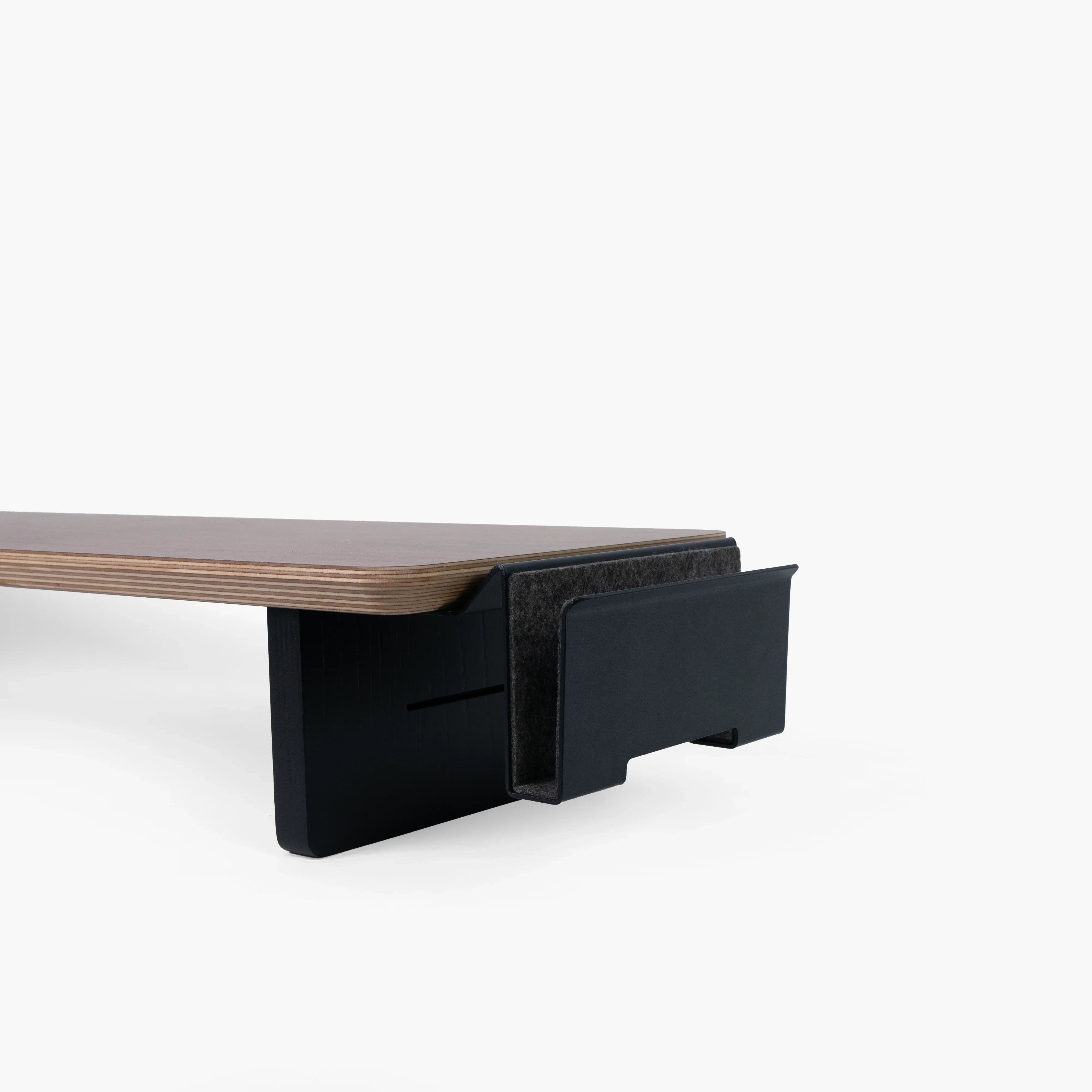
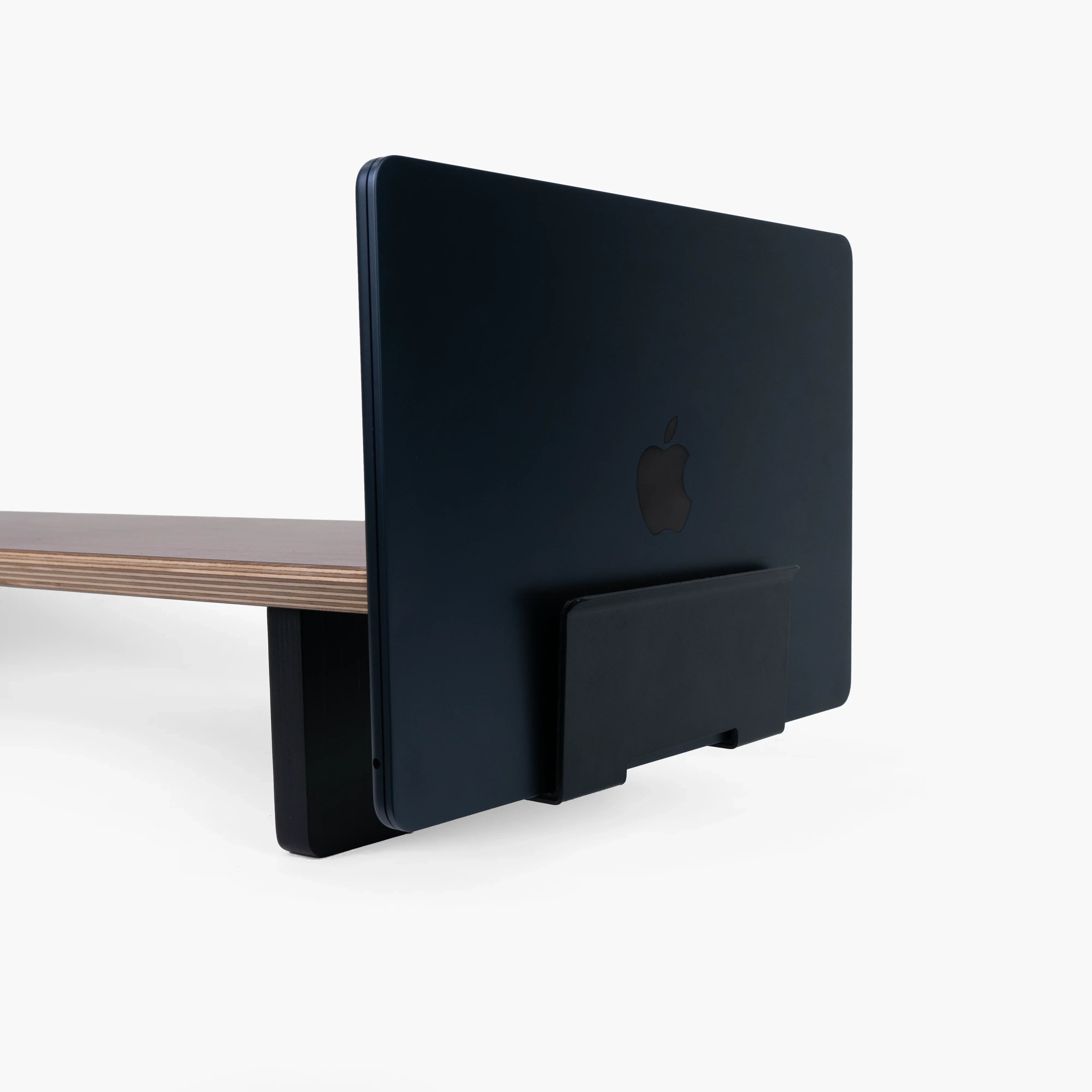
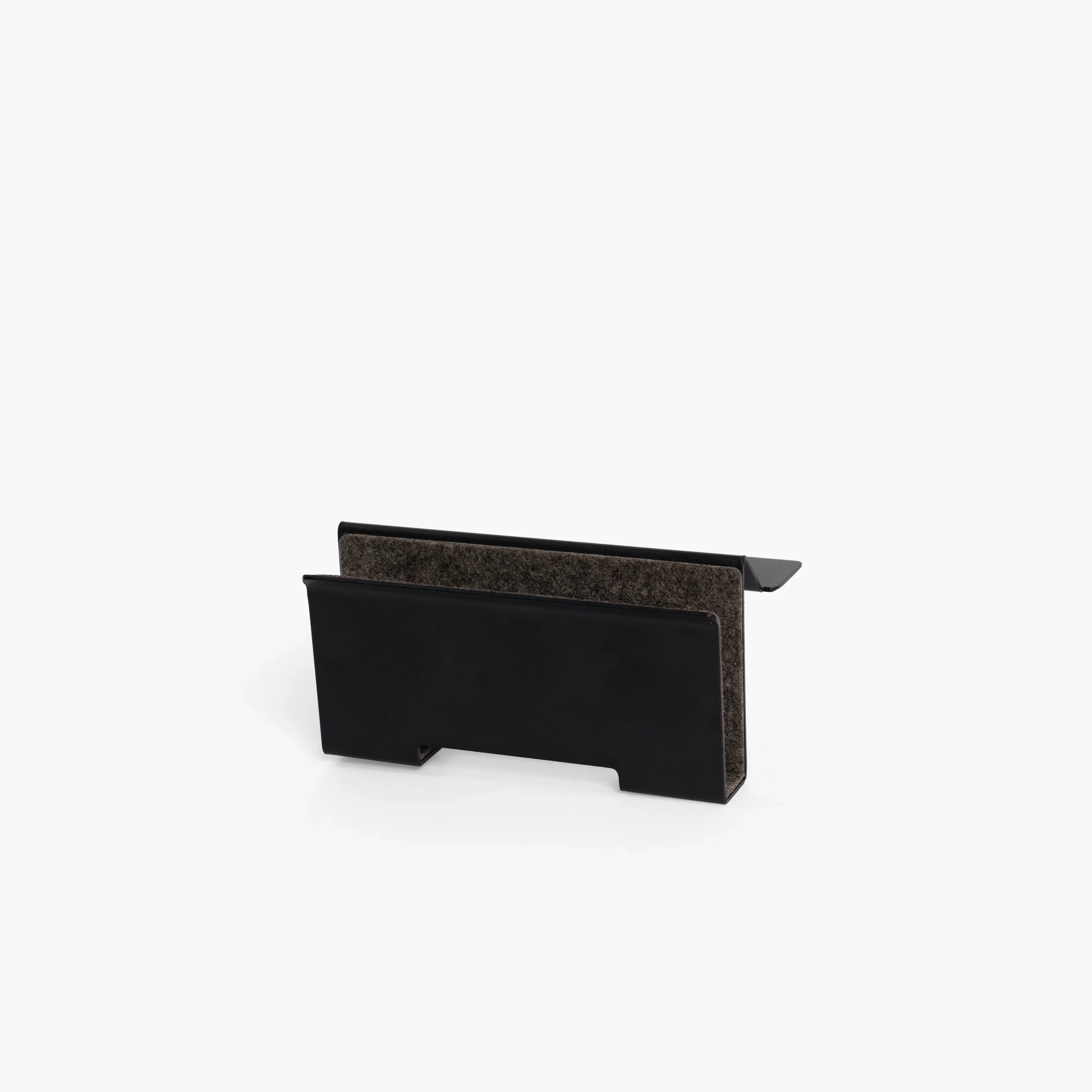
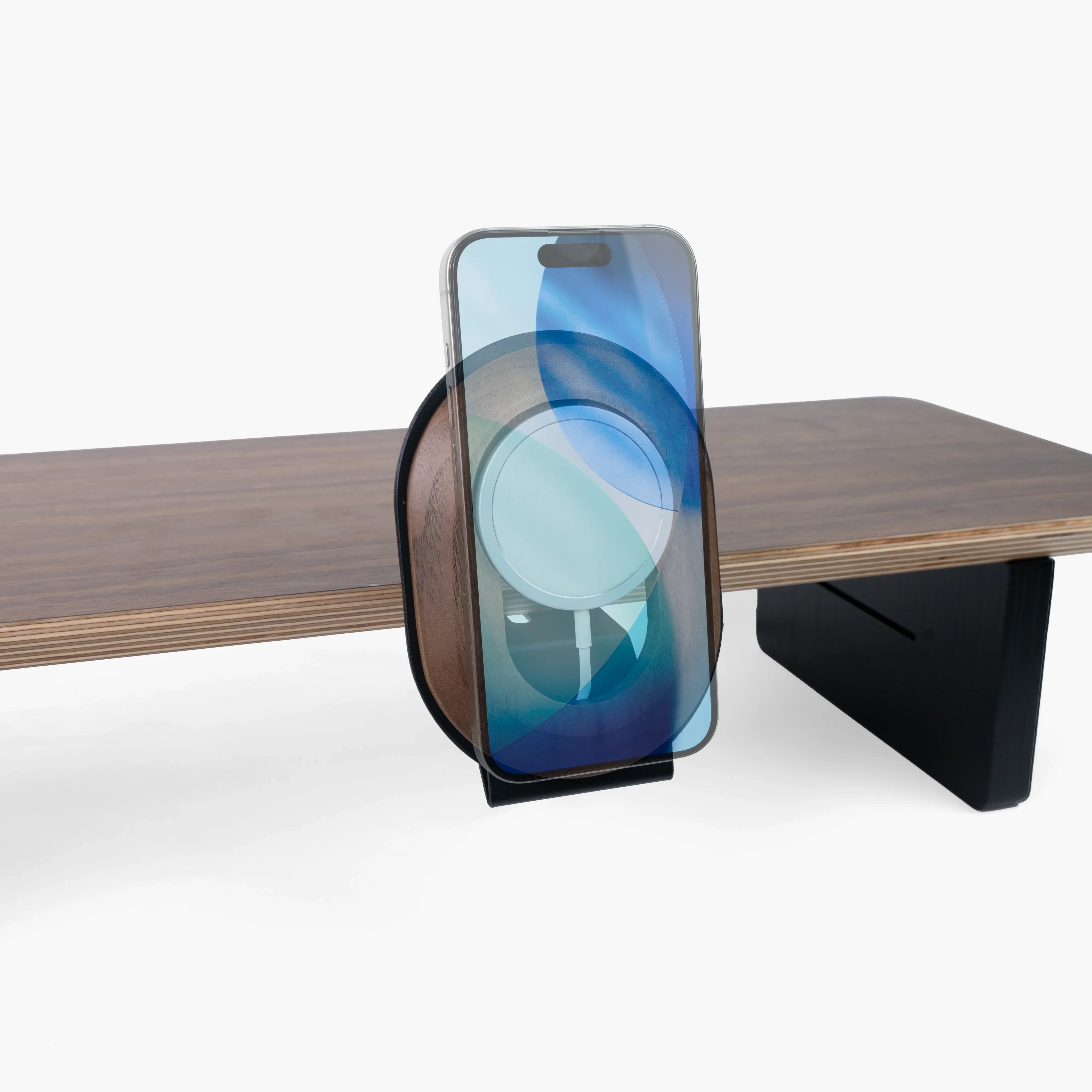
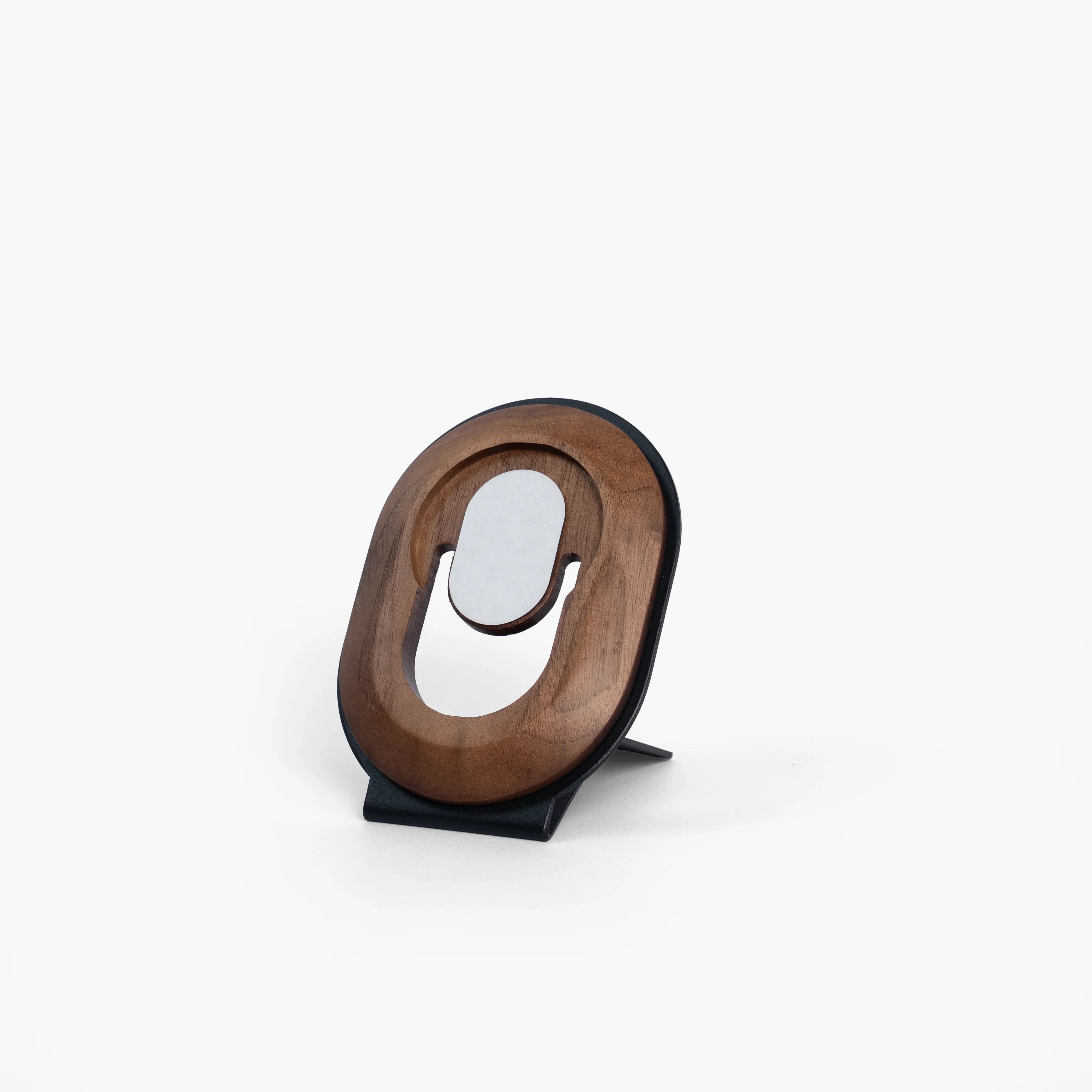
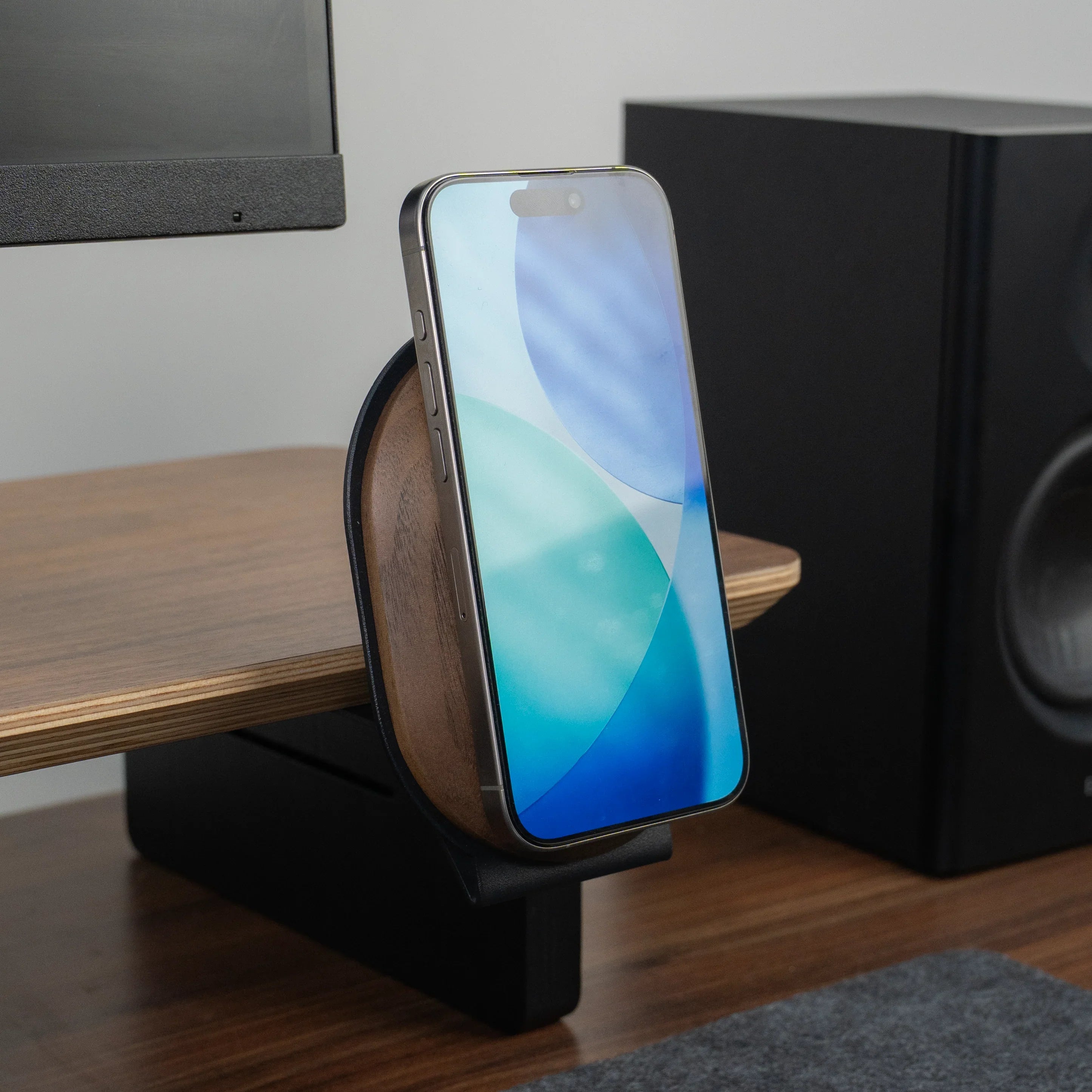
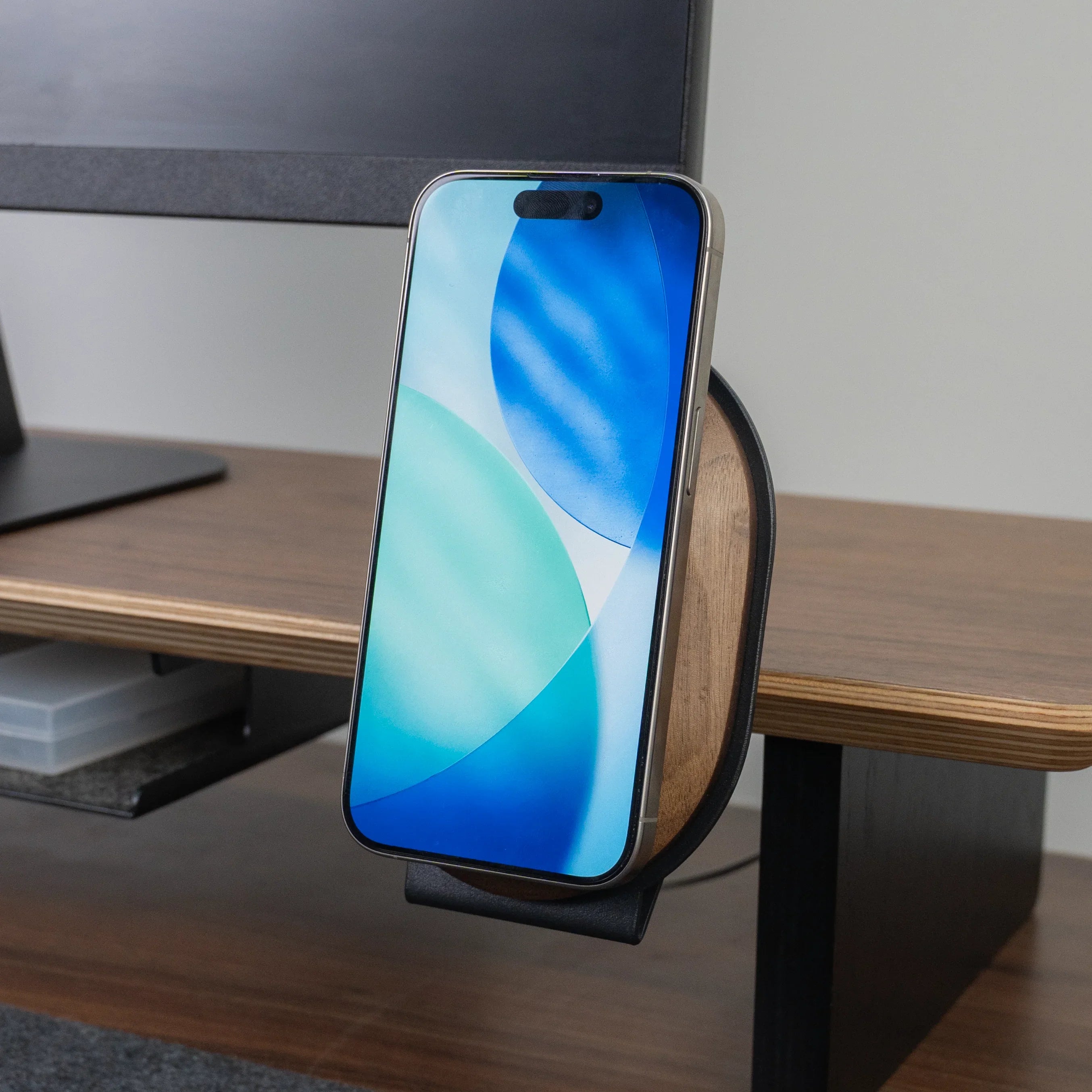
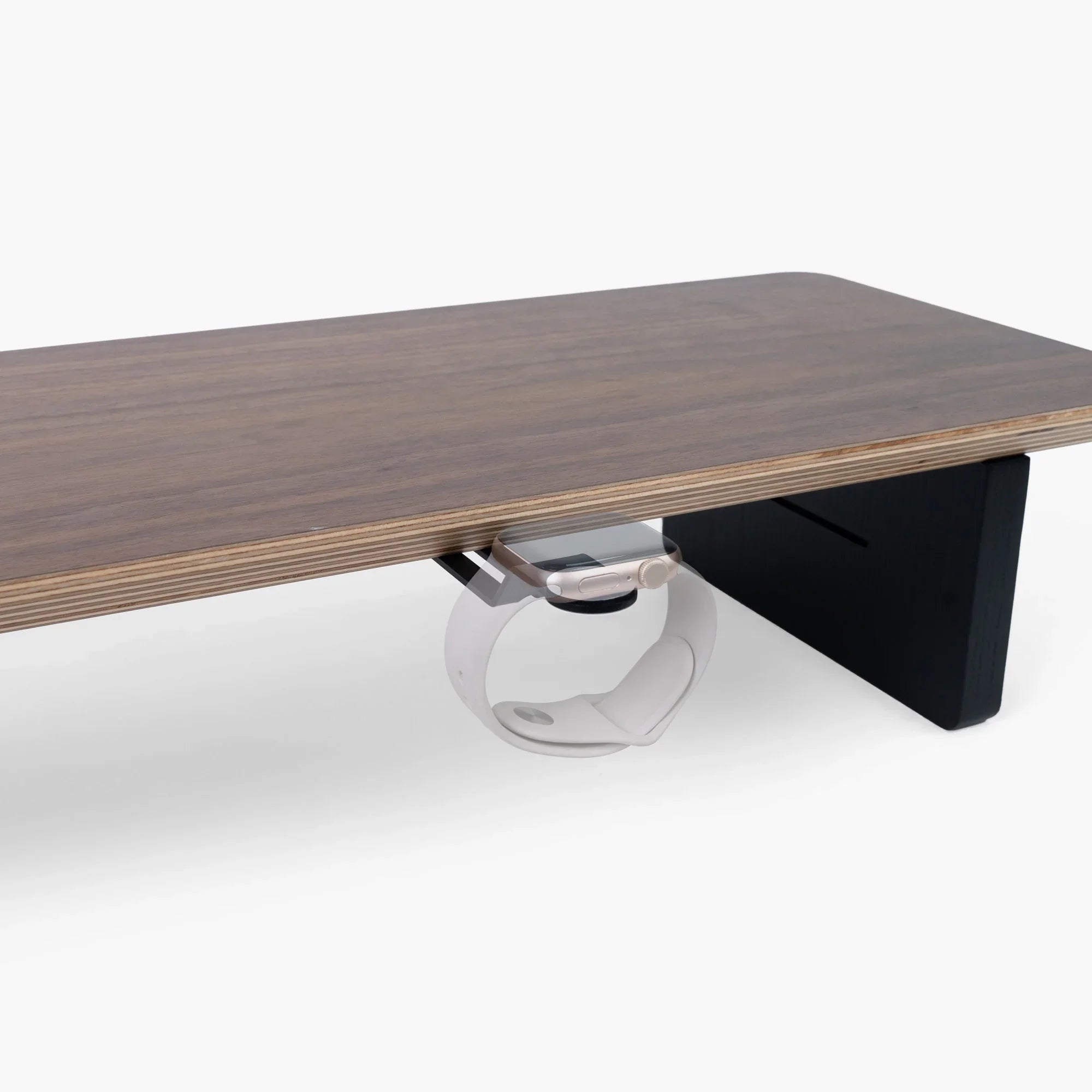
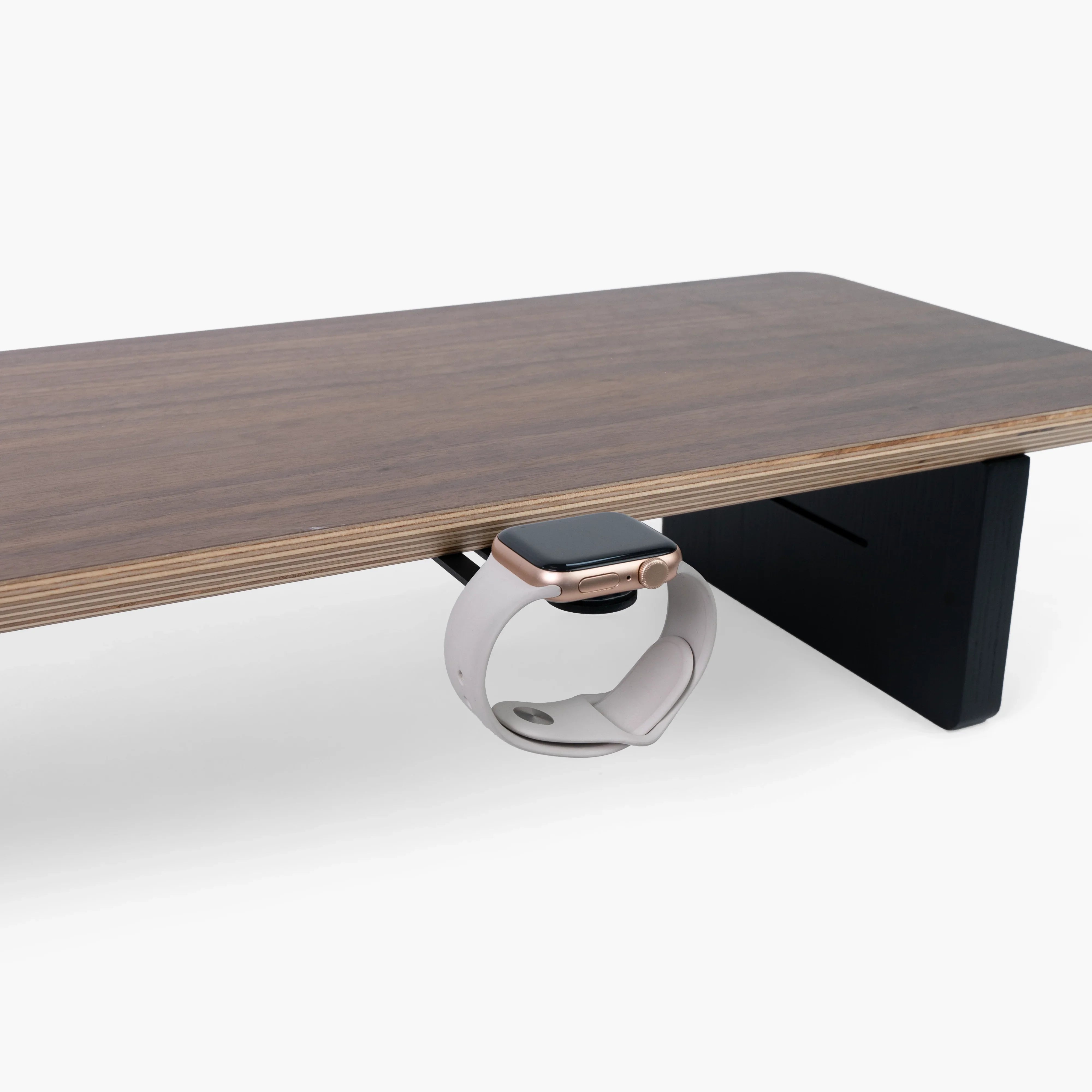
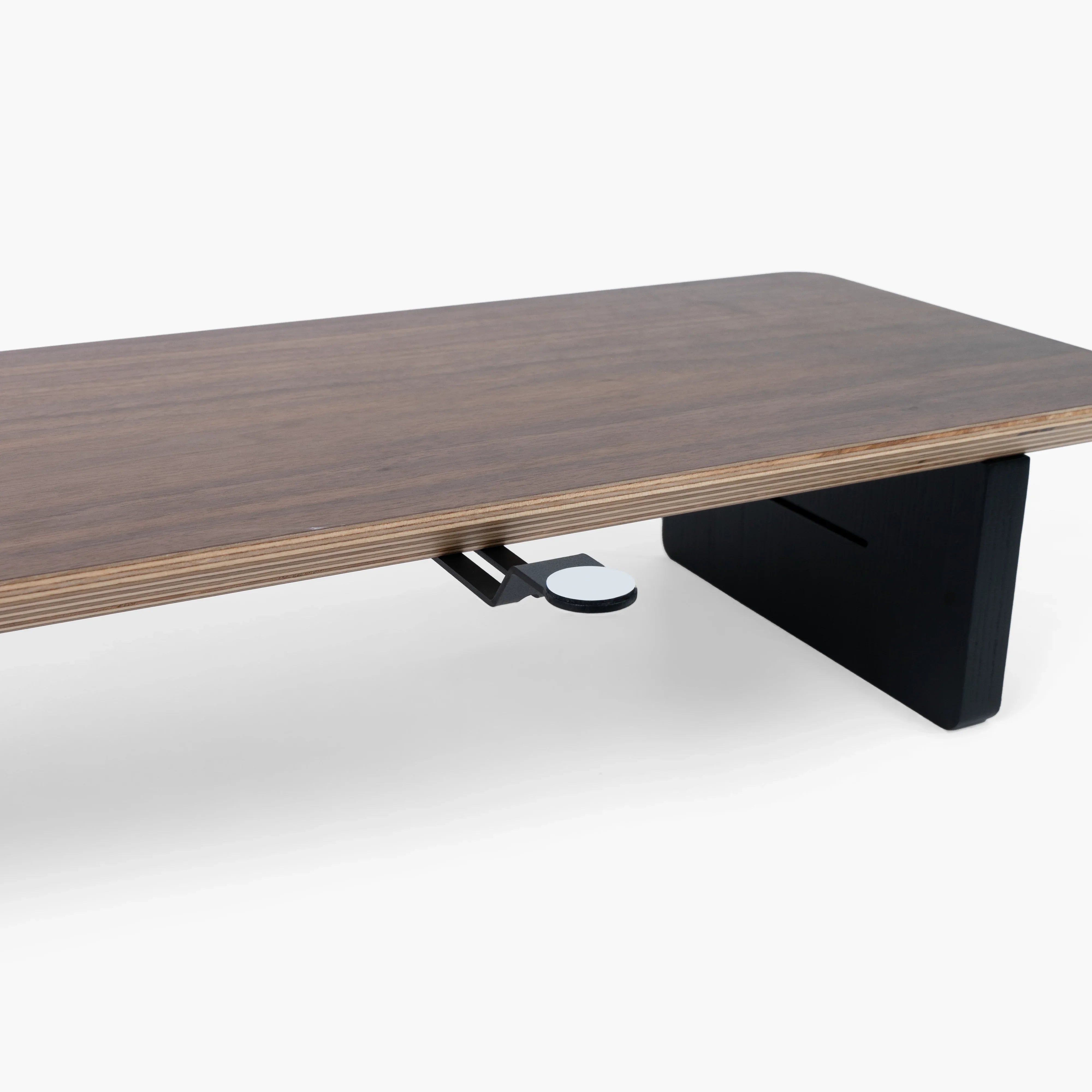
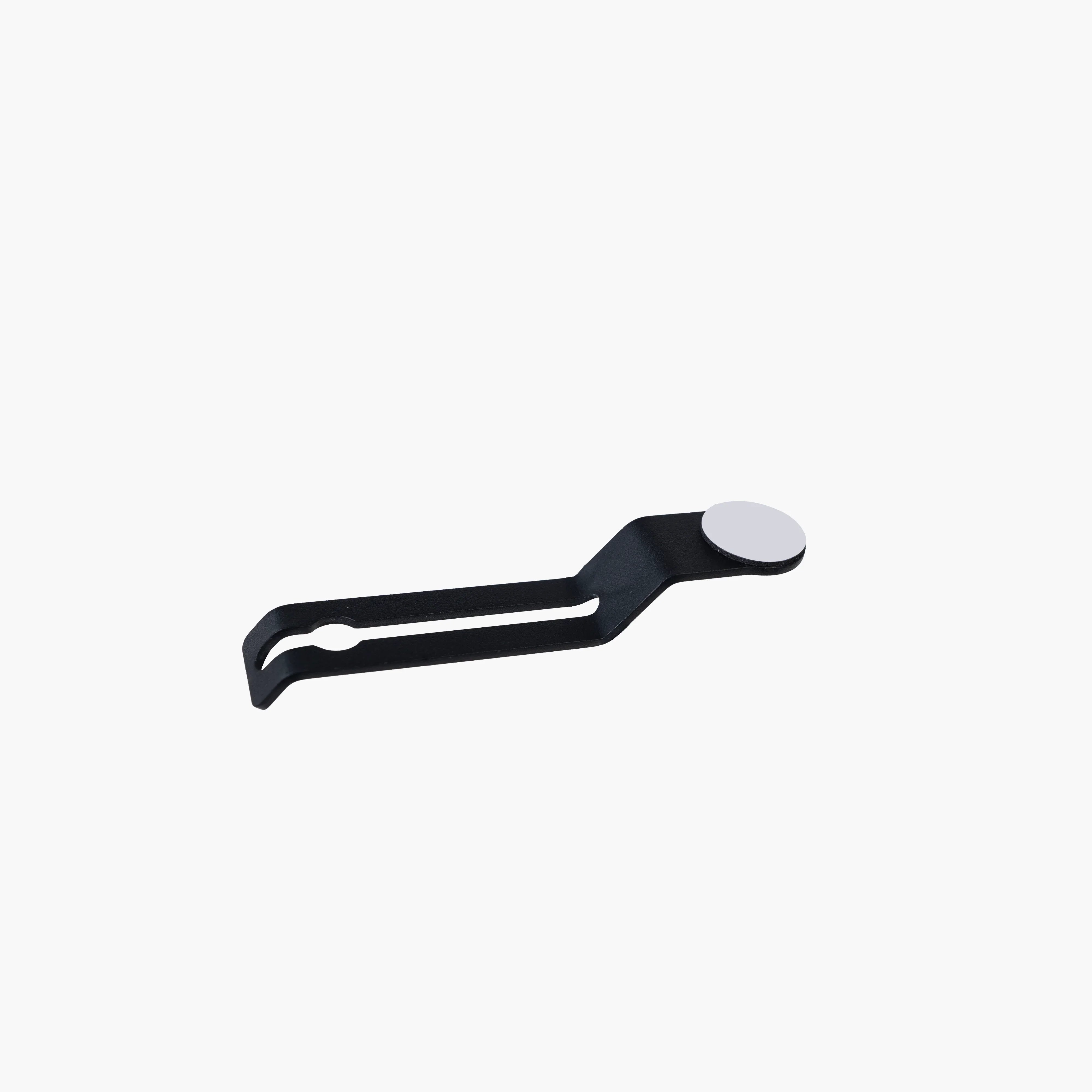
Apple Watch Holder | The Modular
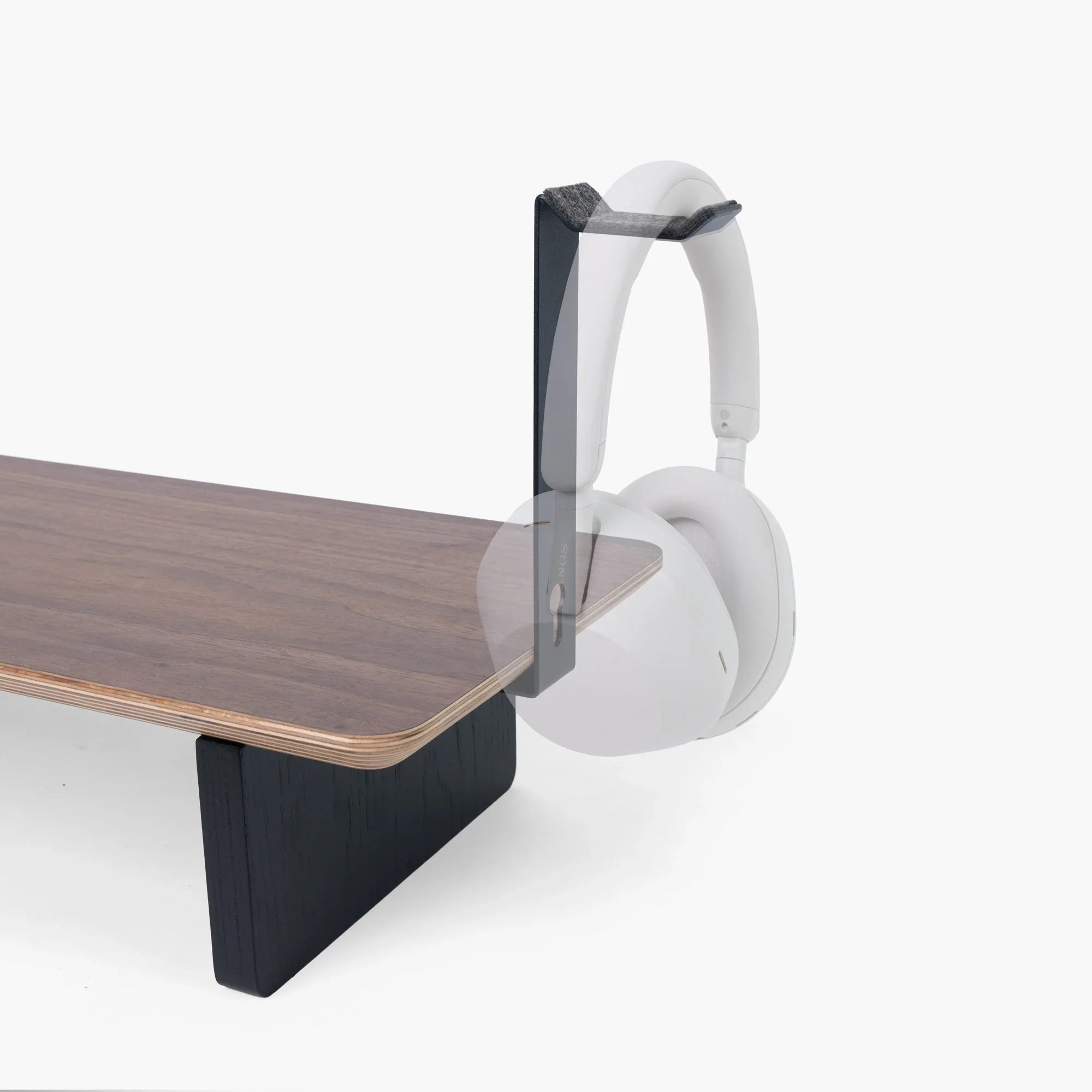
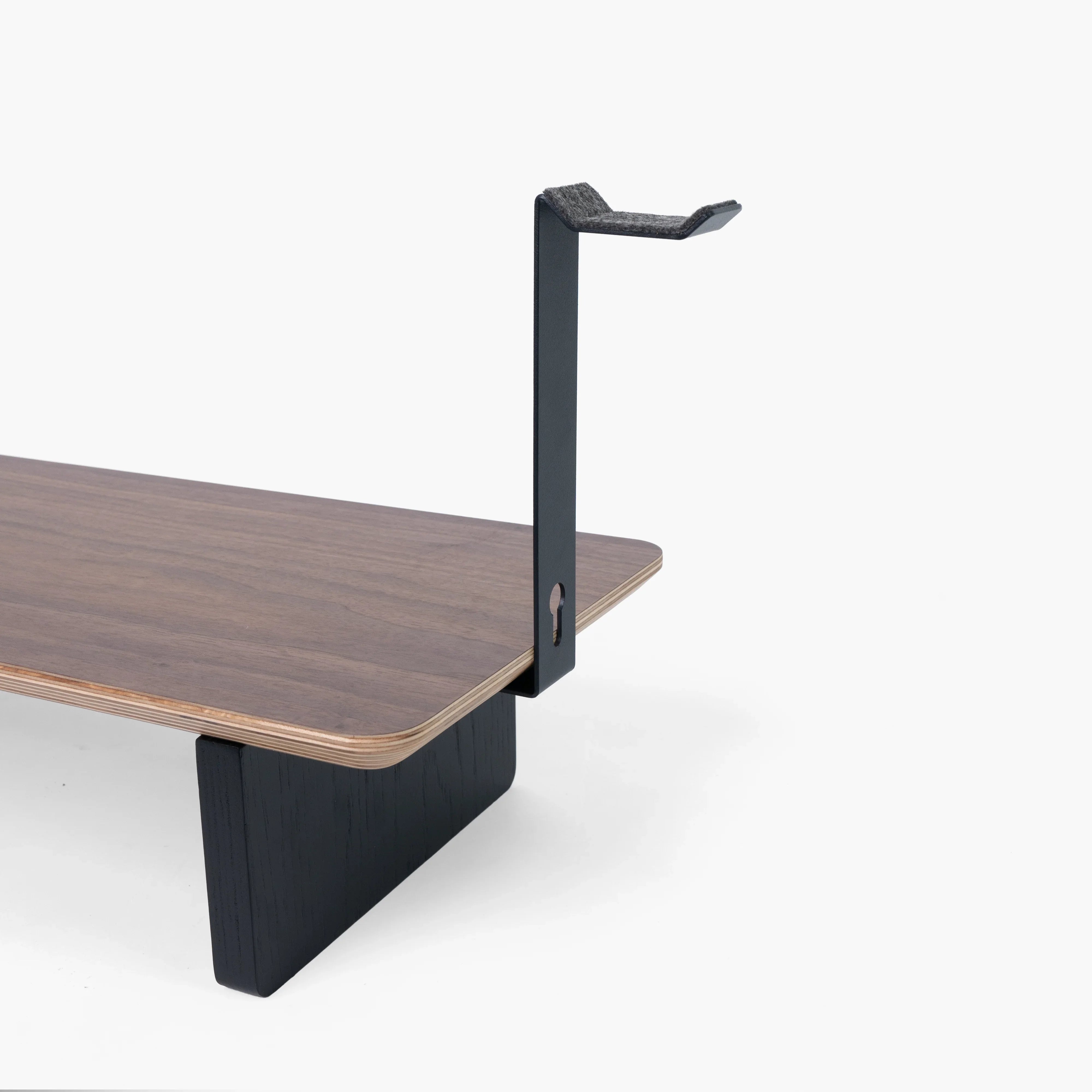
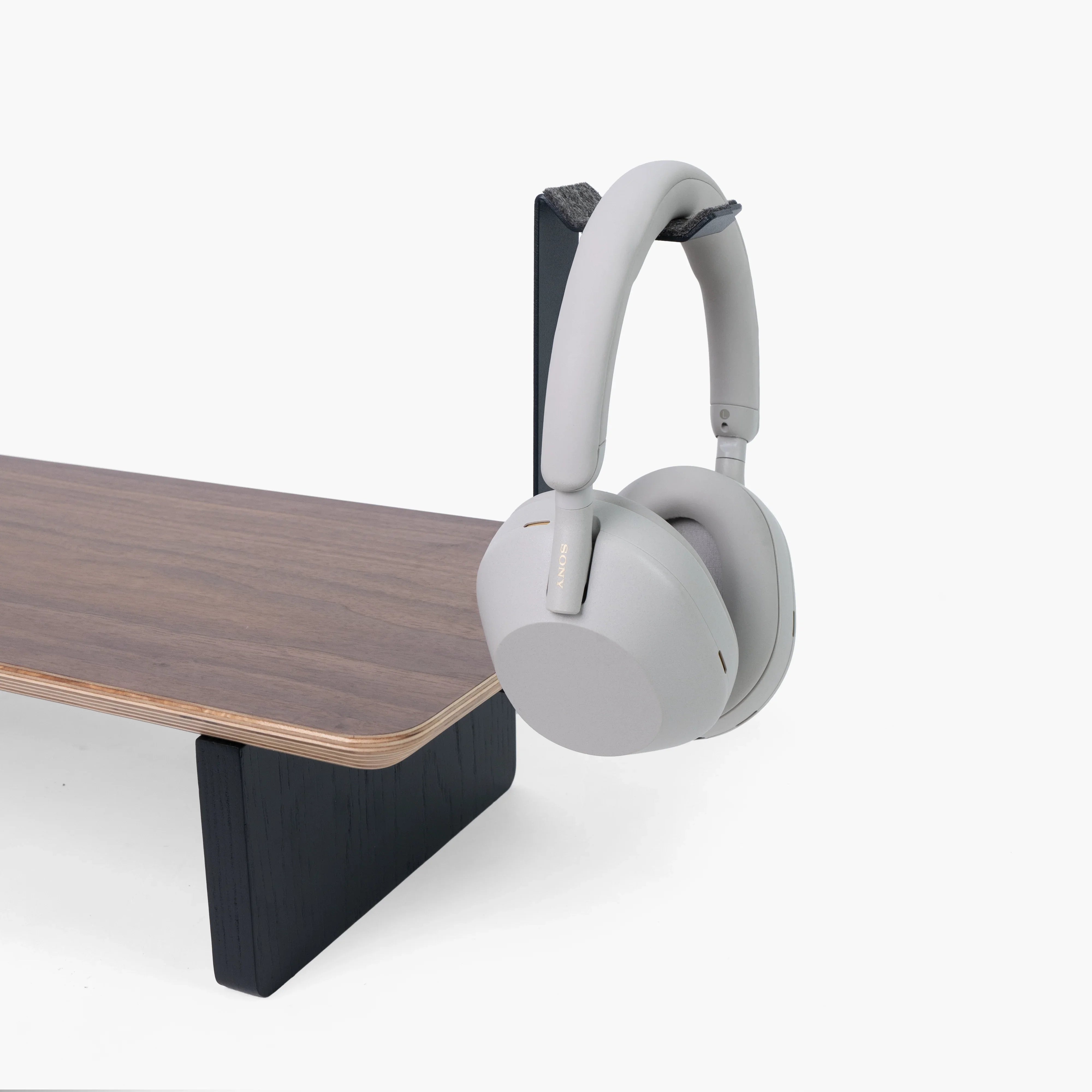
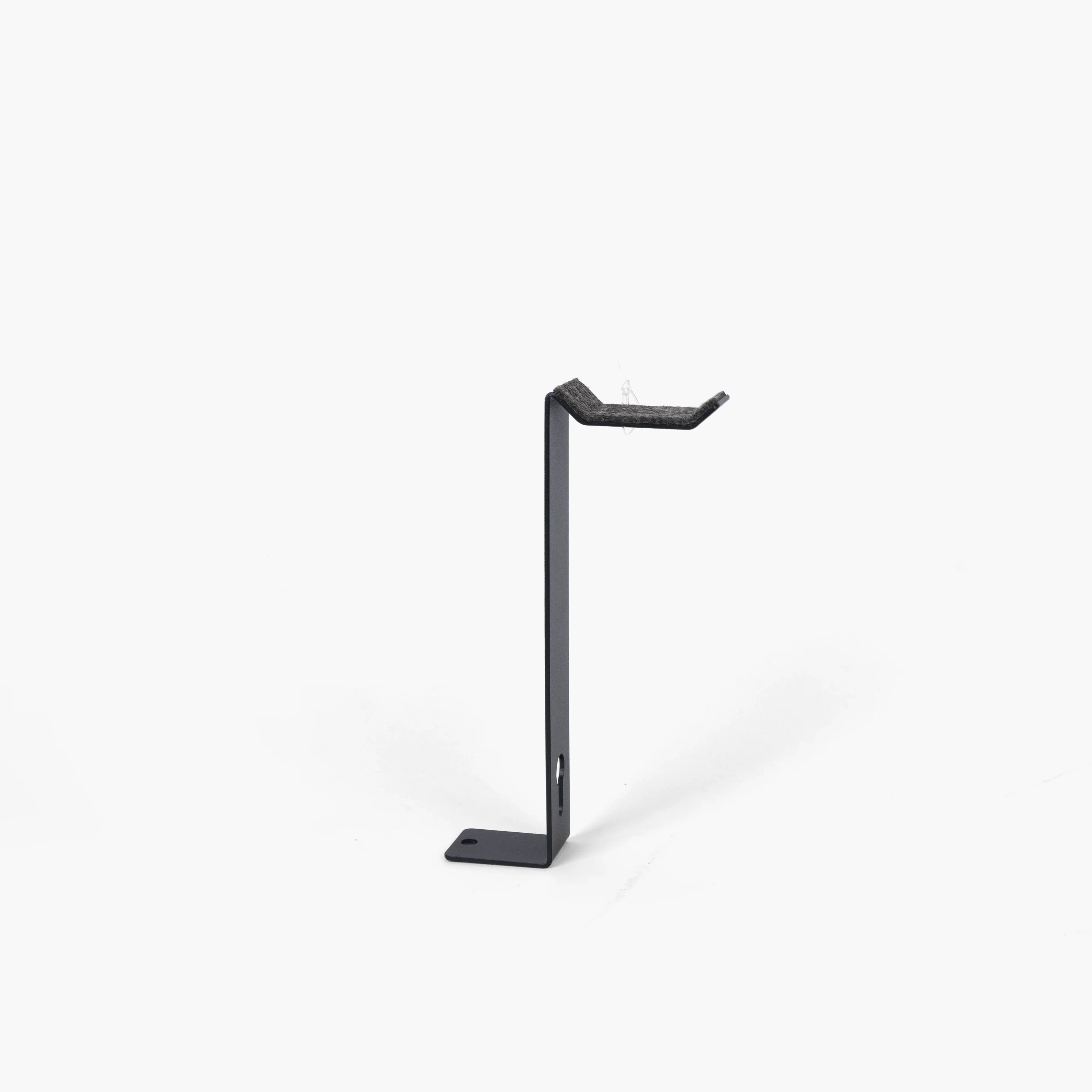
Headphone Holder | The Modular
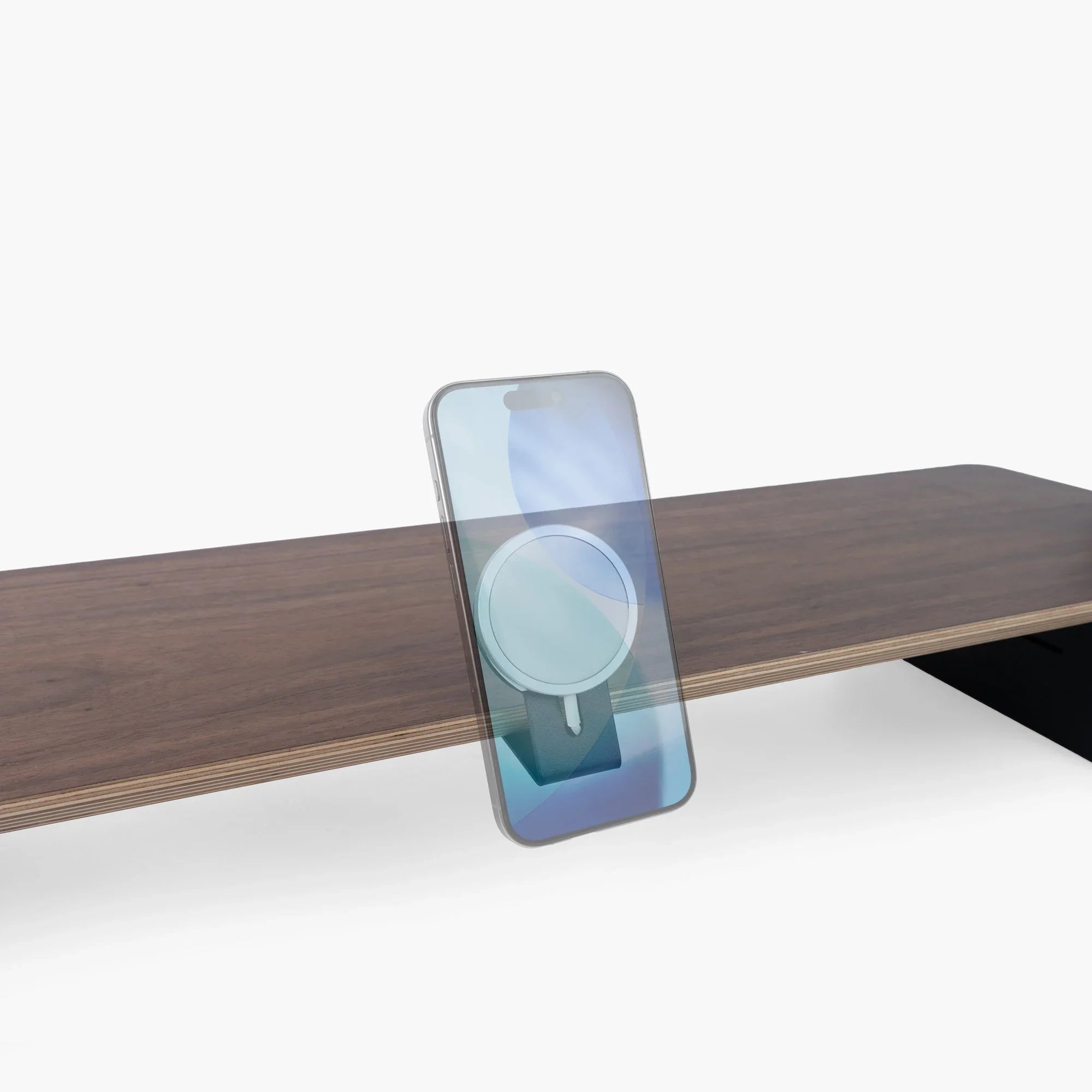
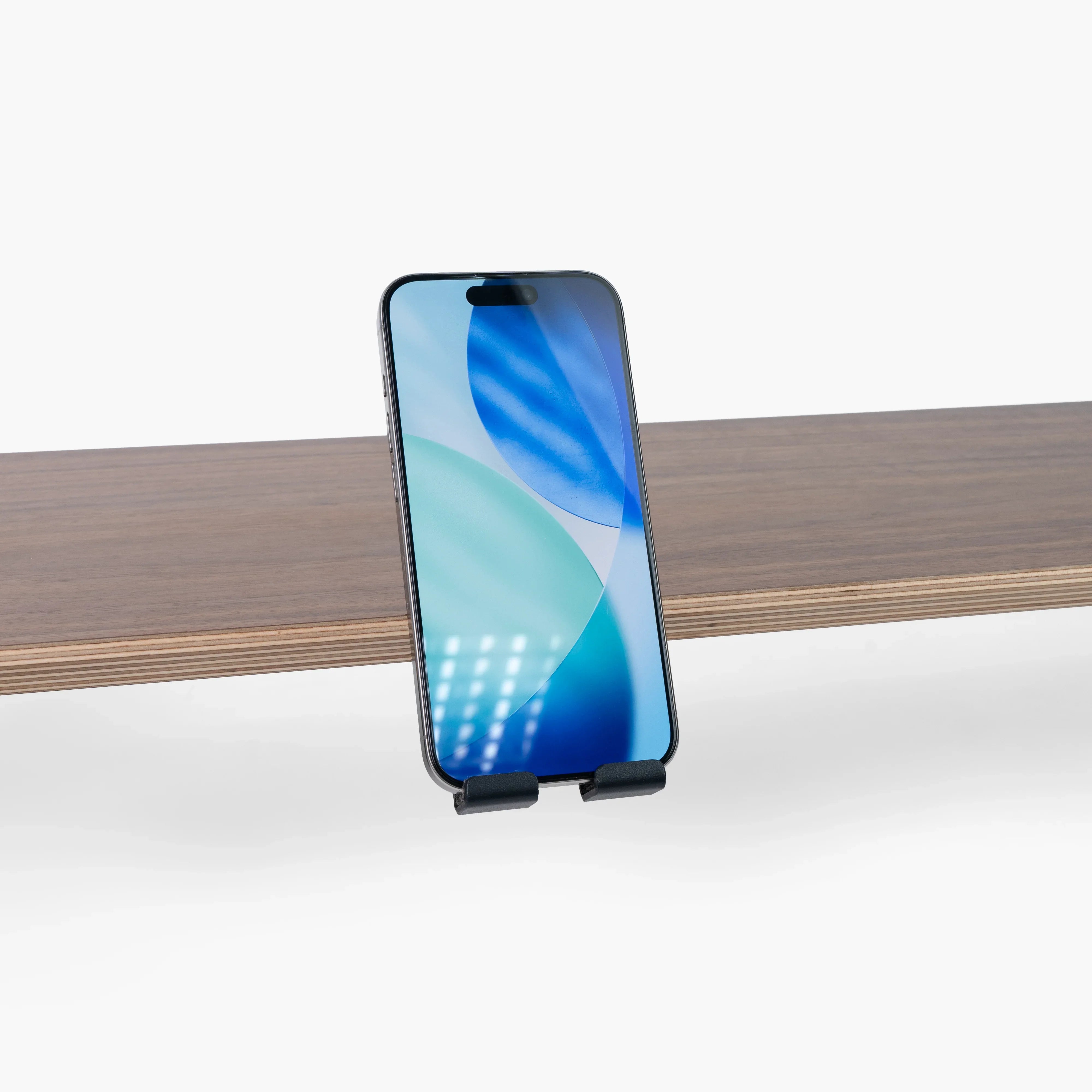
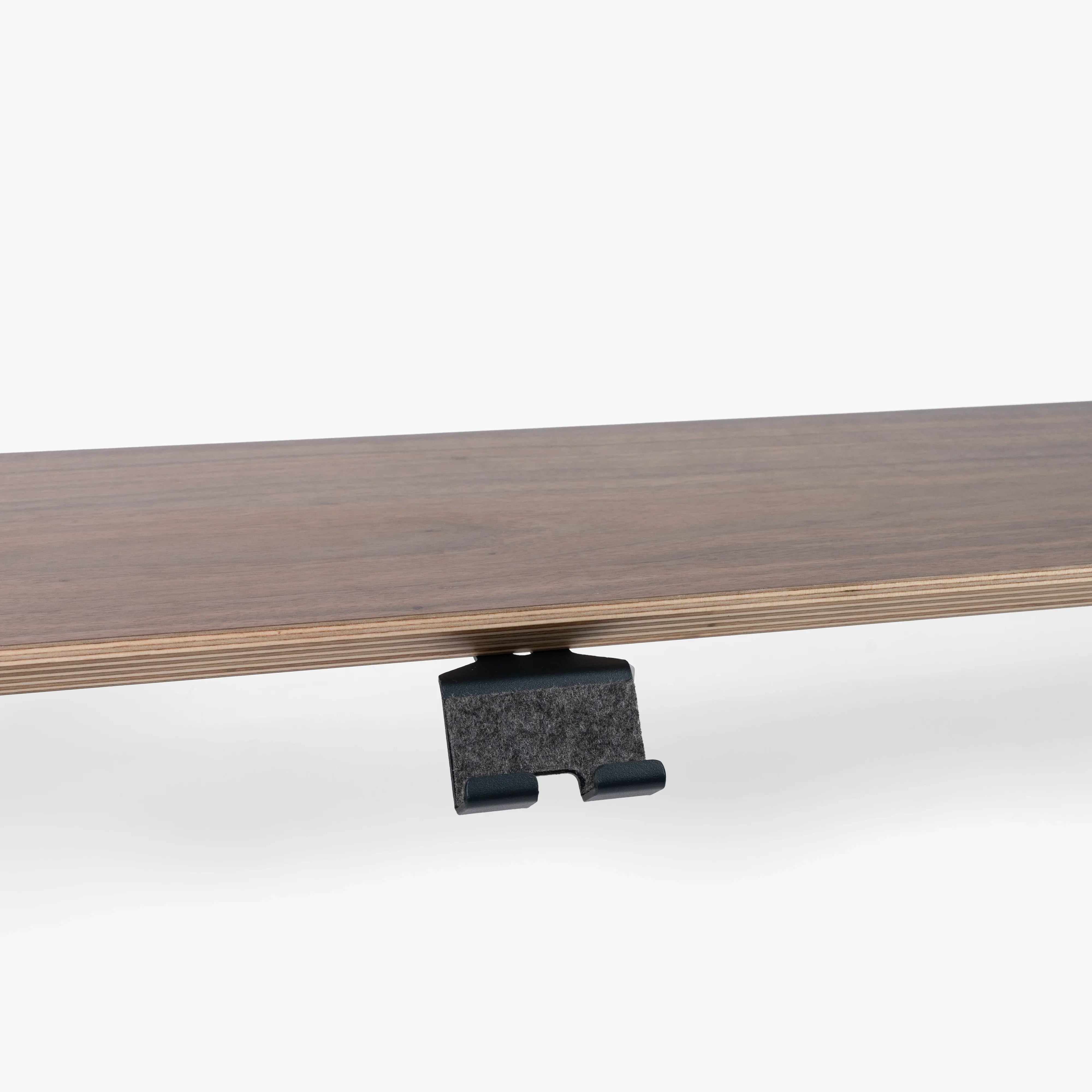
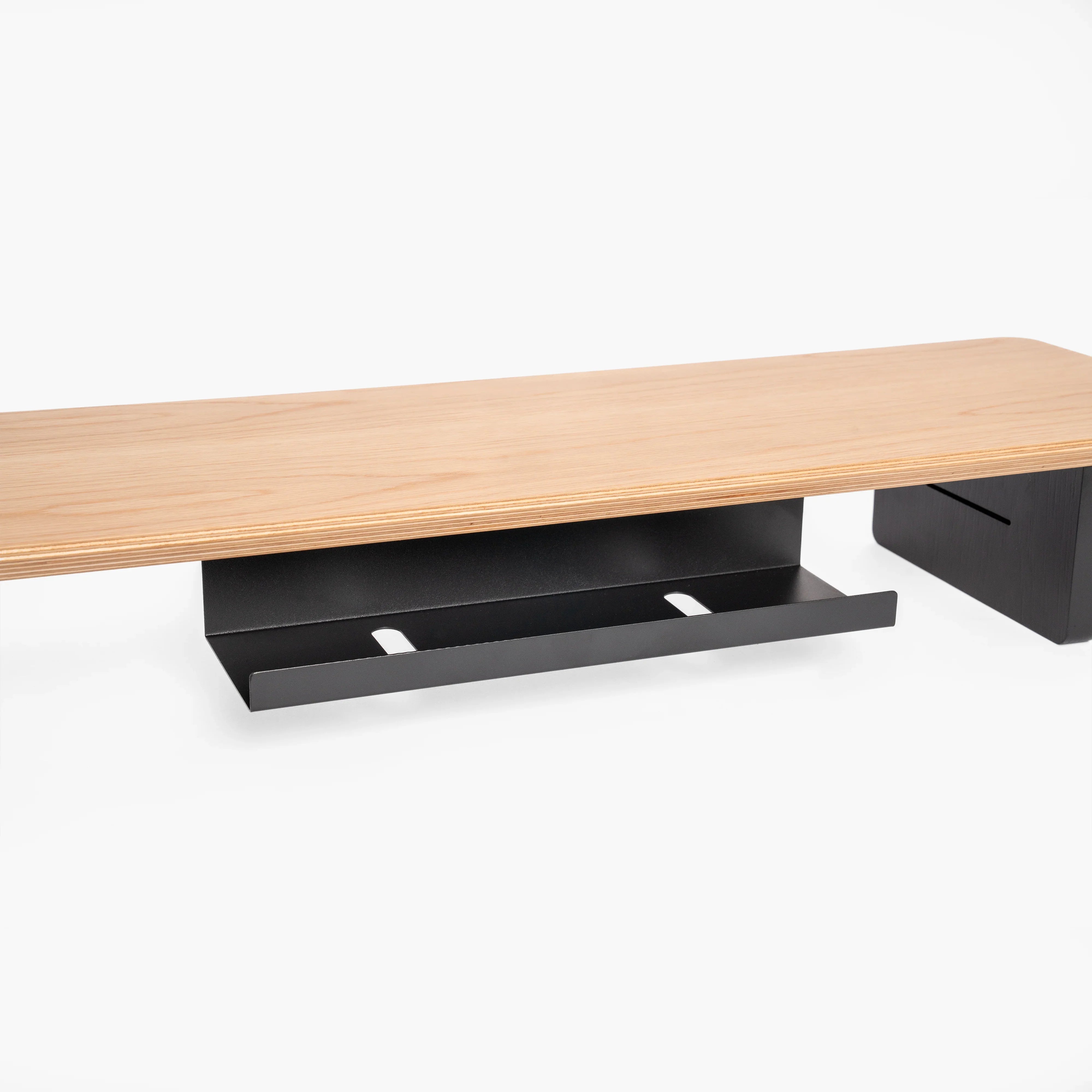
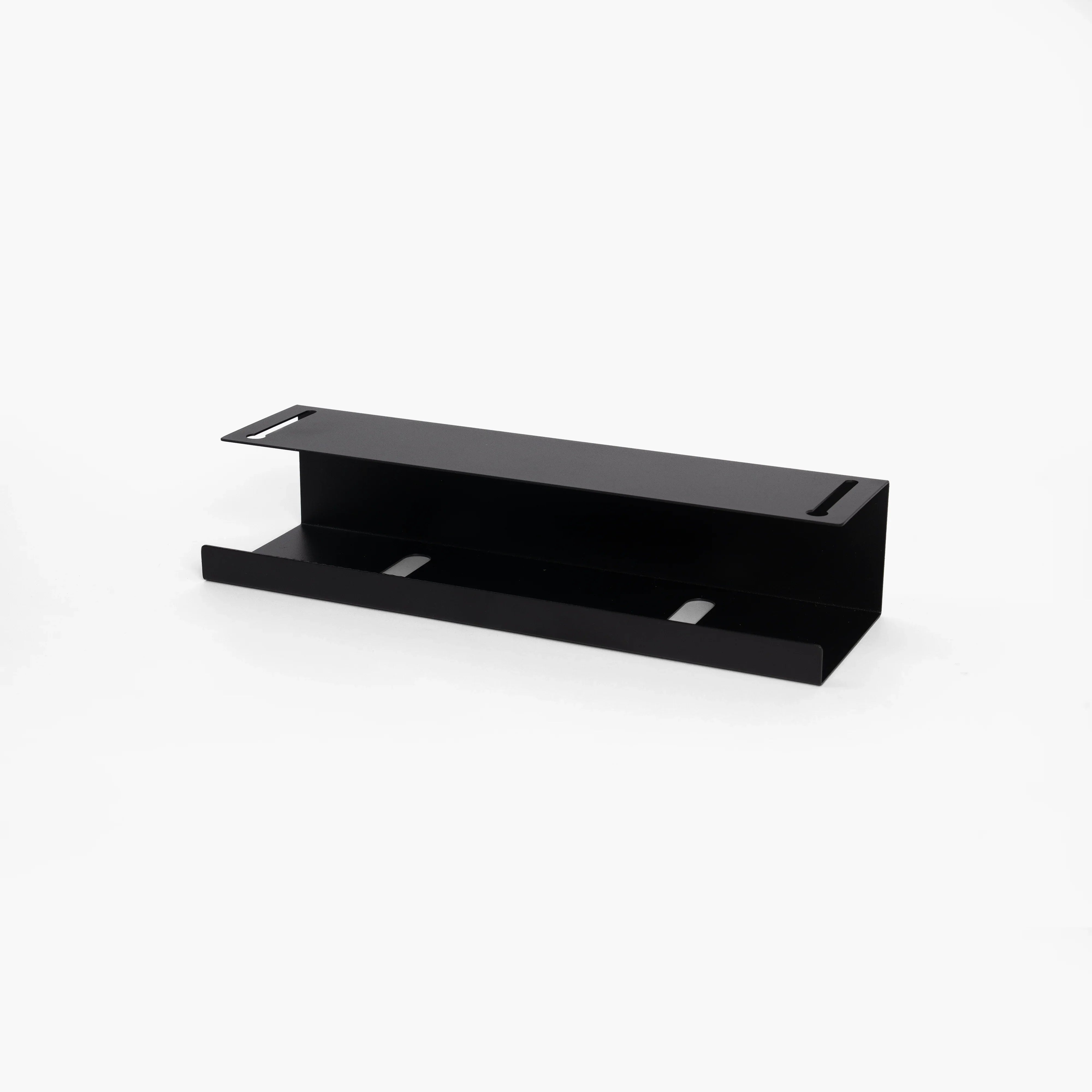
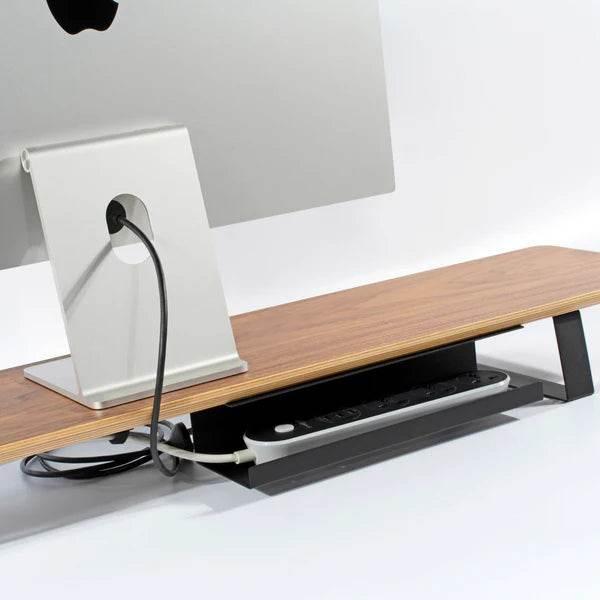
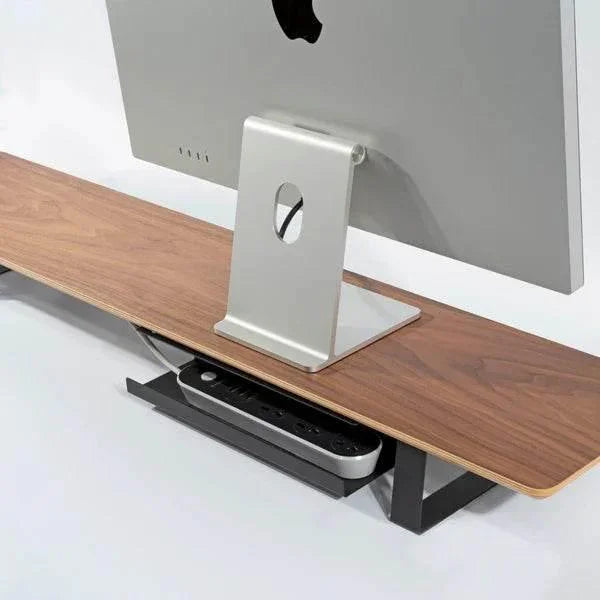
Power Strip Holder | The Modular
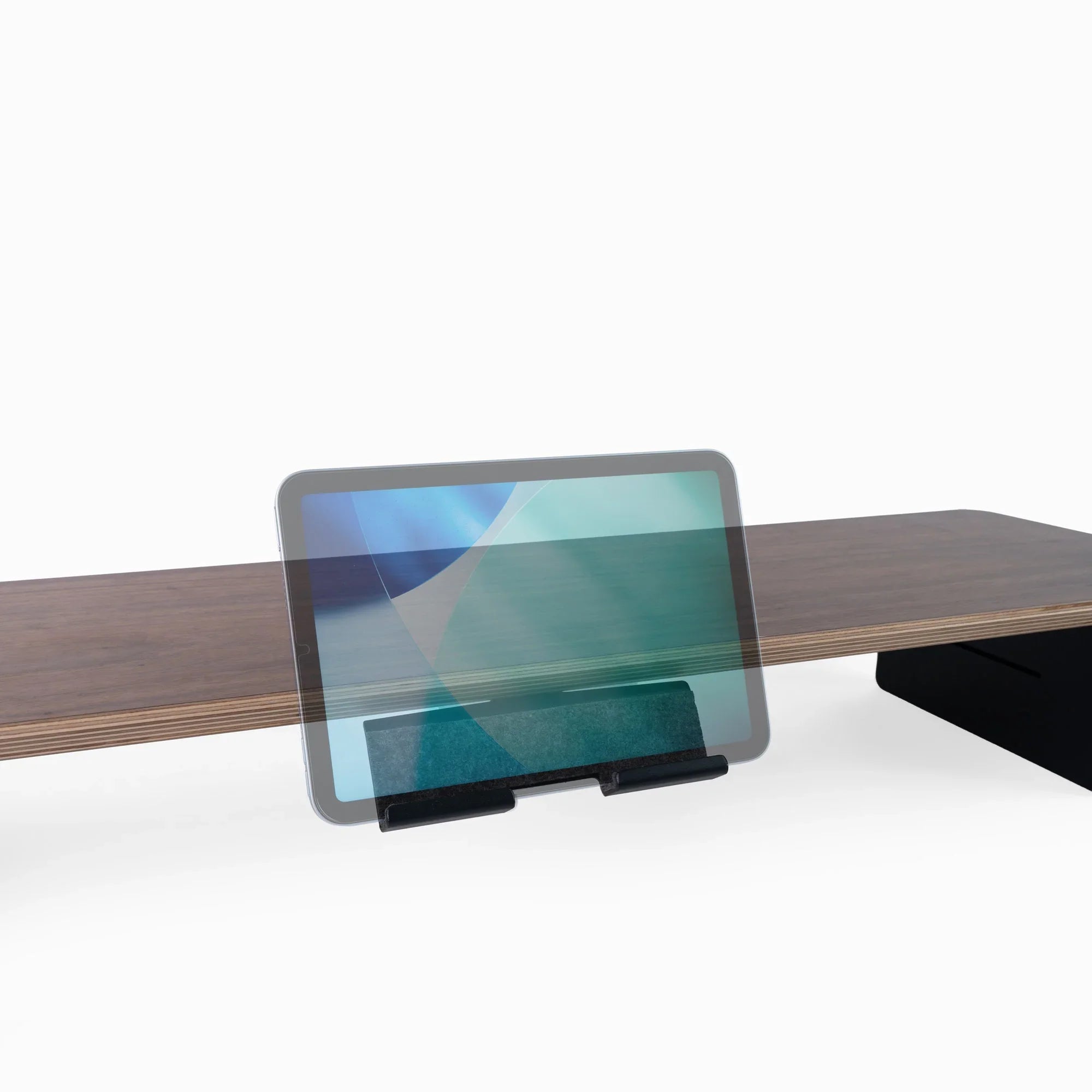
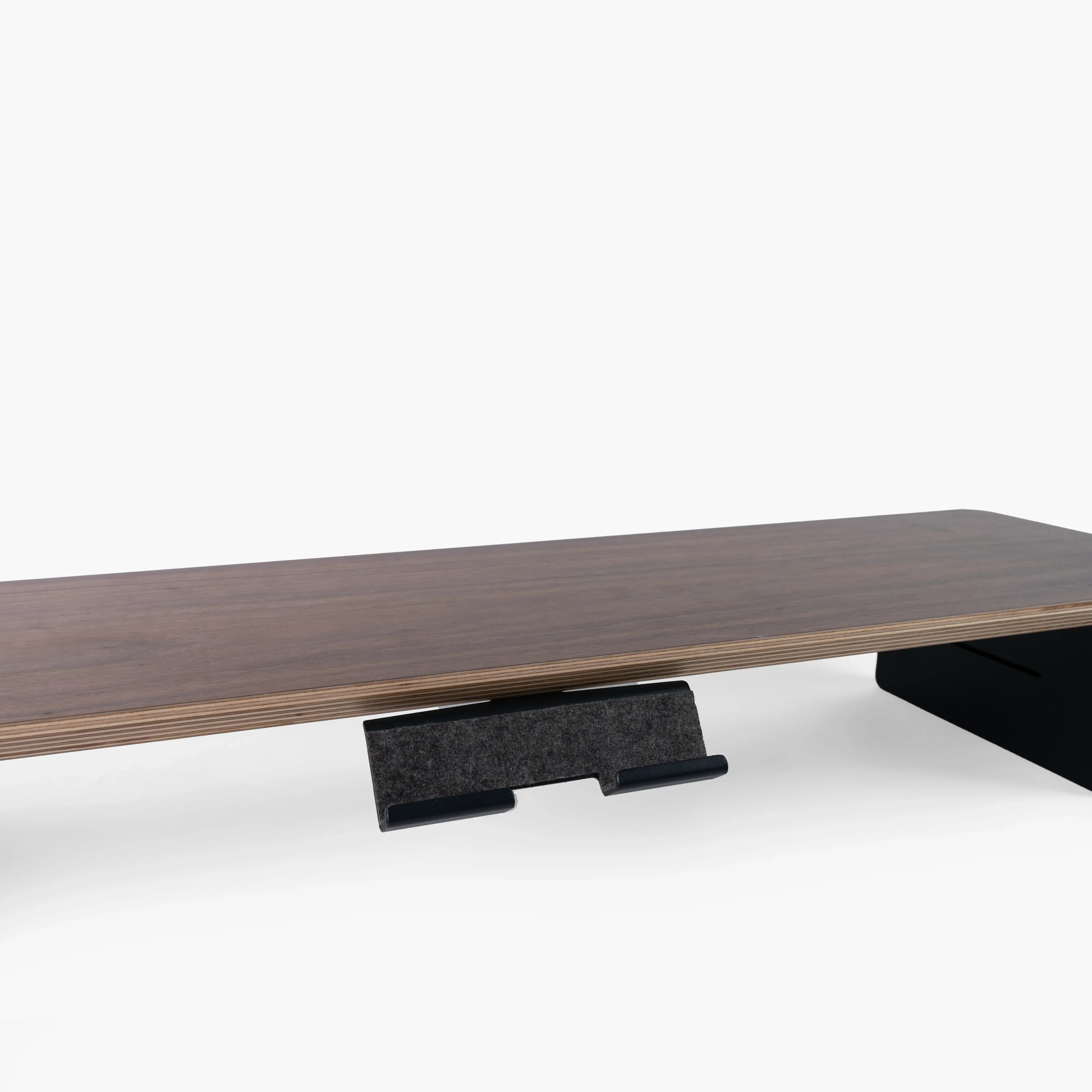
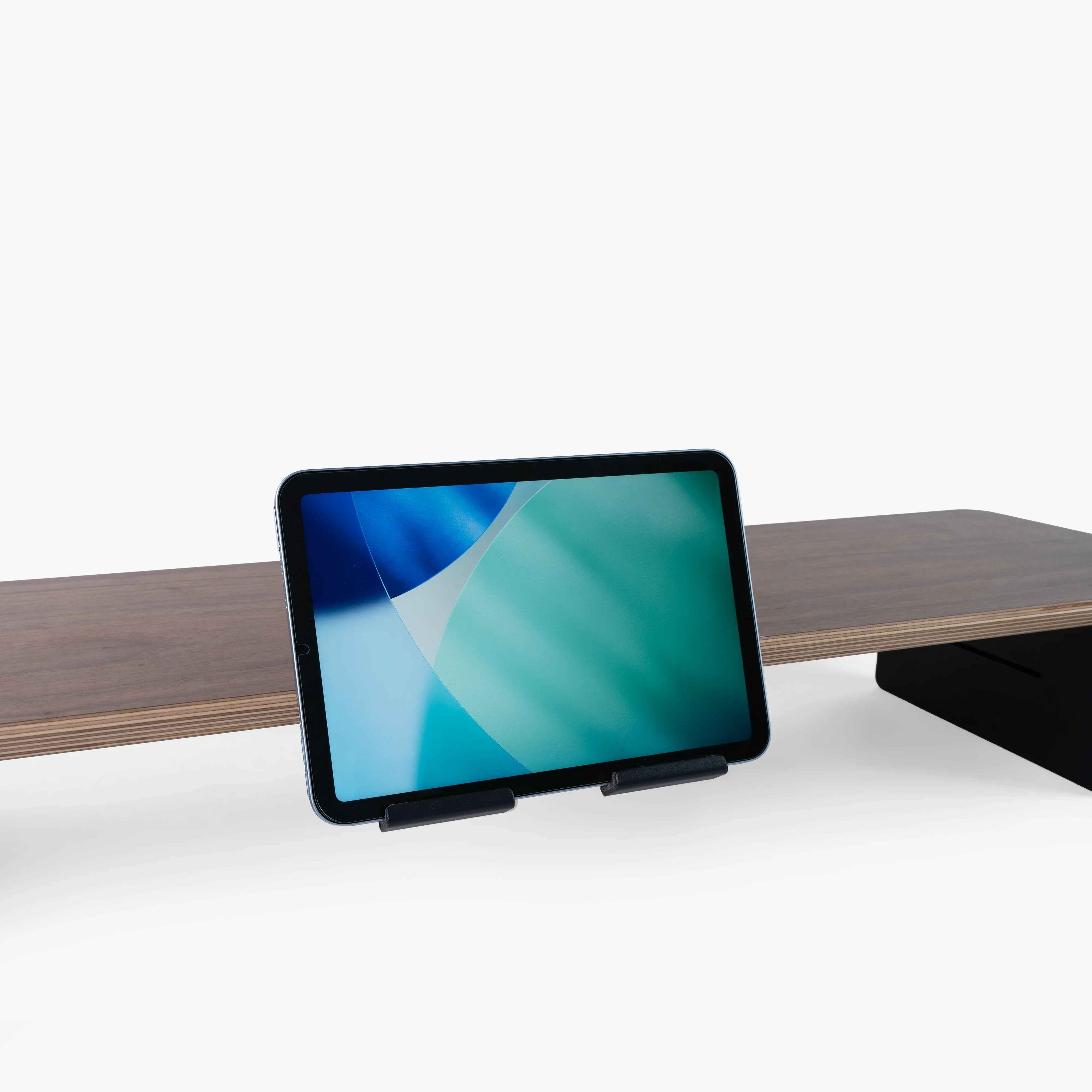
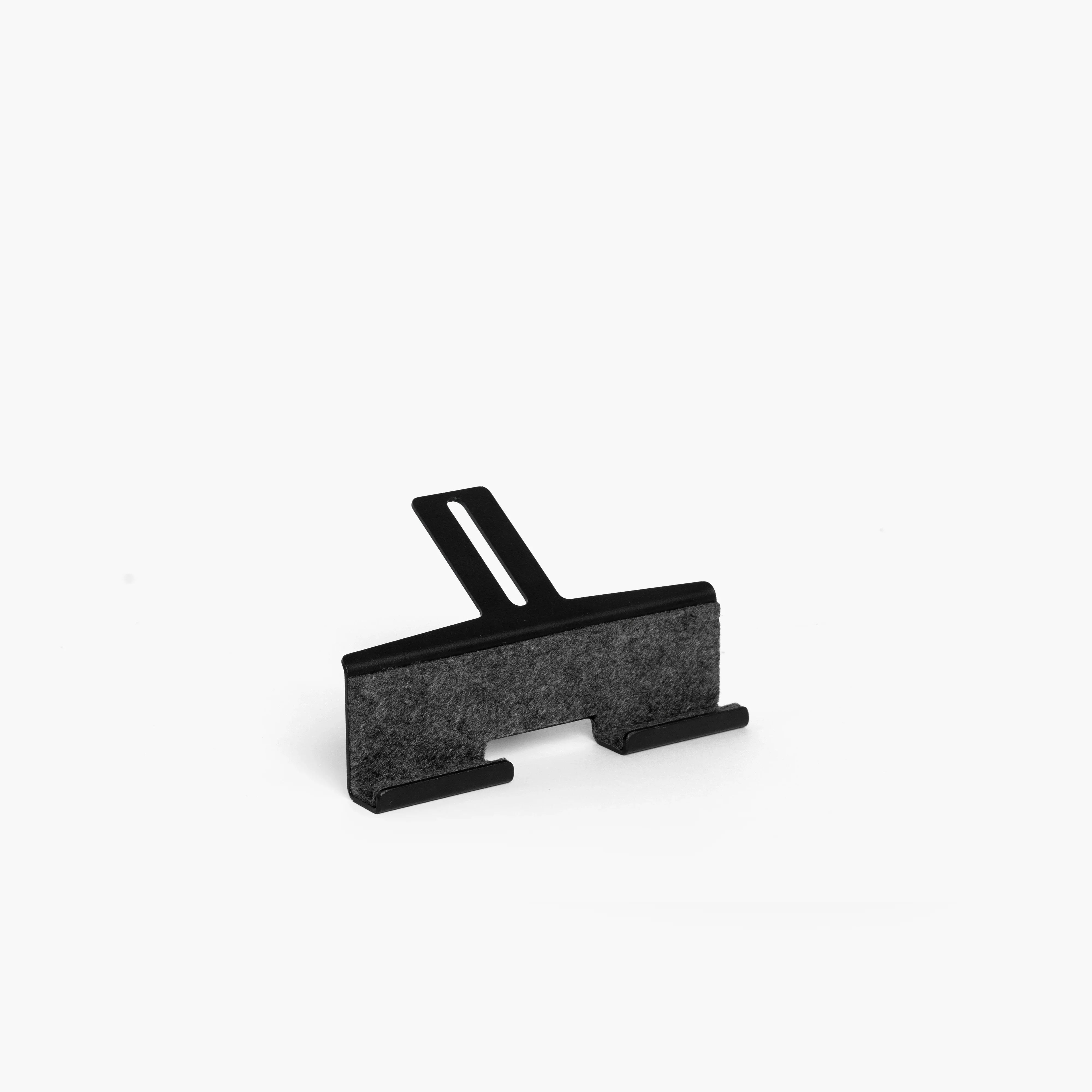
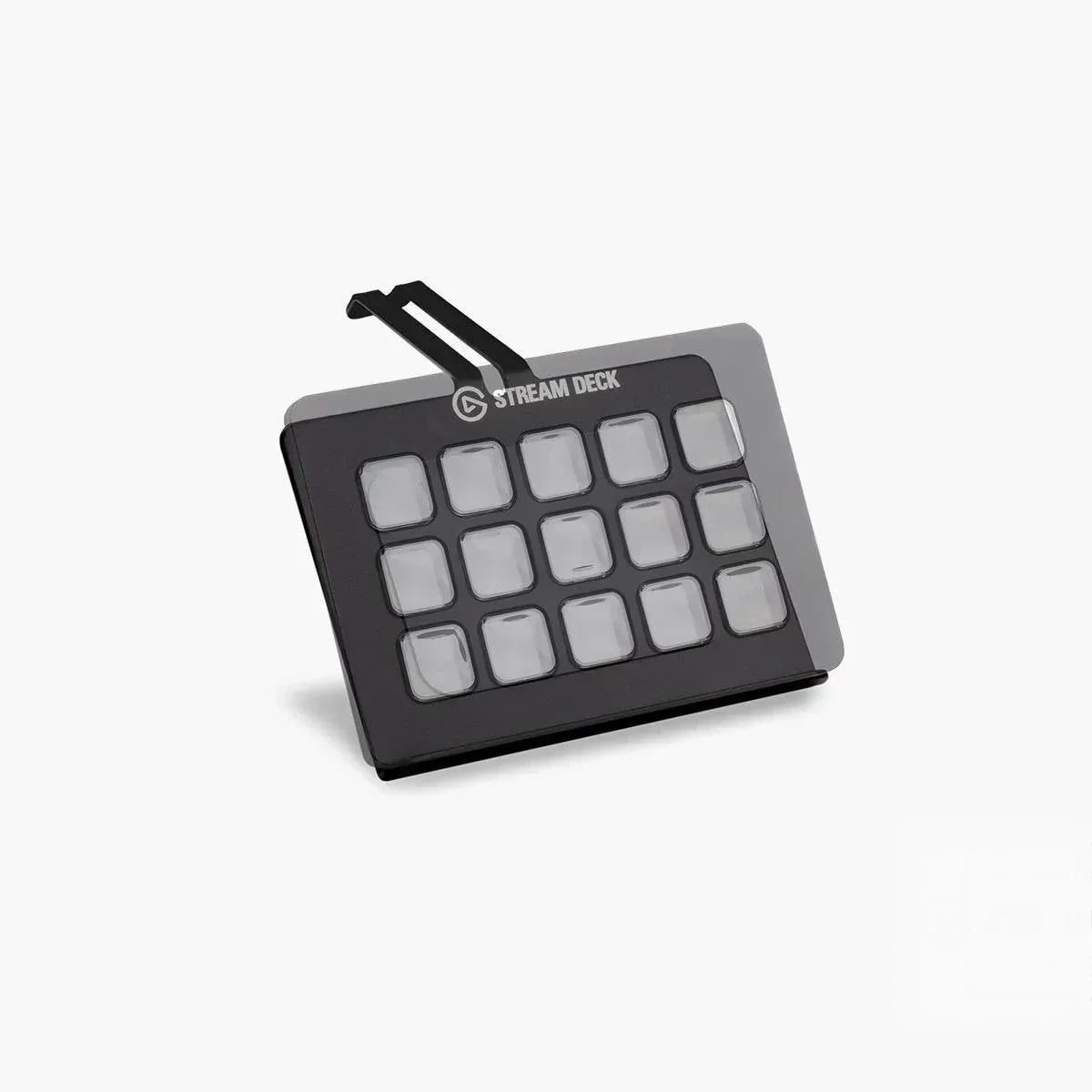
Tech Devices Holder | The Modular
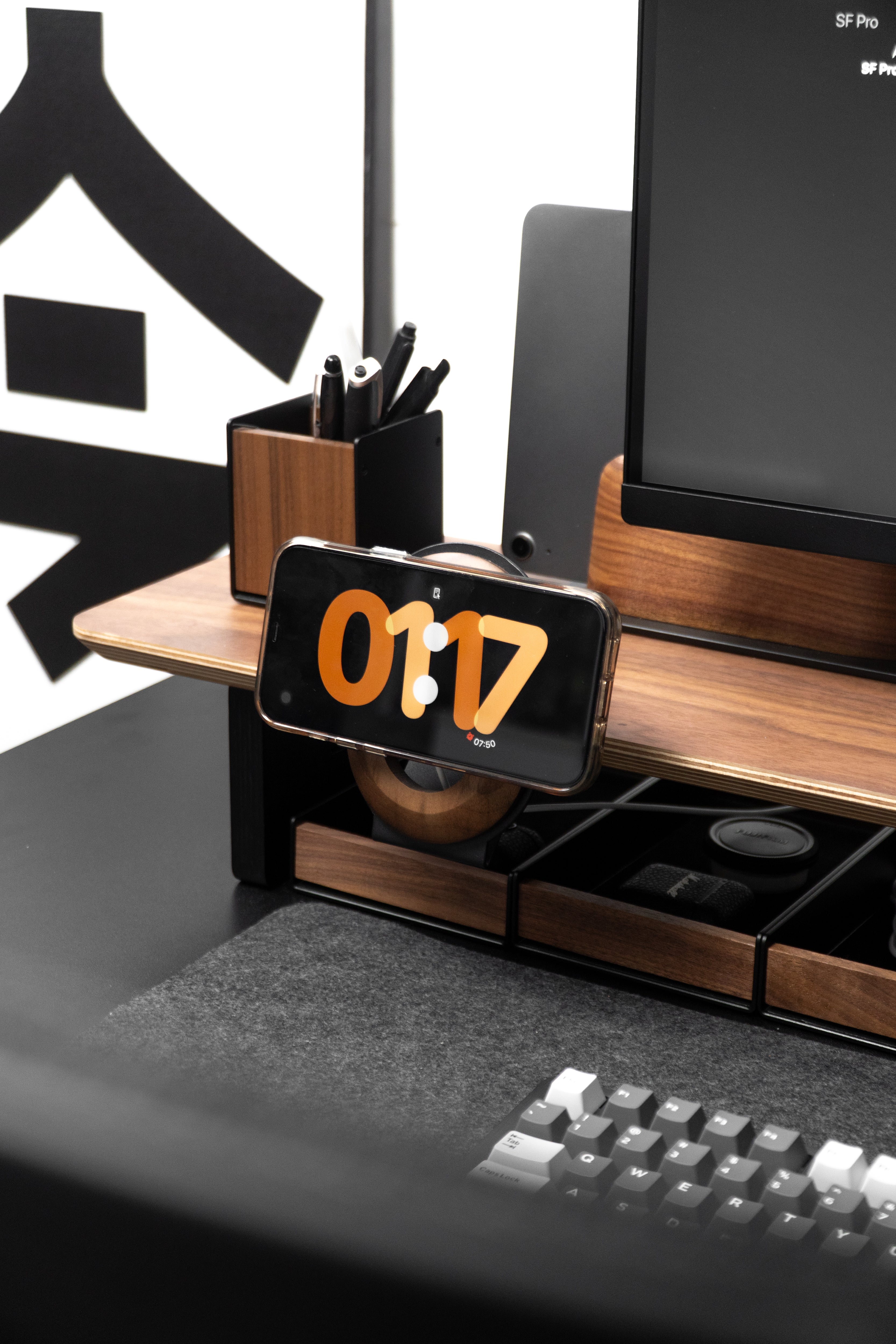
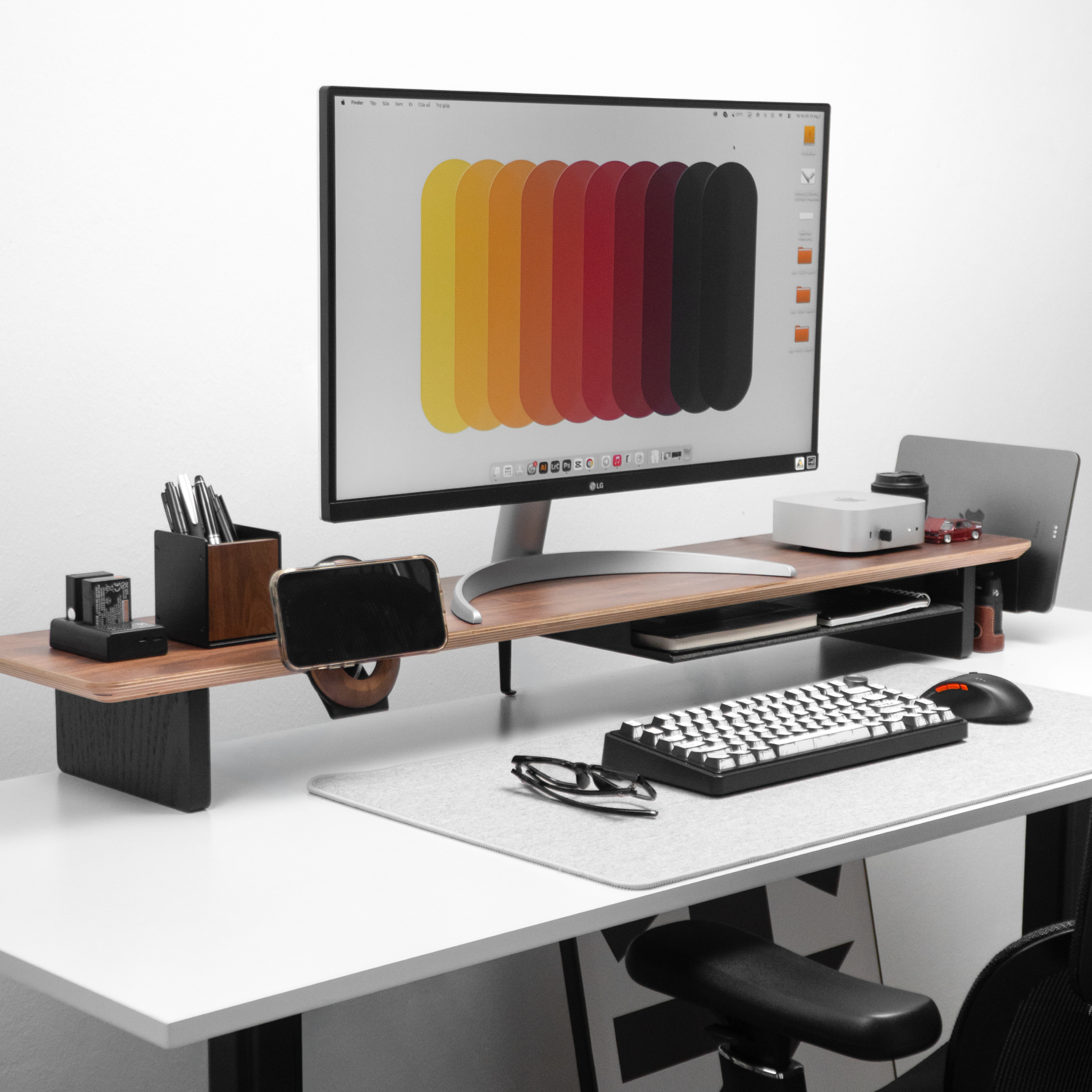
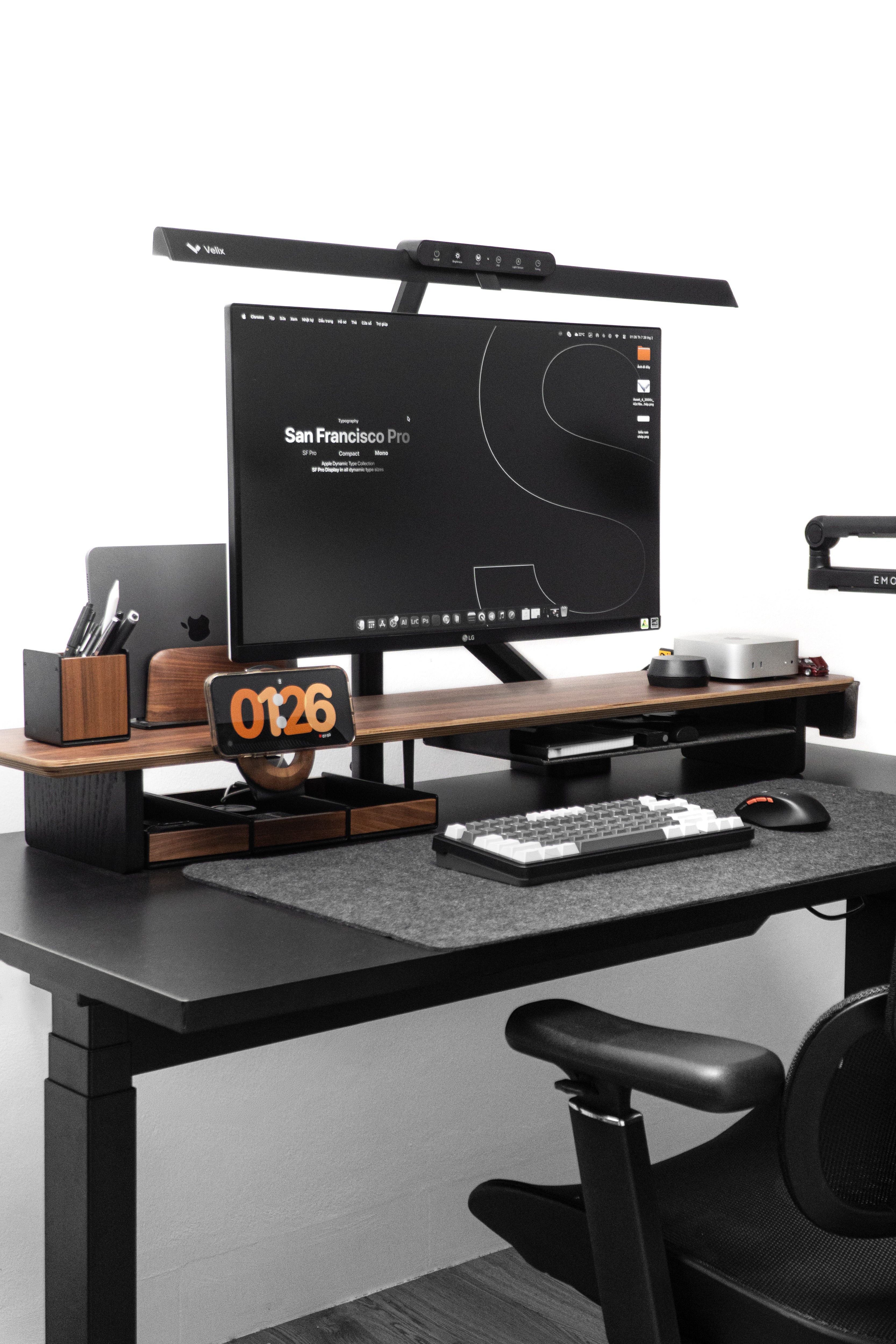
How the modular system works
This is the part worth understanding before you buy anything — AIRY works differently from a normal desk shelf.
1. The shelf is the foundation
A mounting grid runs along the underside of the AIRY shelf. It works as a monitor shelf on its own from day one — the grid sits out of sight until you want it.
2. Add-ons screw into the grid
Every add-on has mounting points that line up with the grid. Pick your spot, screw it in with the hardware included, and it holds — no drilling into the shelf, and nothing to slip loose under weight.
3. Move them whenever
New phone, new monitor, new job, new desk. Unscrew, reposition along the grid, add another. Nothing you bought becomes obsolete because your setup changed.
Three ways people build it
You don't have to decide everything at once — the slots are always there. But these are the combinations that come up most often.
The Essentials
For a first clean desk
- ✓AIRY Modular Desk Shelf
- ✓Desk Shelf Tray
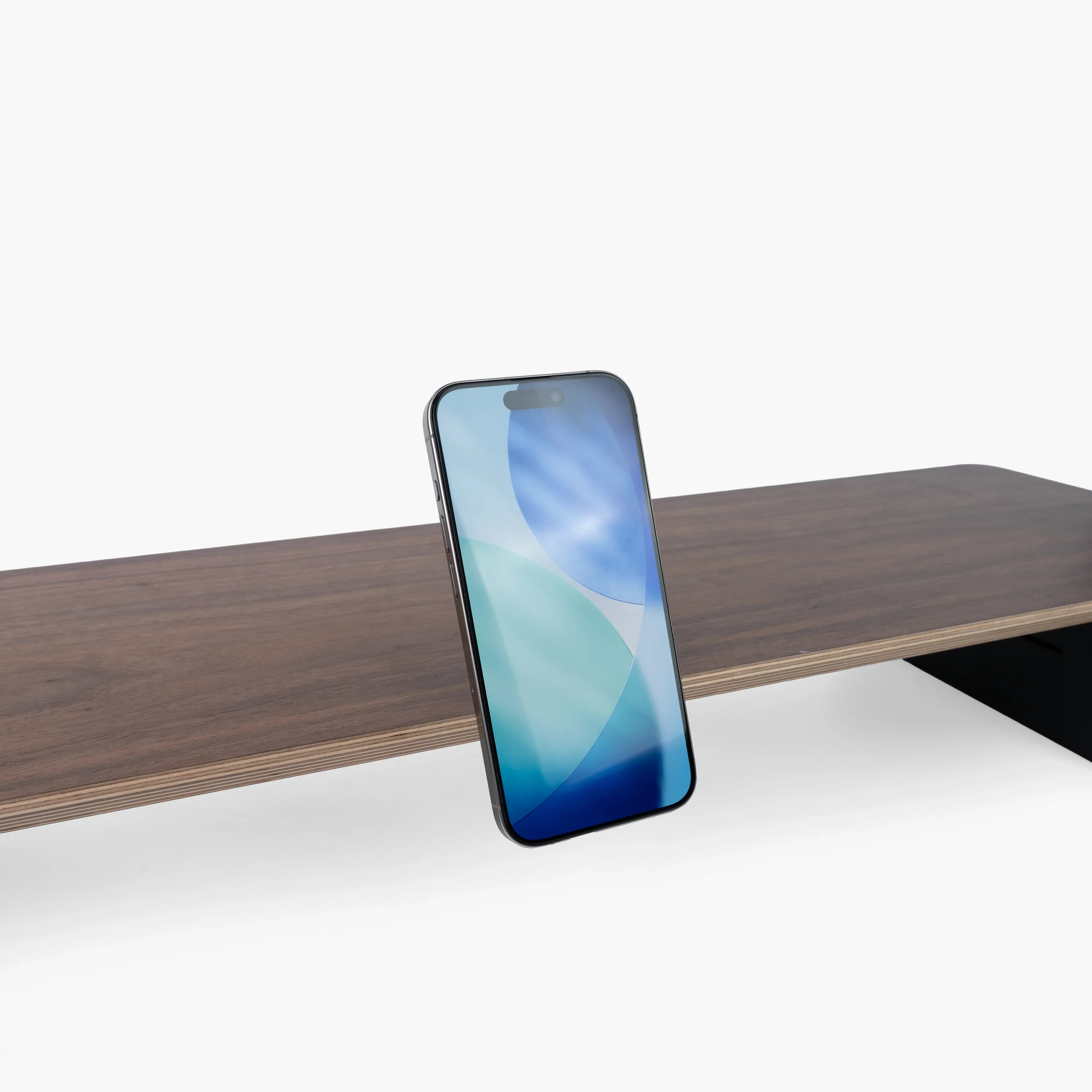
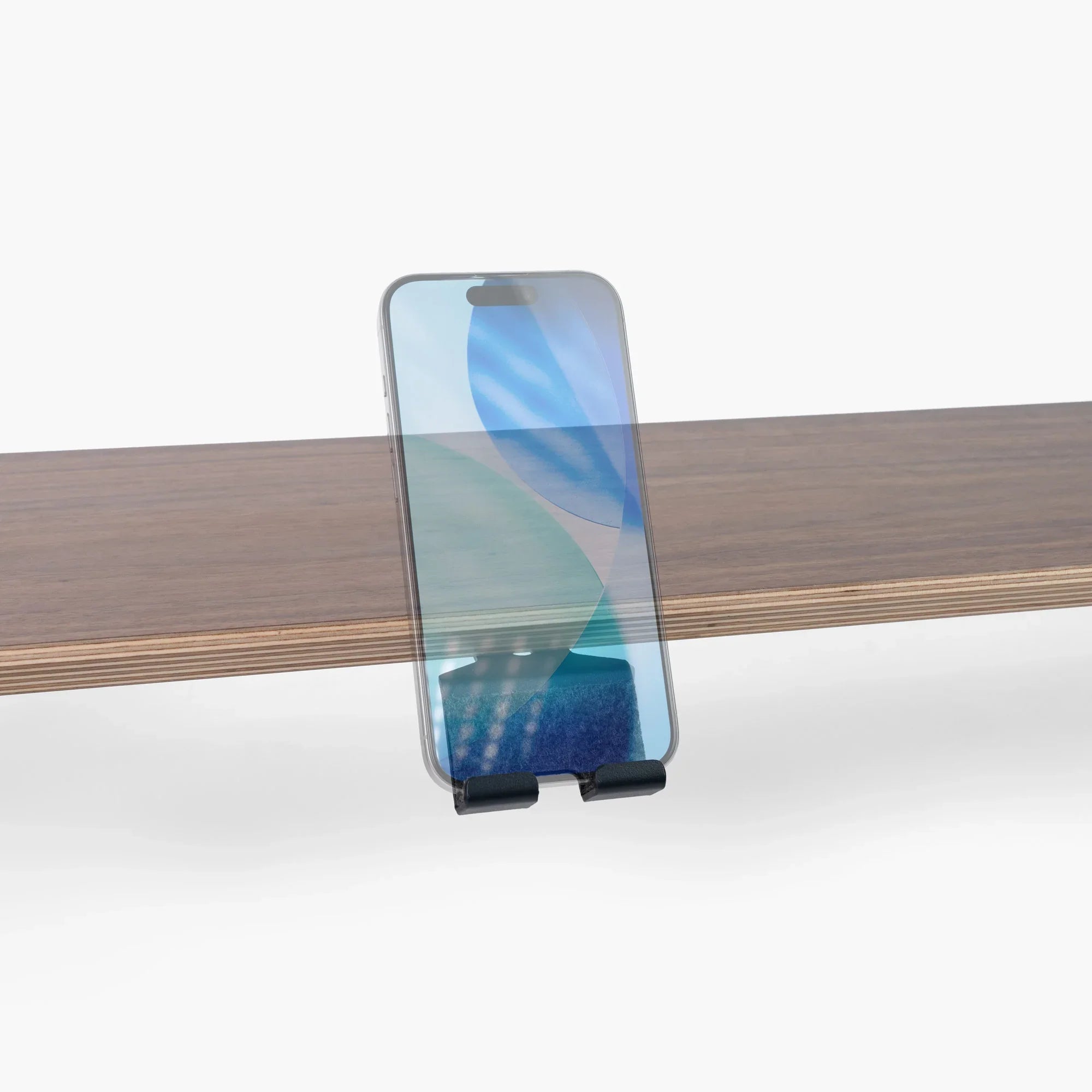
- ✓Phone Holder
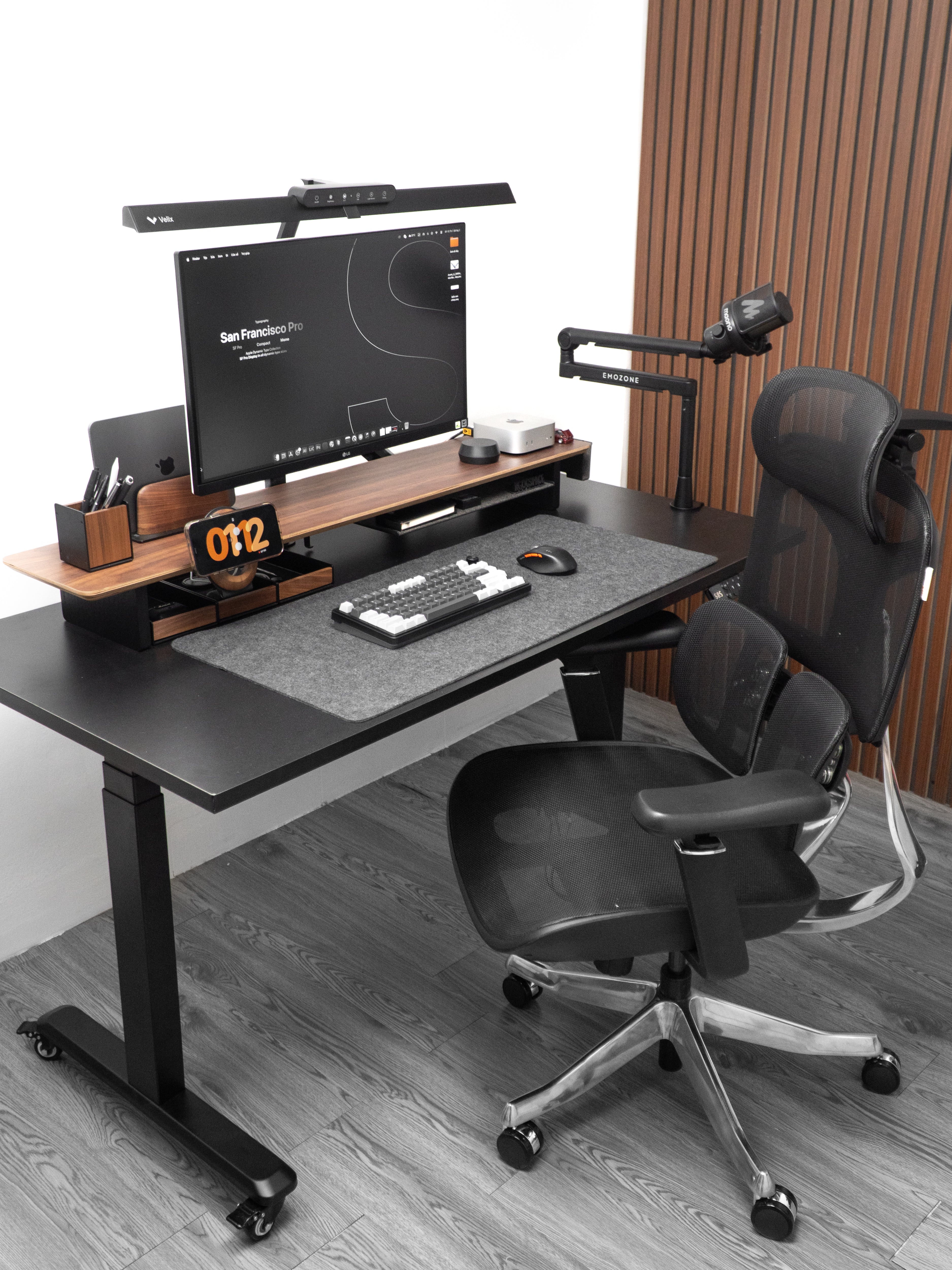
The Apple Desk
For everything-Apple setups
- ✓AIRY Modular Desk Shelf
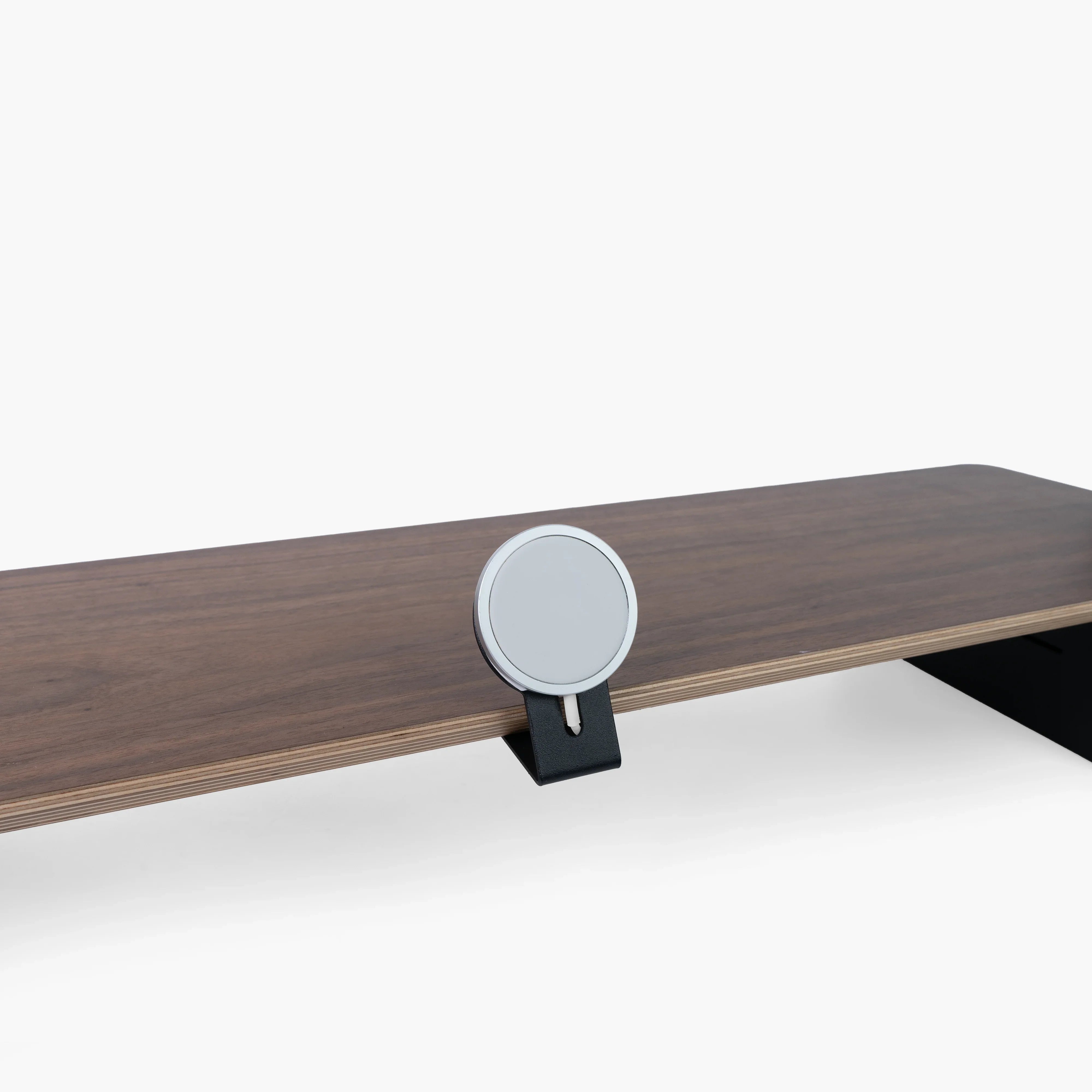
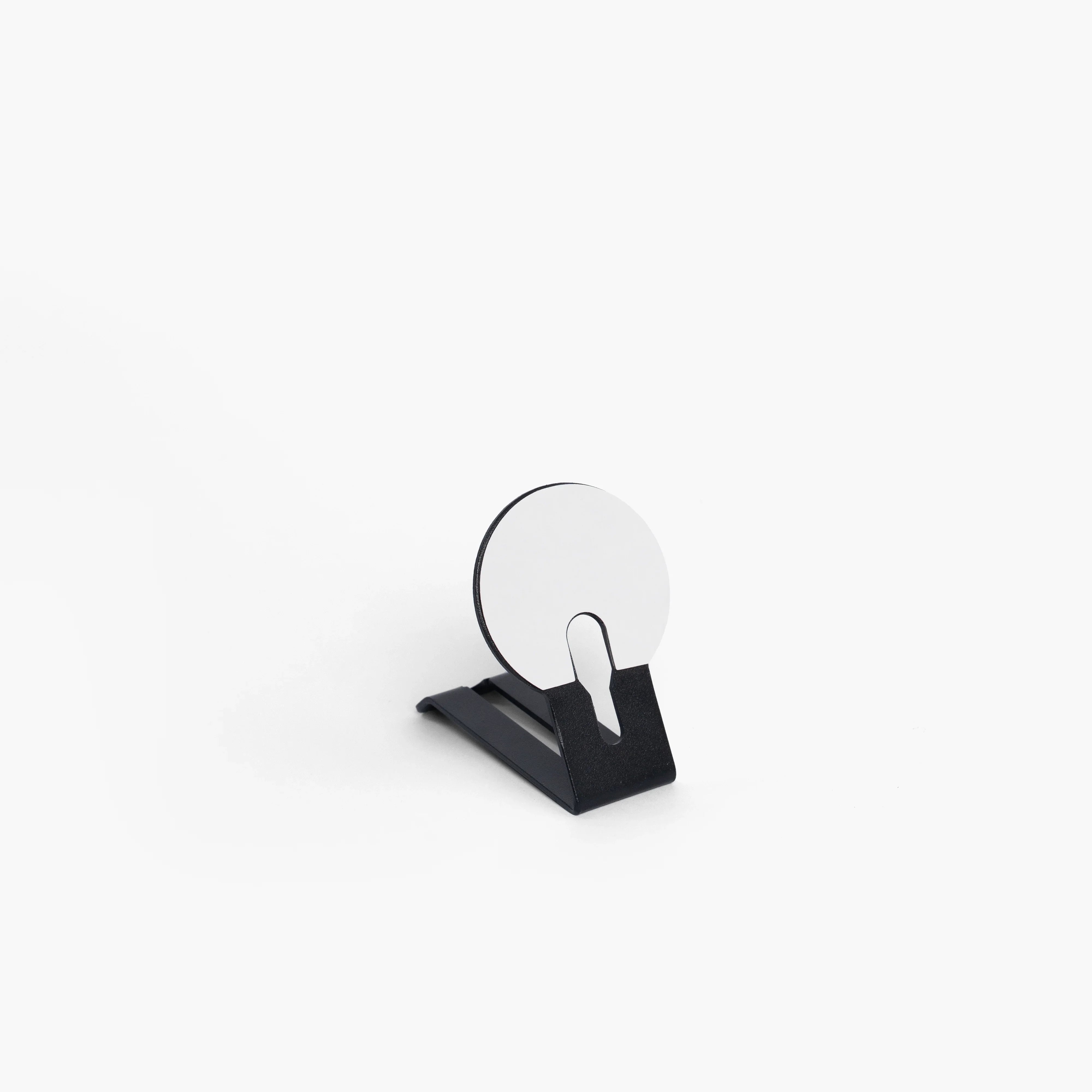
- ✓Wooden MagSafe Holder
- ✓Apple Watch Holder
- ✓Tech Devices Holder
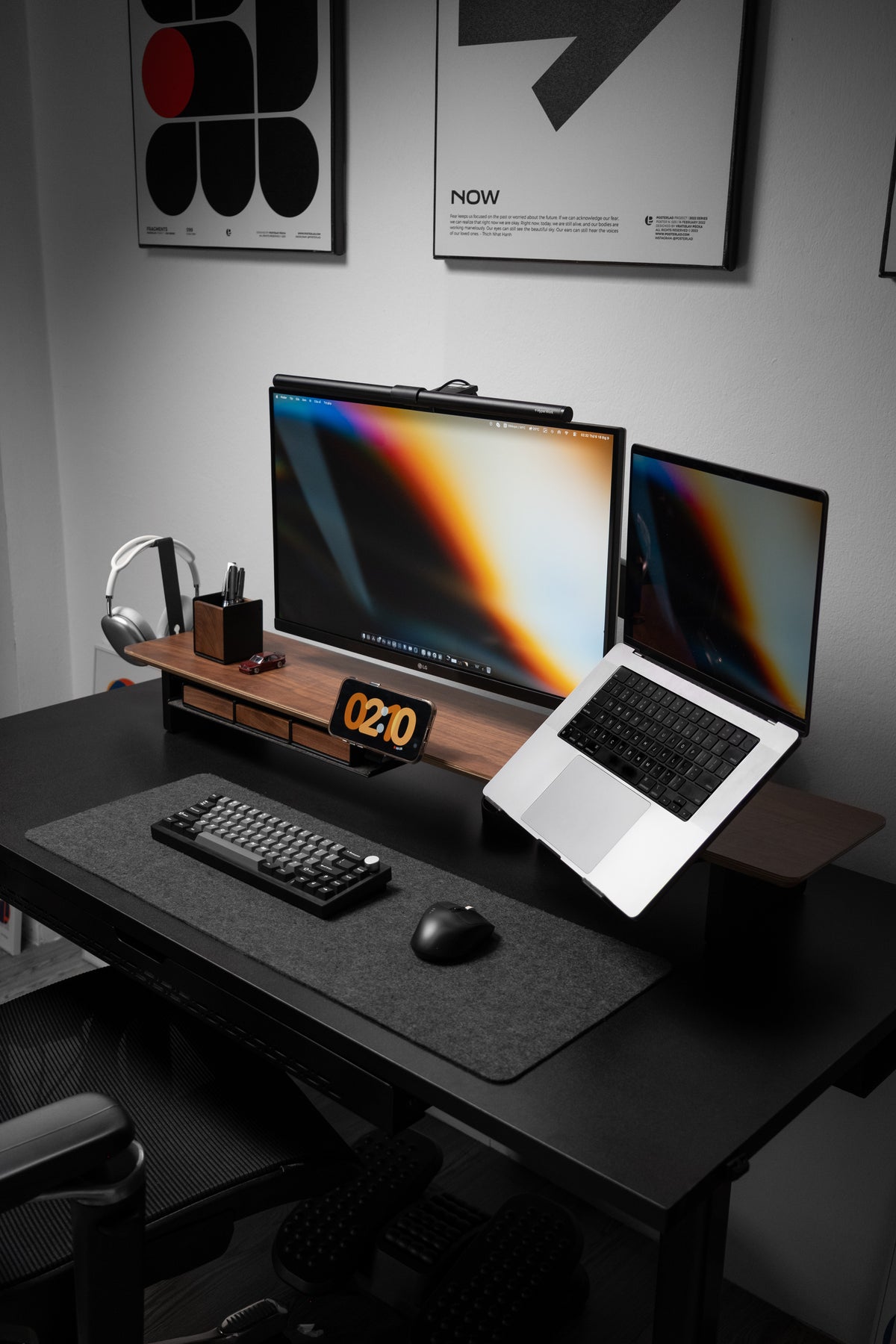
The Laptop Setup
For working off a MacBook
- ✓AIRY Modular Desk Shelf
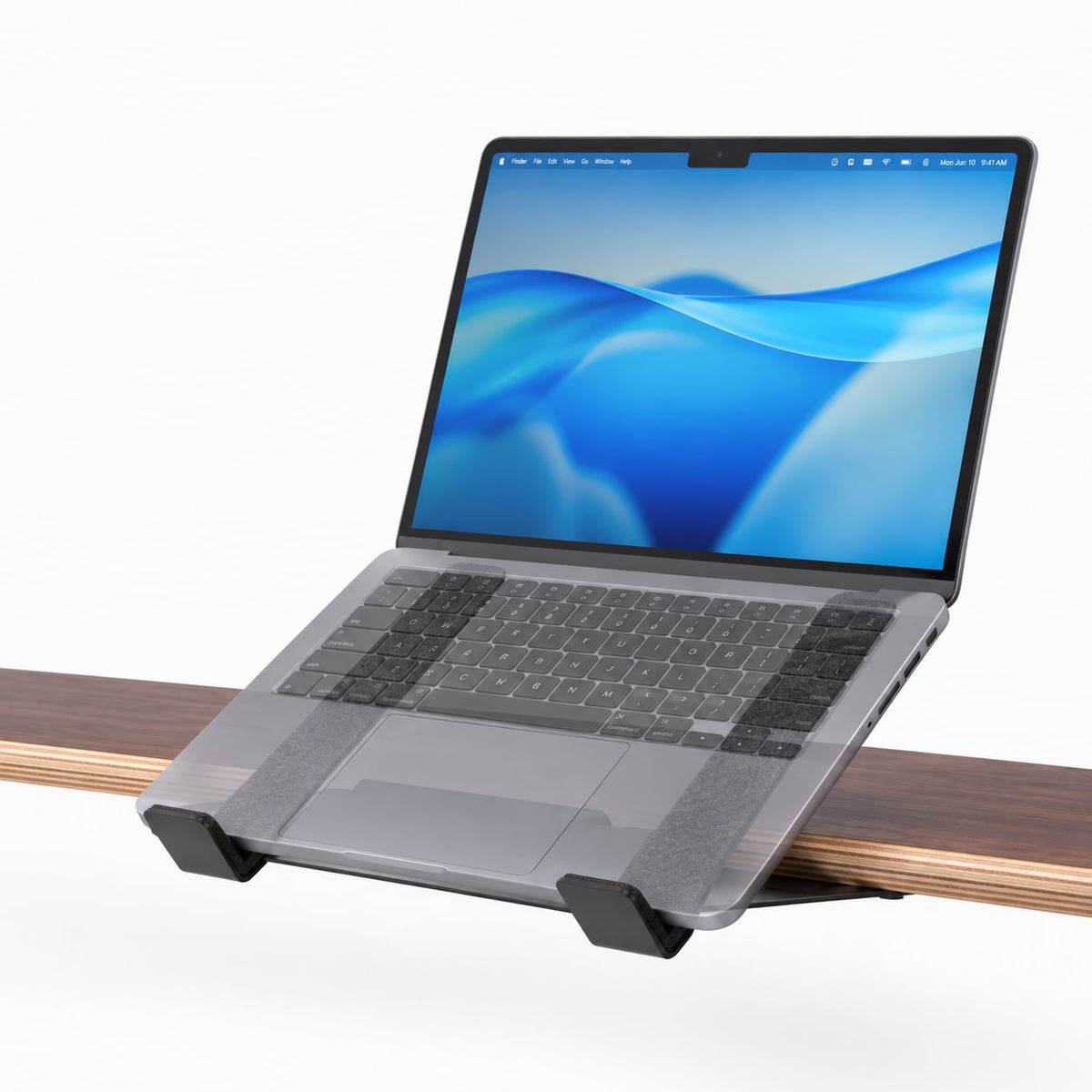
- ✓Laptop Dock
- ✓Headphone Holder
- ✓Power Strip Holder
Is AIRY Modular actually what you want?
AIRY is for setups that keep changing. If you’d rather have everything included on day one, the Pro v2.0 builds its storage into the frame — no add-ons to choose.
Flexibility Is Key
Questions about the AIRY system
Do I need the AIRY shelf to use the add-ons?
Yes — every add-on on this page mounts to the grid built into the underside of the AIRY shelf. If you don't own one yet, start there. The shelf works perfectly well on its own, so you can add holders later whenever you want.
How do the add-ons attach?
Each piece screws into the mounting grid under the shelf, using the hardware that comes in the box. You're not drilling into the shelf itself — the grid is already there, so it's a matter of lining the piece up and tightening it. A screwed mount is what lets a holder carry a phone, a tablet or a power bar without shifting, and unscrewing it to move somewhere else along the grid takes a minute.
Can I add more later, or should I buy everything now?
Add later. That's the entire point of the system. The slots stay open, finishes stay consistent across the line, and an add-on bought a year from now mounts exactly the same way.
How many add-ons fit on one shelf?
It depends on the size you choose and how much of the frame each piece takes up. The Large (116 cm) comfortably carries several holders along with two monitors; the Medium (84 cm) is better suited to two or three. Nothing has to stay where you first put it, so you can rearrange as you add.
What's the difference between the MagSafe Holder and the Wooden MagSafe Holder?
Both hold an iPhone magnetically. The Wooden version has a walnut face that matches the shelf and comes in Black Walnut, Oak and All Black; the standard MagSafe Holder is the slimmer, lower-profile option at a lower price.
Can I mix AIRY with other Spacet collections?
Yes. All Spacet collections share compatible dimensions and finishes — a Workspace drawer sits under an AIRY shelf, and Premium pads match the AIRY finishes. Only the slot-mounted add-ons are AIRY-specific.
Is assembly required?
Minimal assembly is needed. Each piece comes with pre-installed components and clear instructions, so setup takes just a few minutes — no extra tools or complicated steps required.