


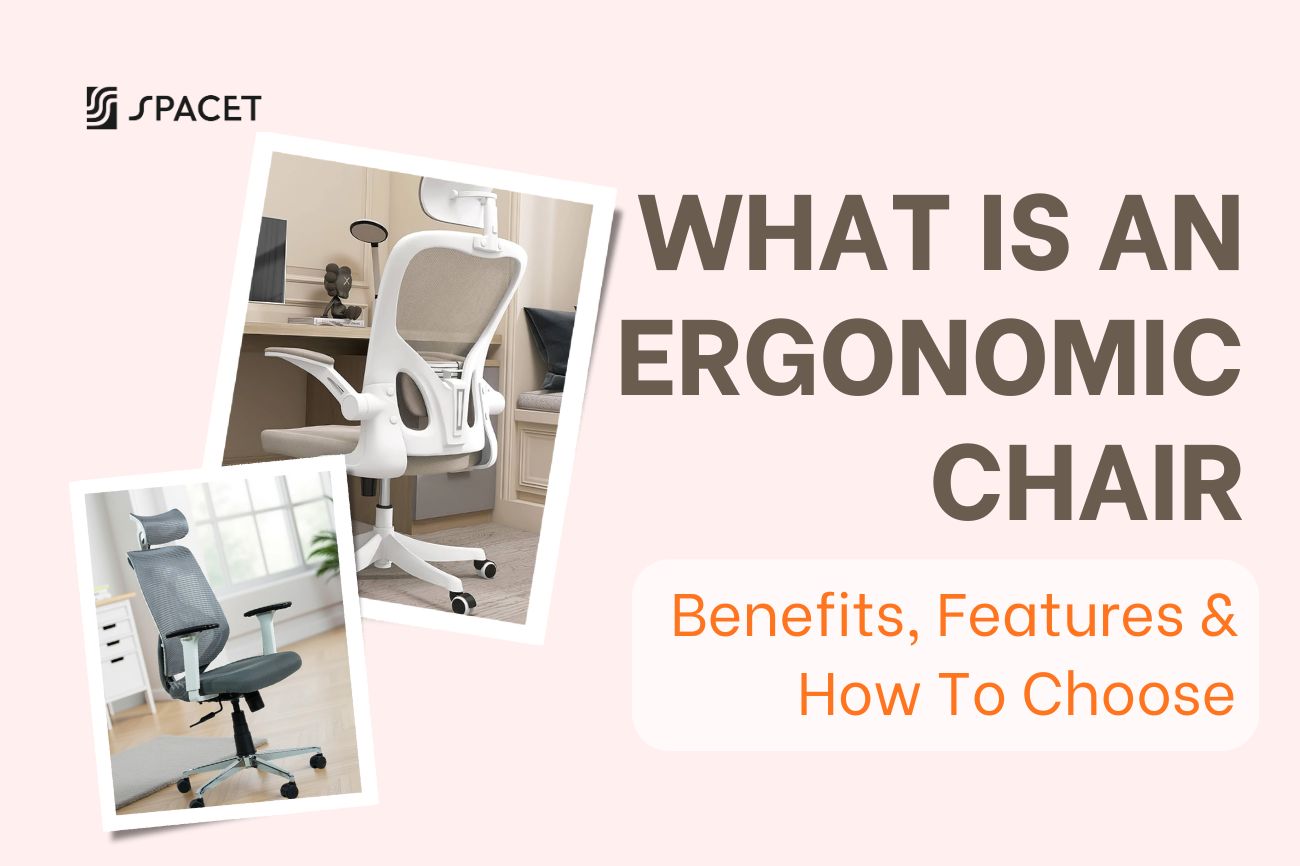
If you spend 6 to 8 hours a day sitting at a desk, the chair beneath you affects your health far more than you might expect. At Spacet, we believe a great workspace is not just about a clean desk or a bright monitor. The ergonomic chair is the foundation that keeps your body supported through every long workday. This guide will walk you through what an ergonomic chair is, why it is so different from a regular office chair, and how to find the one that fits your body best.
What is an ergonomic chair?
An ergonomic chair is a chair specifically designed to support the natural posture of the human body, reduce pressure on the spine, and provide comfort during extended periods of sitting. Unlike a standard office chair built to one fixed size, an ergonomic chair is adjustable to fit the shape and dimensions of each individual user.

The word "ergonomic" comes from the Greek words ergon (work) and nomos (natural law). Ergonomics is the science of designing tools, equipment, and environments to fit people, rather than forcing people to adapt to them. Applied to seating, this philosophy produces a product that does not just feel comfortable but actively protects your long-term health.
Ergonomic chair vs. Regular office chair: What is the difference?
A lot of people assume that a thickly padded or visually premium chair must be ergonomic. In reality, the key difference comes down to adjustability and body support mechanisms, not materials or appearance.
| Feature | Regular Chair | Ergonomic Chair |
| Seat height | Basic adjustment | Precise, detailed adjustment |
| Lumbar support | Usually absent | Dedicated, adjustable lower back support |
| Seat depth | Fixed | Adjustable |
| Armrests | Fixed or none | 3D/4D multi-directional adjustment |
| Headrest | Rarely included | Usually included and adjustable |
| Recline angle | Fixed or very limited | Flexible, with angle lock |
| Design principle | Aesthetics and cost | Human body biomechanics |
A good ergonomic chair does not force your body into one fixed position. Instead, it adapts to your body. That is the most important distinction most people overlook when shopping for a chair.
Why does an ergonomic chair matter?
Sitting in the wrong position for long hours is not just uncomfortable at the moment. According to the U.S. Bureau of Labor Statistics, musculoskeletal disorders related to work account for approximately 30% of all occupational injury and illness cases requiring days away from work, with over 272,000 cases recorded in 2018 alone. You can read the full data in their Musculoskeletal Disorders (MSDs) factsheet. The most common problems include chronic lower back pain, carpal tunnel syndrome, neck and shoulder stiffness, and numbness in the limbs.
On the flip side, when your body is properly supported, your muscles spend less effort maintaining balance, which reduces fatigue and frees up mental energy for focused work. A systematic review published in BMC Musculoskeletal Disorders, titled The effectiveness of a chair intervention in the workplace to reduce musculoskeletal symptoms, confirmed a consistent trend showing that adjustable chair interventions help reduce musculoskeletal symptoms among people who sit for extended periods at work.
That should be reason enough to take a hard look at what you are sitting on every single day.
What makes a chair ergonomic? Key features to look for
Not every chair labeled "ergonomic" truly deserves the name. Here are the core features you need to check carefully before making a decision:
- Seat height adjustment: Feet flat on the floor, knees at a 90-degree angle, thighs parallel to the ground. This is the starting point that shapes everything else about your posture.
- Lumbar support: Maintains the natural S-curve of your spine and prevents slouching or over-arching. A good chair lets you adjust both the height and firmness of this support.
- Seat depth: When you sit all the way back, the front edge of the seat should be about two to three fingers away from the back of your knees, preventing pressure that cuts off circulation.
- Multi-directional armrests: Ideal armrests adjust in height, angle, and forward/backward distance, keeping your arms in a naturally relaxed position while typing or using a mouse.
- Headrest: Reduces strain on the neck muscles, especially useful when you lean back slightly during video calls or short breaks. Should be adjustable in both height and tilt.
- Recline mechanism: A recline angle of around 100 to 110 degrees actually puts less pressure on your spinal discs than sitting perfectly upright at 90 degrees. A good chair lets you lock this angle to your preference.
- Backrest material: Mesh backrests provide better airflow and work well in warm climates or during long sitting sessions. Padded backrests feel softer but can trap heat over time.

What is the ergonomic way to sit at a desk?
Owning a quality ergonomic chair is just the first step. You need to know how to set it up and sit correctly to get the most out of it. Here is a quick posture checklist to run through every time you sit down to work:
- Back: Sit all the way back in the chair so the lumbar support meets the natural curve of your lower back.
- Feet: Both feet flat on the floor. Use a footrest if your feet do not reach when the chair is adjusted to match your desk height.
- Knees: At a 90-degree angle, level with or slightly lower than your hips.
- Arms and shoulders: Elbows at a 90-degree angle, level with the keyboard surface. Shoulders fully relaxed, not raised.
- Eyes: Looking straight at the top third of the screen without tilting your head up or down.
- Overall alignment: Ears, shoulders, and hips should form a straight vertical line when viewed from the side.
- Movement: Stand up, stretch, or take a short walk every 30 to 60 minutes to avoid the effects of prolonged static posture.
Your chair is only as good as the workspace around it
Here is something many people overlook: your chair only works at full capacity when the rest of your workspace is set up to match. If your monitor sits too low, you will still hunch forward no matter how good the chair is. If your keyboard is too far away, your shoulders will still creep up without you even noticing.
So what makes a desk ergonomic in the first place? It comes down to how well everything on and around it supports a healthy sitting posture. A complete ergonomic desk setup means getting all of these right at the same time:
- Monitor: Top edge at or just below eye level, about 50 to 65cm from your face.
- Keyboard and mouse: At elbow height, wrists neutral and straight while typing.
- Desk surface: Clear and organized, with no cable clutter or obstacles limiting your movement.
- Lighting: Screen positioned away from direct window glare or overhead lights.
>> We have a full step-by-step guide on how to build your Ergonomic desk setup. It pairs well with this article if you want the complete picture.
One of the most common weak spots in any workspace is a monitor placed too low, which is a leading cause of neck stiffness and shoulder pain.
Spacet's Desk Shelf Pro v2.0 is built to fix exactly that: it raises your monitor to the right eye level while adding a storage tier underneath to keep your desk surface genuinely clean. Crafted from solid black walnut or oak with a steel frame, it is built to last and looks the part in any serious setup.

If you want more flexibility and room to grow over time, the AIRY Modular Desk Shelf takes things further. Its modular design lets you attach add-ons like a laptop dock, phone holder, headphone holder, or MagSafe holder directly onto the shelf, turning your entire desk surface into one smart, organized system.

>> Explore the Spacet Desk Shelf System to get your monitor at the right height and your desk surface properly organized.
Is an ergonomic chair always expensive?
Not necessarily, but quality does come at a price. A genuinely good ergonomic chair typically falls somewhere between $300 and $1,500, depending on the brand and features. When you average that out across 7 to 10 years of daily use, the cost per day becomes quite small compared to what you get in return.
Think about it this way: what is the cost of back pain treatment, physiotherapy, or simply losing focus because your body is uncomfortable all day? Investing in an ergonomic chair is investing in your long-term health, not a luxury purchase. If the budget is tight, prioritize the essentials first: seat height adjustment, lumbar support, and adjustable armrests. The more advanced features can come later.
How to choose the best ergonomic office chair for you
There is no single best ergonomic chair for everyone. The right answer depends entirely on your body, your work habits, and your budget. That said, a few practical principles will help you narrow things down quickly:
- Identify your actual needs: How many hours a day do you sit? Do you have any existing issues with your back, neck, or shoulders? Your answers will tell you which features to prioritize.
- Measure yourself first: Your height, weight, and leg length all affect which chair size will work for you. Not every chair fits every body type.
- Check the range of adjustability: The more adjustment points a chair has, the more it can adapt to different users. At minimum, look for seat height, seat depth, lumbar support, and armrest adjustment.
- Sit in it if you can: How a chair actually feels beats any spec sheet. If trying before buying is not possible, choose a brand with a flexible return policy.
- Look for quality certifications: Standards like BIFMA (US) or EN 1335 (Europe) are reliable indicators of a chair built to hold up over time.
FAQs about ergonomic chair
Can an ergonomic chair fix back pain?
Not on its own. It reduces pressure on the spine and helps prevent pain from getting worse during long sitting sessions, but it is not a medical treatment. If you have existing back issues, it is worth seeing a doctor alongside choosing a better chair.
What is ergonomic furniture, and does a chair count?
Yes, absolutely. Ergonomic furniture refers to any furniture designed around the natural mechanics of the human body to reduce strain and improve comfort. Chairs, desks, monitor stands, and even desk mats can all fall under this category when built with proper ergonomic principles.
What is an ergonomic desk, and how is it different from a regular one?
An ergonomic desk is one that supports a healthy, strain-free working posture. This usually means an adjustable height (so you can alternate between sitting and standing), enough depth to position your monitor at arm's length, and enough surface area to keep everything within easy reach without overreaching.
Is mesh or padded the better backrest for long sitting sessions?
Mesh is generally better for extended sitting, especially in warm climates, because it allows airflow and keeps your back from overheating. Padded backrests feel softer initially but can trap heat and become uncomfortable after a few hours. Some chairs combine both: a mesh back with a cushioned seat, which is a solid middle ground.
Should I sit up perfectly straight at 90 degrees all day?
No. A slight recline of around 100 to 110 degrees actually reduces disc pressure more than sitting bolt upright. More importantly, no single posture should be held for too long. Shift positions, take breaks, and move around every 30 to 60 minutes.
Are gaming chairs the same as ergonomic office chairs?
Mostly No. Most gaming chairs are styled after racing seats, with fixed headrests and stiff backs that are not optimized for long work hours. Some higher-end models have improved in recent years, but a dedicated ergonomic office chair still outperforms the average gaming chair for all-day desk work.
How long does an ergonomic chair last?
A quality ergonomic chair should last 7 to 10 years with proper care. Signs it is time to replace: the seat cushion has gone flat, the adjustment mechanisms no longer hold position, or the chair has started making creaking sounds when you sit or move.
Who actually needs an ergonomic chair?
Anyone who sits for more than 4 hours a day. This is not just for office workers or remote employees. Developers, designers, students, and even gamers all benefit noticeably from proper ergonomic support when used consistently and set up correctly.
Conclusion
An ergonomic chair is not a luxury. It is an essential work tool if you take your health and performance seriously. Understanding what an ergonomic chair is, knowing which features actually matter, and learning how to sit correctly are the first steps toward building a workspace that genuinely supports you through the long haul.
And remember, the chair is just one piece of the puzzle. For your workspace to be truly ergonomic, your monitor height, keyboard position, and desk organization all need to work together. Head over to Spacet Blog for more guides on ergonomic workspace setups, desk accessories, and everything in between. Because a productive day starts the moment you sit down the right way.



Share: