



If you spend 8 hours a day at your desk and still end up with a stiff neck, back pain, or numb fingers, the problem is likely your setup. A proper ergonomic desk setup helps you stay comfortable and focused throughout the day, and at Spacet, that’s exactly what we design our workspace products for.
What Is an Ergonomic Desk Setup and Why Does It Matter?
An ergonomic desk setup is simply the way you arrange your workspace so it fits your body, rather than forcing your body to adapt to it. The goal isn't to spend the most money, it's to bring your body back to a neutral position while you work. That means joints at natural angles, muscles that aren't constantly fighting gravity, and weight distributed evenly so nothing gets overloaded.

According to the Bureau of Labor Statistics (BLS), more than 34% of lost workdays each year are caused by musculoskeletal injuries, and the majority of those are entirely preventable with a well-configured setup.
Here's something most people don't realize: ergonomics doesn't just protect you from injury, it also makes you sharper at work. When your body isn't constantly struggling against awkward angles and tension, your brain has more energy left for the actual job.
Ergonomics isn't just a trend, it's one of the smartest long-term investments you can make for your health.
Ergonomic Workstation Setup Checklist: A Quick Audit of Your Current Setup
Already have a setup and just want to know what's off? Run through this ergonomic workstation setup checklist, it takes about 2 minutes. The more boxes you tick, the better your setup already is. Anything you miss is your starting point for improvement.
- Feet flat on the floor (or on a footrest), thighs roughly parallel to the ground.
- Back fully supported by your chair, reclined at around 100-110 degrees, not rigidly upright at 90.
- Monitor 50-70cm from your eyes, with the top of the screen at or just below eye level.
- Elbows at roughly 90 degrees when typing, shoulders relaxed, not raised or hunched.
- Wrists straight when using the keyboard and mouse, not bent up or down.
- Lighting is adequate and doesn't create glare or reflections on your screen.
- You take a movement break at least once every 60 minutes.
- Your desk surface is clear enough that nothing is forcing you into an awkward position.
How to Build an Ergonomic Desk Setup from Scratch
If you're setting up a new workspace or starting fresh, this section is for you. Each element below is covered in order of priority, from the most foundational to the finishing details.
1. Your Chair Is the Foundation of Everything
Your chair has more direct influence on your posture than anything else on your desk. A great ergonomic chair doesn't have to be expensive, but it does need to hit a few key criteria to actually support your body through long hours of work.

How to dial in your chair:
- Seat height: feet flat on the floor (or footrest), thighs parallel to the ground, with no pressure cutting into the back of your thighs.
- Backrest angle: aim for 100-110 degrees of recline, sitting bolt upright at 90 degrees actually puts the most pressure on your spinal discs.
- Lumbar support: your lower back should be fully in contact with the chair's lumbar support, no gap between your spine and the backrest.
- Armrests: adjusted so your elbows sit at roughly 90 degrees and your shoulders stay relaxed, not lifted or dropped.
- Seat depth: leave about 2-3 fingers of space between the front edge of your seat and the back of your knees to keep circulation flowing.
If your feet don't reach the floor even after adjusting your chair to the right height, grab a footrest. It's a simple, low-cost fix that a surprising number of people overlook when building their ergonomic workstation setup.
2. Desk Height and Arm Position
The ideal desk height is whatever puts your elbows at 90 degrees with your forearms parallel to the desk surface when you're sitting naturally upright. For most adults, that lands somewhere around 71-76cm, but because everyone's proportions are different, that number is a starting point, not a rule.

If your desk isn't height-adjustable, you have two practical options: raise your chair (and add a footrest if your feet no longer reach the floor), or use a keyboard tray that tilts to bring your wrists into a neutral position. A standing desk is a step up from there, it lets you alternate between sitting and standing throughout the day, which research consistently shows reduces lower back fatigue and improves circulation over time.
3. Monitor Position and Your Neck Health
This is the area where most people get it wrong, and where the consequences show up fastest. A monitor placed too low, too high, or off to one side means your neck is constantly compensating, and that tension adds up quickly.

The right monitor position:
- Distance: 50-70cm from your eyes, roughly one arm's length away.
- Height: the top of your screen should sit at or just slightly below eye level, if it's too high, you'll strain the muscles at the back of your neck.
- Tilt: a gentle 10-20 degree backward tilt helps the screen align with your natural downward gaze and cuts glare.
- Horizontal position: your primary monitor should be directly in front of you, not off to either side.
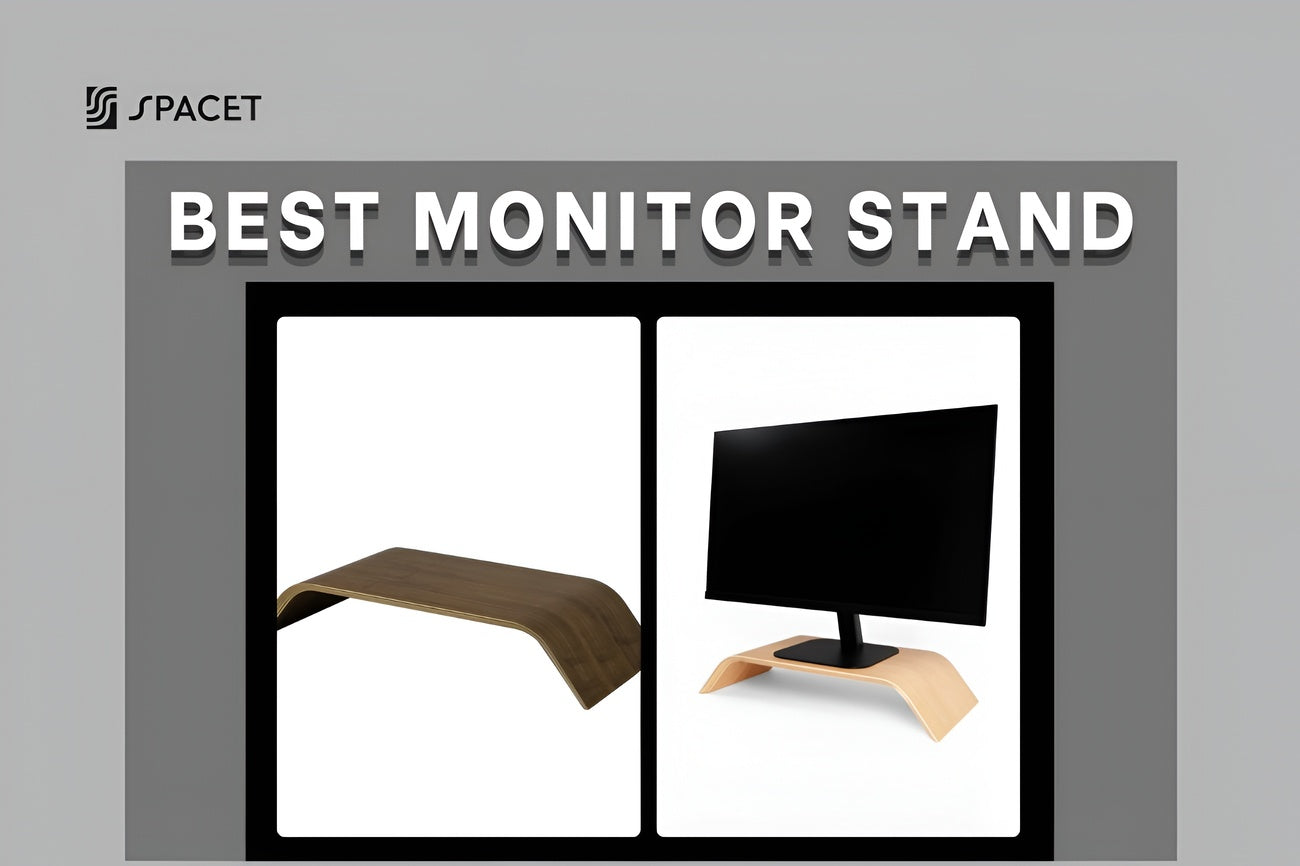
One of the simplest ways to get your monitor at the right height is with a desk shelf. This is where we at Spacet have put a lot of thought into the design of two products our customers keep coming back to.
Desk Shelf Pro v2.0 lifts your monitor to the right eye level while the integrated lower shelf keeps your laptop, cables, and accessories neatly tucked away, so your desk surface stays clear and your focus stays on work. It comes in four finishes (Black Walnut, Oak, All Black, White Oak) and two sizes (80cm and 117cm), so it fits most setups without much fuss.

AIRY Modular Desk Shelf is the more flexible option, built around a new mounting grid system that lets you attach add-ons as your needs evolve, laptop dock, headphone holder, MagSafe holder, and more. If you want a setup that grows with you over time, this is the right starting point. Both shelves function as a premium monitor riser, but go further than a standard riser by organizing your entire desk surface at the same time.

>> Explore the full range at our Desk Shelf System
4. Ergonomic Desk Setup with Two Monitors
A dual-monitor ergonomic desk setup is increasingly common for office workers and remote teams alike. Done right, it's genuinely more productive. Done wrong, it means spending the day slowly rotating your neck back and forth, which is a recipe for a stiff, sore neck by afternoon.

If you use both monitors equally: arrange them in a slight V-shape pointing toward you, with the bezel between them lined up roughly with your nose. Neither screen should be more than 35 degrees off center.
If you have a primary and a secondary monitor: keep your main screen directly in front of you and position the secondary at a 30-45 degree angle to the side, ideally on your dominant side so you look at it less often.
Using a wide desk shelf like the Desk Shelf Pro v2.0 or the AIRY Modular Desk Shelf means both monitors can sit at the same correct height without needing mismatched stands or risers.
5. Keyboard and Mouse Position for Carpal Tunnel Prevention
Your keyboard and mouse are the two things your hands touch for thousands of hours every year. Poor positioning here is one of the leading causes of carpal tunnel syndrome, wrist pain, and shoulder tension, problems that tend to creep up slowly until they're hard to ignore.

Getting your keyboard right:
- Position it directly in front of you, about 10-15cm back from the desk edge so your wrists have somewhere to rest.
- Keep your wrists flat and straight while typing, not bent up or curled down.
- If your keyboard sits too high, try a negative tilt (angled slightly away from you) to bring your wrists back to neutral.
- A split keyboard is worth considering if you type for long stretches, it opens your wrists into a more natural position and reduces twisting strain.
Getting your mouse right for the best desk setup for carpal tunnel:
- Keep your mouse as close to your keyboard as possible, reaching out to the side puts steady strain on your shoulder.
- You shouldn't have to stretch or raise your shoulder to reach it. If you do, bring it in closer.
- A vertical mouse or trackball keeps your hand in a more natural, handshake-style grip that's easier on the wrist over time.
Beyond the keyboard and mouse, a good desk pad makes more of a difference than you'd think, it creates a consistent, cushioned surface that protects your wrists and keeps everything from shifting around.
The Spacet Felt Desk Pad is made from premium felt that's soft underfoot, non-slip, and keeps your whole setup feeling polished. If you prefer something lighter and more minimal, the Japanese Desk Pad in Cotton & Linen brings a calm, natural texture to your workspace, breathable, refined, and available in a few understated colorways.

6. Desk Setup for Neck Pain and Shoulder Pain
If you're specifically looking for the best desk setup for neck pain or an ergonomic desk setup for shoulder pain, the most important first step is figuring out where the problem is actually coming from, because the fix is different depending on the cause.
Neck pain usually comes from:
- Monitor too low (you're always looking down) or too high (you're always looking up), by far the most common culprit.
- Monitor placed to one side, so you spend the day slightly rotated.
- Forward head posture, head drifted in front of your shoulders, usually because the screen is too far away or too low.
Shoulder and upper back pain usually comes from:
- Armrests at the wrong height, so your shoulders are either raised or dropped all day.
- Mouse too far out to the side, your arm is slightly extended all day without you realizing it.
- Keyboard too high, so your shoulders lift slightly every time you type.
For most people, the single most effective fix is raising the monitor to eye level combined with bringing the keyboard and mouse closer in. A good desk shelf addresses the monitor issue immediately, without needing to replace your desk or buy new hardware.
7. Ergonomic Standing Desk Setup Done Right
An ergonomic standing desk setup doesn't mean standing all day, that's actually just as hard on your body as sitting all day without movement. The real benefit comes from alternating between the two, ideally at a roughly 1:1 or 2:1 ratio of sitting to standing depending on how your body feels.

When you're standing, make sure:
- Your desk is at the right height for standing too, elbows still at 90 degrees, wrists still straight.
- Your monitor is still at eye level, this is the step most people forget when they first switch to standing.
- You're standing on an anti-fatigue mat, it makes a real difference to how your feet and lower back feel over time.
- You have supportive footwear or are standing barefoot on the mat, hard floors amplify the fatigue significantly.
If a standing desk isn't in the budget right now, start by building the habit of getting up and moving for 2-3 minutes every hour. That one habit does more for your body than a lot of expensive gear, and it's free.
8. Ergonomic Desk Setup at Home
Working from home brings its own set of ergonomic challenges. There's no IT team making sure your monitor is at the right height, no office manager reminding you to sit properly, and the line between "work mode" and "rest mode" gets blurry when your desk is 10 steps from your sofa.
A few things that make a real difference in a home ergonomic desk setup:
- Claim a dedicated workspace rather than working from the couch or bed. Your brain genuinely learns to switch into focus mode when you're in a specific place, and switch off when you leave it.
- Work with natural light, not against it. Position your desk near a window, but not so that daylight falls directly on your face or screen, that creates glare and eye strain faster than you'd expect.
- Keep your desk clear. Research in environmental psychology shows that visual clutter raises cortisol levels and fragments attention, even when you don't consciously notice it.
- Deal with noise if you share your space. A good pair of noise-canceling headphones is one of the better productivity investments for anyone working near family or roommates.
Ergonomic Desk Setup Accessories Worth Having
More accessories don't automatically mean a better setup. Here's a prioritized list of ergonomic desk setup accessories that are genuinely worth it, so you spend your money where it counts.
High priority, worth getting first:
- Desk shelf or monitor riser: lifts your screen to eye level, the single highest-impact upgrade for most people.
- Chair with lumbar support (or a lumbar cushion add-on): keeps your lower back properly supported through long sessions.
- Wrist rest for your keyboard: reduces pressure on your wrists during extended typing, especially if your desk surface is hard.
Medium priority, worth having when you can:
- Footrest: essential if your feet don't comfortably reach the floor once your chair is set to the right height.
- Desk pad: gives you a unified, cushioned surface that protects your desk and makes your wrists more comfortable.
- Anti-glare screen filter: cuts down on eye strain from reflections and harsh screen light.
Nice to have depending on your situation:
- Vertical mouse: a solid upgrade if you're already experiencing wrist discomfort or you mouse for long periods.
- Document holder: if you regularly switch between reading paper documents and typing, this keeps your neck in a neutral position.
- Headphone stand: keeps your headphones off the desk surface and frees up more room to work.
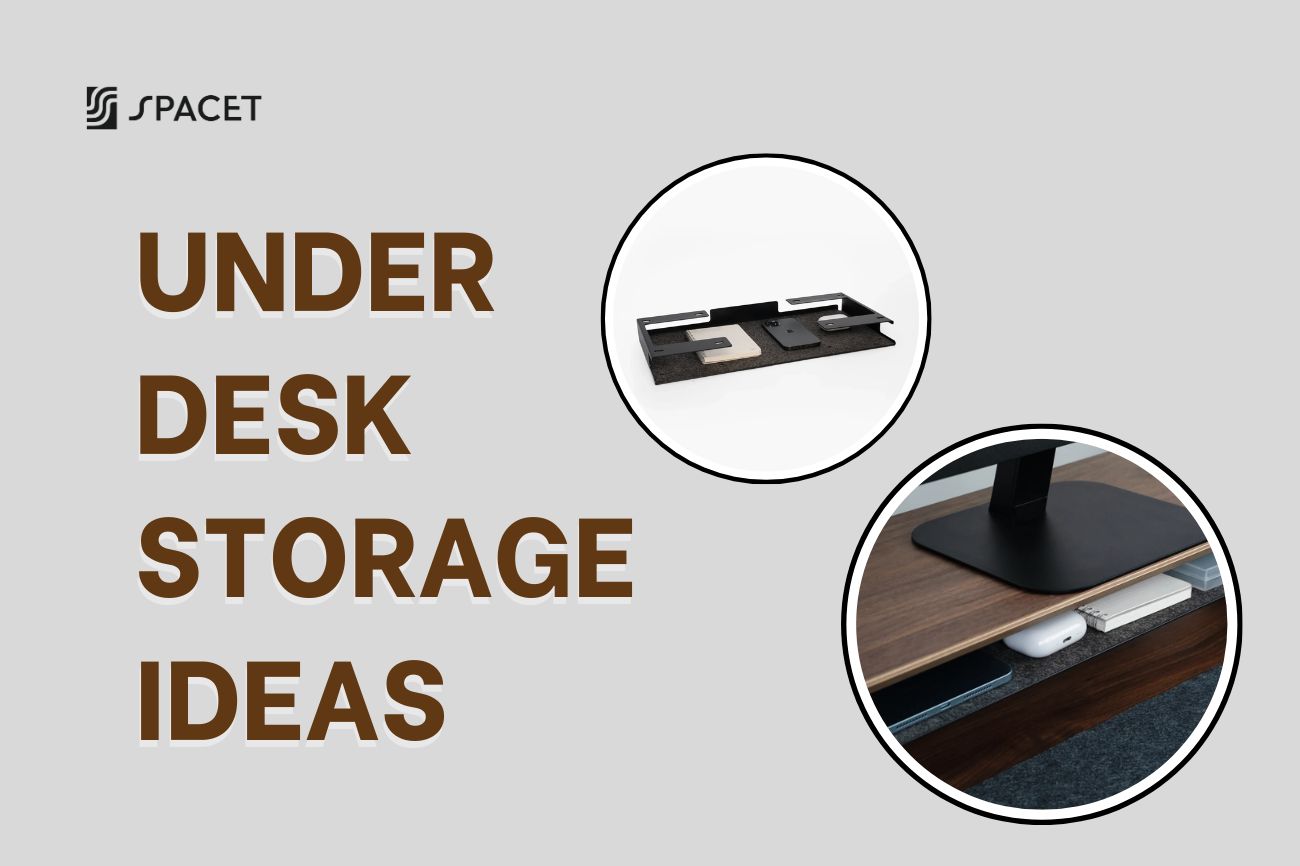
We at Spacet offer a range of accessories that integrate directly with our desk shelf systems, including the Desk Tray Drawer, which mounts under your shelf and keeps stationery, small items, and everyday tools within reach without cluttering your surface.
>> Browse the full lineup at our Collection Line Up.
Quick Reference: The Numbers Behind a Perfect Ergonomic Desk Setup
Save this table or pin it next to your monitor, it covers all the key measurements for a comfortable, properly configured workstation:
| Element | Recommended Standard |
| Eye-to-monitor distance | 50-70cm (about arm's length) |
| Monitor top height | At or slightly below eye level (5-8cm) |
| Chair back angle | 100-110 degrees |
| Elbow angle while typing | 90-100 degrees |
| Wrist angle while typing | Straight (0 degrees) |
| Desk height | Elbows at 90 degrees when seated naturally |
| Seat-to-knee gap | 2-3 finger widths |
| Movement frequency | 2-3 minutes of movement every 60 minutes |
Building Your Ergonomic Setup on a Budget
Not everyone can overhaul their entire workspace at once, and honestly, you don't need to. The key is knowing which problems to fix first, not how much to spend all at once.
Step 1 (~$30-200): Fix the most urgent problem first
This is the step that gives you the biggest improvement for the least money. If your neck hurts because your monitor is too low, start here, Desk Shelf Pro v2.0 and AIRY Modular Desk Shelf from Spacet are both strong options in this range. They raise your screen to the right height and immediately clean up your desk surface at the same time.
If your back is the issue, a lumbar cushion or simply adjusting your chair can make an immediate difference at very little cost. Step 1 doesn't need to be big, it just needs to be the right target.

Step 2 (~$200-500): Build a solid foundation
Once your immediate discomfort is addressed, this is when investing in a proper ergonomic chair pays off, especially if your current one has no lumbar support. Pair it with a quality desk pad and wrist rest, and your setup will handle full days of work comfortably.
Step 3 ($500+): Refine and upgrade over time
A height-adjustable standing desk, a higher-quality external monitor, an ergonomic keyboard, and modular accessories all belong here, added as your needs become clearer and your budget allows. Remember: spending $200 in the right place will give you a better setup than spending $1,000 without a plan.
FAQs About Ergonomic Desk Setup
Does an ergonomic desk setup actually reduce neck and back pain?
Yes, but it works best when you also move regularly. A properly configured setup removes the root causes of pain, but sitting completely still for 8 hours will still take a toll no matter how good your gear is.
The combination of good ergonomics and taking a 2-3 minute movement break every hour is genuinely the most effective approach.
Where should I start if my budget is limited?
Start with whatever is bothering you most right now.
- Neck pain: Raise your monitor to eye level first, that's a desk shelf.
- Back pain: Adjust your chair or add lumbar support.
- Wrist pain: Reposition your keyboard and mouse.
Fixing things one at a time gets you further than buying a lot of things at once.
Is a standing desk actually better than sitting?
Standing all day is no better than sitting all day. What actually helps is switching between the two, the movement and change in posture is what benefits your body.
If a standing desk isn't realistic right now, just getting up and walking around for a few minutes every hour is already a meaningful improvement.
What's the difference between a desk shelf and a monitor arm?
Both lift your screen to eye level. A desk shelf is more stable, doesn't require clamping to your desk, and gives you a usable surface on top for your setup. A monitor arm is more adjustable in terms of angles and positions, but needs a desk thick enough to clamp onto and doesn't add storage.
For most people who want ergonomics and a cleaner desk, a shelf is the more practical choice.
Can eye strain be a sign of a bad ergonomic setup?
Absolutely. If your screen is too close, sitting at an angle that causes glare, or you're staring at it for long stretches without blinking, your eyes are going to feel it. Beyond fixing your setup, try the 20-20-20 rule: every 20 minutes, look at something about 6 meters away for 20 seconds. It's a simple habit that eye care professionals widely recommend.
Are gaming chairs good for long work sessions?
Most gaming chairs are designed to look like racing seats, not to support a body that's working for 8+ hours. They tend to have overly upright backrests and limited lumbar adjustability. For serious work time, a proper ergonomic office chair is usually the better tool for the job.
Building a great ergonomic desk setup is less of a one-time project and more of an ongoing process, you learn what your body needs, your work changes, and your setup evolves with it. The most important thing is to start somewhere today, even if it's just one adjustment. Every change, however small, has a real effect.
If you're looking for a practical starting point, we at Spacet design our desk shelf products specifically for people who want a workspace that actually supports the way they work, ergonomics built in from the start, not bolted on as an afterthought.
For more guides on building a workspace you'll actually enjoy, head over to the Spacet Blog, we're always sharing practical, honest advice on making your desk work better for you.

Share: