


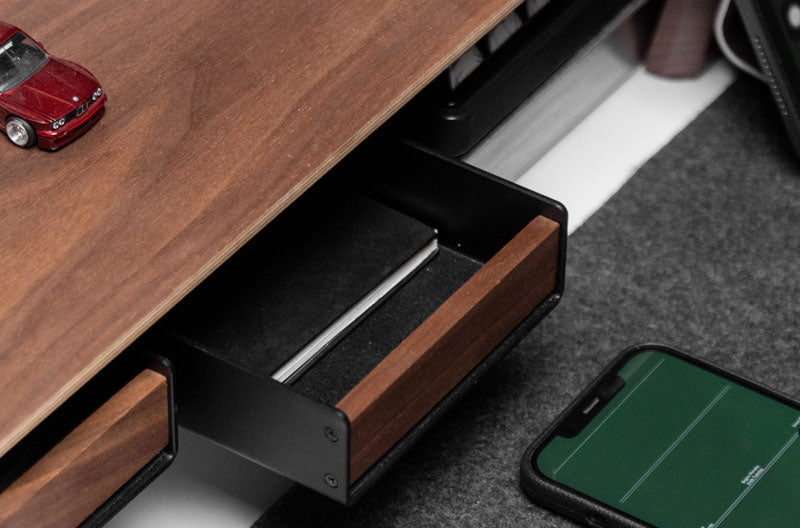
Learning how to make a pull out shelf for a desk starts with accurate measurements, suitable drawer slides, and enough clearance for smooth movement beneath the desktop. A well-planned pull-out shelf can create extra working space that retracts when not in use. Spacet also offers purpose-built workspace solutions for organizing monitors, laptops, storage, and everyday desk essentials.
What Is a Pull-Out Shelf for a Desk?
A pull-out shelf is a horizontal platform attached to sliding hardware. The platform extends toward the user when needed and retracts beneath or inside the desk afterward.

Unlike a fixed desktop shelf, the pull-out design prioritizes temporary horizontal space. It may be used for a keyboard, mouse, notebook, or lightweight accessories when the shelf, hardware, and mounting structure are suitable for those items.
How does a pull-out shelf work?
Most designs use two drawer slides. One part remains fixed to the desk or supporting frame, while the moving section is attached to the shelf panel.
When both slides are aligned correctly, the shelf travels forward and backward along a controlled path. The slide type determines required clearance, extension distance, mounting method, and rated load.
What Do You Need to Make a Pull-Out Desk Shelf?
Before cutting or drilling, choose the hardware and shelf material based on the intended application. A basic project may require:
- A shelf panel
- A compatible pair of drawer slides
- Suitable screws or fasteners
- Tape measure and pencil
- Square and level
- Drill/driver and screwdriver
- Saw if the panel needs cutting
- Appropriate eye and work protection
Optional brackets or a separate supporting frame may be necessary depending on how the desk is constructed.
The drawer slides are particularly important. Check the manufacturer's specifications for slide length, required clearance, load rating, and approved mounting orientation before designing the shelf around them.
How Should You Measure a Desk for a Pull-Out Shelf?
Measure the available opening rather than the overall desk. Desk legs, frames, drawers, cable trays, and crossbars can reduce the usable area beneath the desktop.
How wide can the shelf be?
Start by measuring the clear horizontal space at the intended mounting position. Then account for the exact side clearance required by the selected slides.
Do not estimate this clearance. Different slide designs have different installation requirements, so determine the final shelf width using the hardware manufacturer's specifications.
This measurement principle is also useful when considering a fixed desktop system. The question of how long a desk shelf be depends on available desk space and equipment footprint rather than choosing the widest shelf possible.
How deep should the shelf be?
Compare the available desk depth with the slide length and desired extension. The shelf needs enough depth for its intended equipment without interfering with structures behind it.
Also consider how far the platform will extend toward your sitting position. A shelf that fits beneath the desk can still be impractical if it restricts comfortable access.
How much vertical clearance is necessary?
Check the distance between the underside of the desktop and your knees or thighs. Include the thickness of the shelf, slides, mounting components, and anything placed on the shelf.
Cable trays and desk frames also need to remain clear of the moving mechanism.
How to Make a Pull-Out Shelf for a Desk Step by Step
The exact installation varies with the desk and slide system, but the following sequence provides a practical framework.

Step 1: Measure the mounting area
Measure the available width, depth, and vertical clearance. Identify obstacles before deciding the final shelf dimensions.
Measure again before cutting. Small errors can prevent drawer slides from operating smoothly.
Step 2: Prepare the shelf panel
Cut the panel to the dimensions determined from your opening and slide specifications. Smooth unfinished edges and confirm that the panel sits square.
The panel should also be appropriate for the intended load. Avoid assuming that any thin board will be suitable simply because it fits.
Step 3: Select compatible drawer slides
Check the slide length, extension type, load rating, side clearance, and approved mounting position.
A side-mount slide should not automatically be rotated and installed flat beneath a shelf. Use the hardware only in orientations approved by its manufacturer, because changing the mounting direction can affect performance and capacity.
Step 4: Mark the slide positions
Use a square and level to mark matching positions on both sides. The rails should remain parallel and at the same height.
Poor alignment can cause binding, uneven travel, or excessive movement.
Step 5: Attach the slides to the shelf
Follow the manufacturer's mounting pattern and fastener recommendations. Keep both sides aligned and check that screws do not protrude through the shelf surface.
Step 6: Mount the fixed rails
Secure the fixed portions to an appropriate structural area of the desk or supporting frame.
Check the desk construction before drilling. Thin or hollow panels may require a different fastening approach from solid structural components.
Step 7: Install and test the shelf
Connect the moving components and slowly extend and retract the shelf several times.
Look for rubbing, resistance, wobble, and interference. Correct alignment problems before adding equipment.
Step 8: Test the shelf gradually
Start with the shelf empty. After confirming smooth movement, gradually test it with the equipment you intend to use while remaining within the hardware and mounting limits.
Never treat a manufacturer's maximum rating as a reason to overload the desk structure itself.
How Can You Keep a Pull-Out Shelf Moving Smoothly?
Correct alignment is one of the most important factors. If the shelf becomes difficult to move, first check whether the rails remain parallel and whether the spacing matches the slide requirements.
Loose fasteners, protruding screws, or contact between the shelf and surrounding desk structure can also interfere with movement.
If electronic equipment sits on the shelf, provide sufficient cable slack for the complete travel path. Keep cables away from the slide mechanism so they cannot become pinched when the platform retracts.
What Mistakes Should You Avoid When Building a Pull-Out Shelf?
A functional design depends as much on avoiding installation problems as on assembling the components correctly.
|
Mistake |
Potential problem |
|
Ignoring slide clearance |
Shelf may bind or not fit |
|
Installing rails unevenly |
Irregular movement |
|
Using an unapproved slide orientation |
Reduced support or performance |
|
Making the shelf too deep |
Interference beneath the desk |
|
Ignoring knee clearance |
Uncomfortable working position |
|
Overloading the shelf |
Hardware or mounting failure |
|
Poor cable routing |
Cables can catch during movement |
Plan the shelf around its intended function before buying or cutting materials.
Is a Pull-Out Shelf the Best Way to Add Desk Space?
A pull-out shelf is useful when you want a work surface that disappears beneath the desk when not required. It is less suitable when the goal is permanent monitor elevation or creating multiple visible organization levels.
Terminology can help distinguish those solutions. If you are wondering what you call a shelf on a desk, the common terms are desk shelf or desktop shelf. When the primary function is raising a display, the monitor stand is usually more specific.
That distinction also separates this setup from what you call the shelves above a desk, which often refers to floating or wall-mounted shelves rather than a structure supported directly by the desktop.
Pull-Out Shelf vs Desk Shelf: Which Setup Fits Your Workspace?
The key difference is retractable horizontal space versus permanent vertical organization.
|
Feature |
Pull-Out Shelf |
Desk Shelf |
|
Position |
Under or within desk |
On desktop |
|
Movement |
Extends and retracts |
Usually fixed |
|
Main purpose |
Temporary usable surface |
Vertical organization |
|
Visibility |
Can be hidden |
Remains accessible |
|
Installation |
Sliding hardware required |
Depends on design |
|
Common use |
Keyboard or work surface |
Monitor and accessories |
A pull-out shelf can therefore solve a very different workspace problem from a desktop shelf.
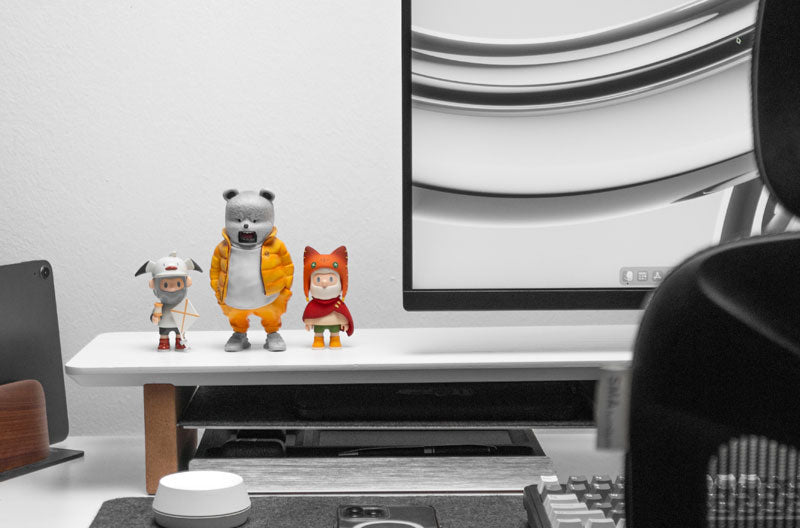
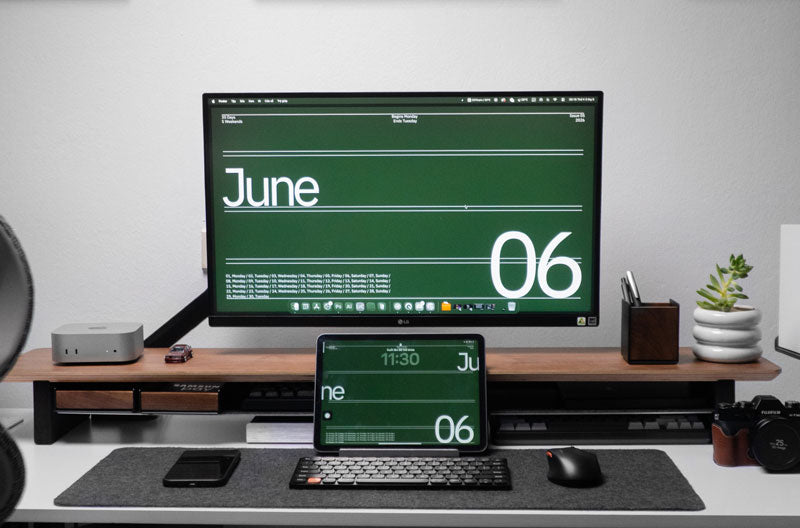
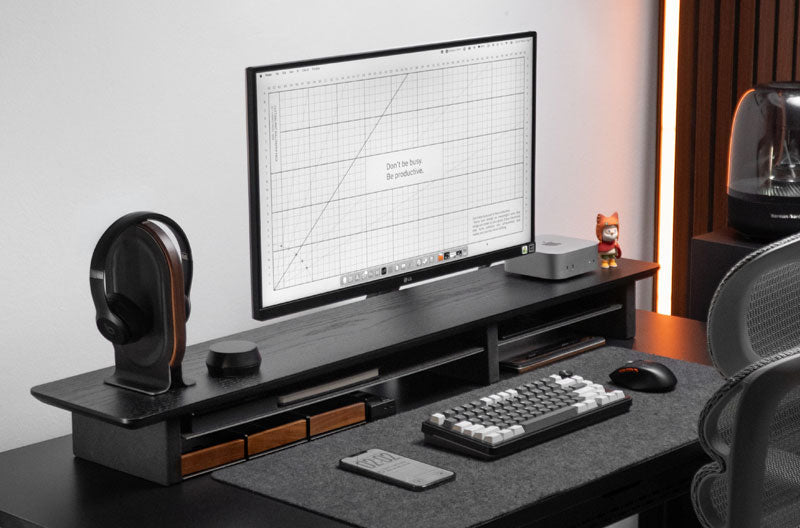
Someone asking where I can buy a desk shelf should first decide whether permanent organization or retractable space is the actual priority. If monitor elevation and open space underneath are more important, a purpose-built product such as the Spacet Monitor Stand v2.0 may be more appropriate; Spacet specifies a 51 × 23.5 × 9 cm platform with open storage underneath.
Organize Your Workspace With Spacet
A DIY pull-out shelf can create an additional temporary surface, but not every organization problem requires modifying the desk. Spacet offers dedicated products for separating equipment into clearer workspace zones.

For smaller essentials, the Spacet desk organizers collection includes drawers and storage accessories. The Desk Tray Drawer v2.0, for example, is designed for items such as pens, cables, watches, and other compact essentials.
A laptop that is used closed with an external display can instead be positioned vertically with the Laptop Dock v2.0, which Spacet designs for MacBooks and Ultrabooks to reduce their horizontal desktop footprint.
For a wider view of desk shelves, stands, docks, and organization accessories, browse Spacet's workspace products. Choosing between a DIY pull-out shelf and a ready-made organization product ultimately comes down to the same principle: identify the space problem first, then select the structure that solves that specific problem.
Contact Spacet
- Website: spacetup.com
- Email: support-en@spacetup.com
- Location: Toronto, Canada

Share: