


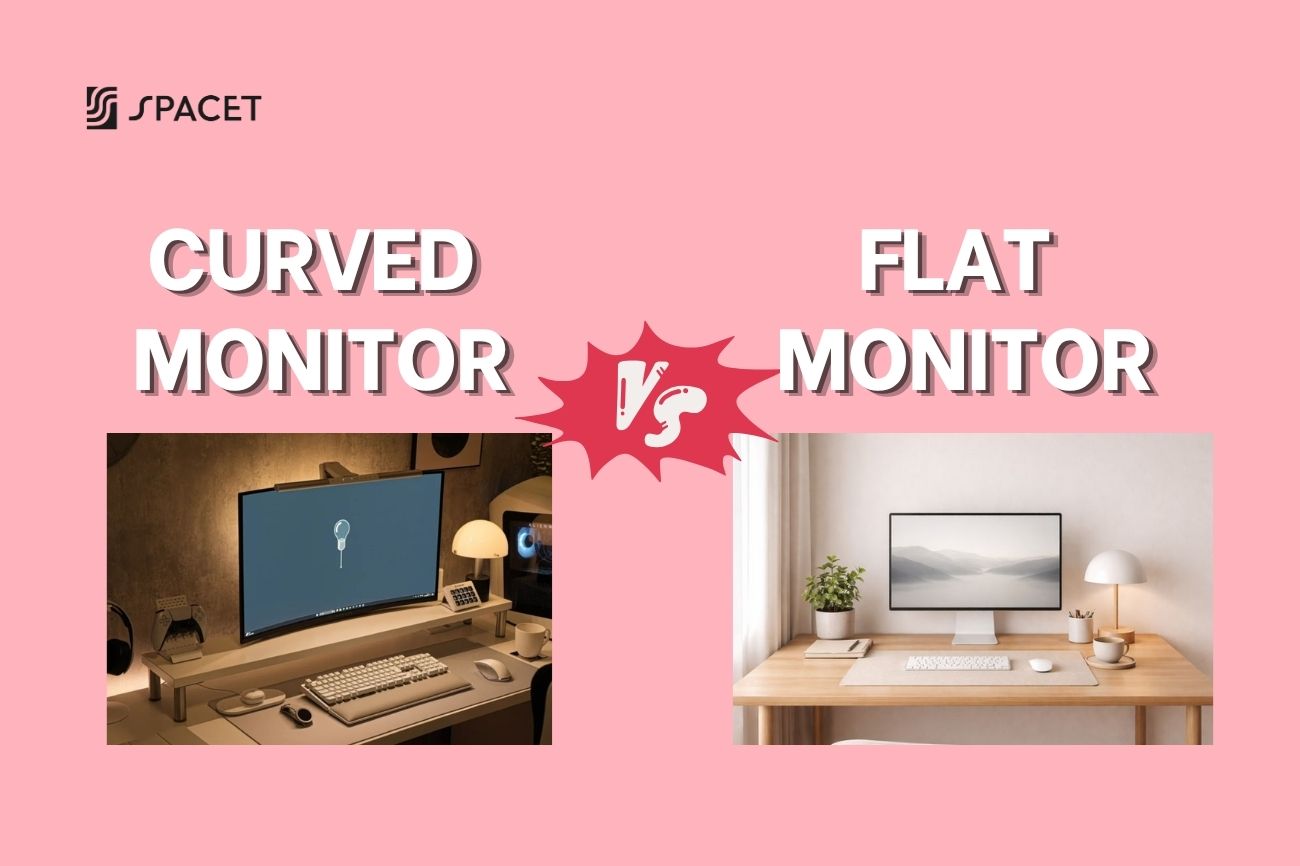
If you've been going back and forth on curved monitor vs flat monitor and still can't decide, you're not alone. At Spacet, it's one of the most common questions we get from people building or upgrading their desk setup. The honest answer? There's no universally "correct" choice, but once you understand what actually sets these two apart, picking the right one for your needs becomes a lot easier.
What's the difference between a Curved Monitor and a Flat Monitor?
The most fundamental difference between a Curved Monitor and a Flat Monitor comes down to the shape of the display surface. A Flat Monitor keeps the traditional straight panel, while a Curved Monitor bends gently toward you, designed to follow the natural arc of your field of vision.


The curvature of a Curved Monitor is measured in R (radius), for example 1800R, 1500R, or 1000R. The smaller the number, the more pronounced the curve. Most curved monitors on the market today fall between 1800R and 1500R, which is widely considered the sweet spot between immersion and comfort. Worth noting: both types can use IPS, VA, or OLED panels, so actual image quality depends on the panel technology, not the shape itself.
Advantages of a Curved Monitor
Less eye strain during long work sessions
Curved Monitors are built to match the natural curvature of the human eye, which means your eyes don't have to constantly refocus when scanning from the center to the edges of the screen. With large Flat Monitors, the outer corners sit noticeably farther from your eyes than the center, making your eyes work harder over time. That's why many people who work 6 to 8 hours a day report noticeably less eye fatigue after switching to a Curved Monitor, especially on screens 32 inches and above.
One thing to keep in mind though: the eye strain benefit of a Curved Monitor only kicks in when you're sitting at the right distance, generally equal to or greater than the R value in millimeters. Sitting too close or off to one side will largely cancel out this advantage.
Higher immersion and better focus
Curved Monitors create a wraparound effect that fills more of your natural field of view, making on-screen content feel closer and more present without any extra effort. This comes in handy for gaming, watching films, or even getting deep into a long document or complex codebase. Many users describe working on a curved ultrawide as feeling "less distracted" because the screen naturally occupies your peripheral vision without you having to lean in.
A solid alternative to dual monitor setups
Curved ultrawide monitors (21:9 or 32:9 aspect ratio) let you run multiple windows side by side without needing two separate screens. Beyond saving physical desk space, this also eliminates the bezel gap you'd get in a dual monitor setup, that awkward black line splitting your workspace in two. For anyone who needs heavy multitasking like developers, data analysts, or video editors, this is a genuinely meaningful advantage.

Advantages of a Flat Monitor
Accurate image and straight lines
Flat Monitors remain the go-to choice for work that demands visual precision, graphic design, architecture, CAD, or professional photo editing. The reason is simple: straight lines on a Flat Monitor are actually straight. On a Curved Monitor, horizontal lines can appear slightly bent toward the edges, which creates real problems when you're trying to align elements precisely or verify proportions in your work.
More flexibility for multi-monitor setups
If you're running or planning to run multiple screens side by side, Flat Monitors are far easier to arrange and align than Curved Monitors. The angled edges of curved panels placed next to each other create uneven gaps that look awkward and break the visual flow. This is also why nearly every professional esports setup and tournament station still uses Flat Monitors.
More accessible price point
At the same screen size and spec level, Flat Monitors typically cost 15 to 30% less than their curved equivalents. If you're building a workspace on a budget, or need multiple screens at once, that difference adds up quickly. Flat Monitors are also easier to wall mount or attach to a monitor arm, thanks to their simpler, uniform structure.

Curved Monitor vs Flat Monitor: Side-by-side comparison
| Criteria | Curved Monitor | Flat Monitor |
| Eye strain reduction | Better | Less effective |
| Immersive experience | High | Lower |
| Image accuracy | Slight edge distortion | Perfectly accurate |
| Multitasking | Excellent | Needs dual monitor |
| Multi-monitor setup | Harder to align | Easy |
| Price | Higher | Lower |
| Wall mount / monitor arm | More difficult | Easier |
| Single-player / open-world gaming | Better | Decent |
| Esports / competitive gaming | Less ideal | Better |
| Graphic design / CAD | Not ideal | Ideal |
Curved vs Flat Monitor for gaming: Which one actually wins?
This is the most heated debate in the gaming community, and the answer really comes down to what kind of games you play.
For single-player games, open-world RPGs, and story-driven experiences, Curved Monitors have a clear edge. The wraparound effect pulls you into the game world in a way a flat screen simply can't replicate. Most gamers who try a 34-inch-plus curved ultrawide for the first time describe it as a completely different experience, in the best way possible.
For esports and competitive gaming (FPS, MOBA, RTS), Flat Monitors hold the advantage. Almost 98% of professional players at major tournaments use Flat Monitors, because Curved Monitors can introduce subtle edge distortion that affects precise aiming. Most tournament organizers also require standardized equipment, and Flat Monitors are still the established norm.
Curved vs Flat Monitor for work: How to know which one fits you?
Go with a Curved Monitor if you:
- Work with multiple windows at once and need serious multitasking real estate.
- Are a developer, data analyst, or financial trader who needs to take in a lot of information at a glance.
- Spend long stretches in front of a screen and regularly deal with eye fatigue.
- Want to cut down on monitor count while keeping a wide display area (ultrawide as a dual monitor replacement).
Go with a Flat Monitor if you:
- Do graphic design, video editing, or professional photo retouching where color and shape accuracy matter.
- Are running or planning to run a multi-monitor setup.
- Want more options at a lower price point across different sizes and specs.
- Frequently share your screen with colleagues or clients.
Curved Monitor vs Flat eye strain: What's actually going on?
The question "Do Curved Monitors reduce eye strain?" doesn't have a clean yes-or-no answer, because the result depends on a lot of variables beyond the shape of the screen. Some studies suggest users experience less discomfort during long sessions with Curved Monitors, particularly on ultrawide screens. The logic makes sense: human eyes naturally follow a curved path, not a dead-straight line, and Curved Monitors are built around that idea.
That said, whether you use a Curved or Flat Monitor, these factors matter far more for your long-term eye health:
- Monitor height: The top edge of the screen should be at or slightly below eye level.
- Viewing distance: Between 50 and 80cm depending on screen size.
- Ambient lighting: Avoid light sources shining directly onto the screen and causing glare.
- The 20-20-20 rule: Every 20 minutes, look at something 20 feet away for 20 seconds.
Curved and flat monitor setup: Why not use both?
One setup that's becoming increasingly popular is pairing a curved ultrawide as the main center display with flat monitors on the sides. This lets you get the full immersive benefit of the Curved Monitor for your primary tasks, coding, creative work, gaming, while keeping Flat Monitors available for reference, email, or secondary apps.
The key to making this kind of setup work well is how you manage the space around your monitors. A desk shelf positioned above your main screen gives you a place to raise secondary displays, tuck away a laptop, or store small peripherals without eating into your actual desk surface. It's one of those things experienced workspace builders do quietly but consistently.
Whether you go Curved or Flat, a desk shelf is what ties the whole setup together
Regardless of which type of monitor you choose, one of the most underrated factors in a great monitor setup is how well the space around your screen is organized. When a large ultrawide curved monitor is already taking up most of your desk footprint, you need a smart vertical storage solution to keep things like speakers, small devices, or notebooks off the main surface without cluttering your line of sight.
Spacet has two flagship desk shelves built to work with any monitor configuration:
Desk Shelf Pro v2.0 is Spacet's most premium option, combining hardwood plywood, aluminum, and cork into a complete above-desk storage system. It includes an integrated drawer below the shelf surface, ideal for anyone who wants an all-in-one solution without sourcing separate accessories. At up to 117cm wide (Large size), it spans a full ultrawide curved monitor or a dual flat monitor setup without issue.

AIRY Modular Desk Shelf uses a new mounting grid system that lets you add on accessories over time without replacing the whole unit. It's the most flexible option in Spacet's lineup, perfect for people who prefer to build out their workspace gradually. Both shelves come in four finishes: Black Walnut, Oak, All Black, and White Oak.

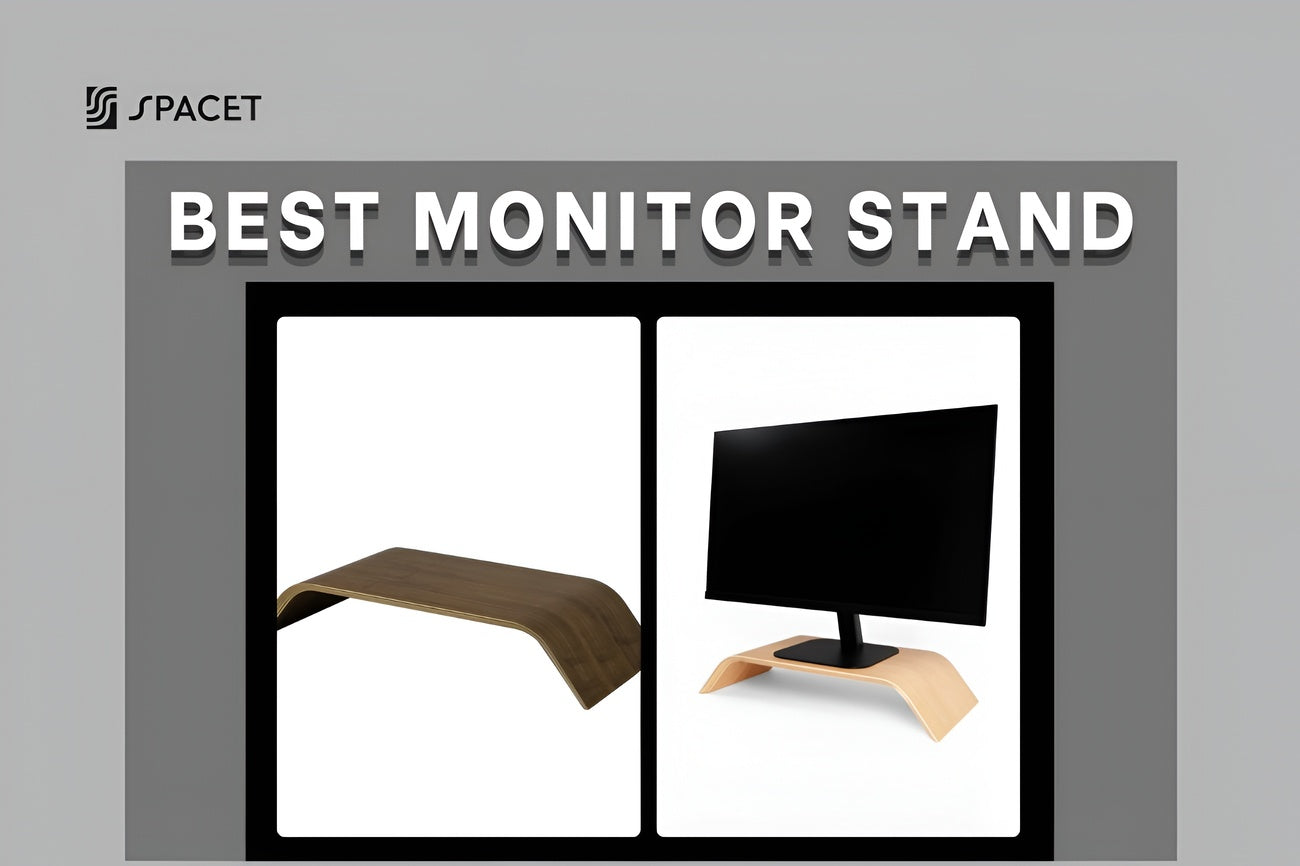
If you want something simpler to start, the Monitor Stand v2.0 is a clean, compact option made from walnut and maple plywood that raises your screen to a healthier eye level while freeing up around 70% more usable desk space underneath. A straightforward upgrade that makes a noticeable difference in any setup.

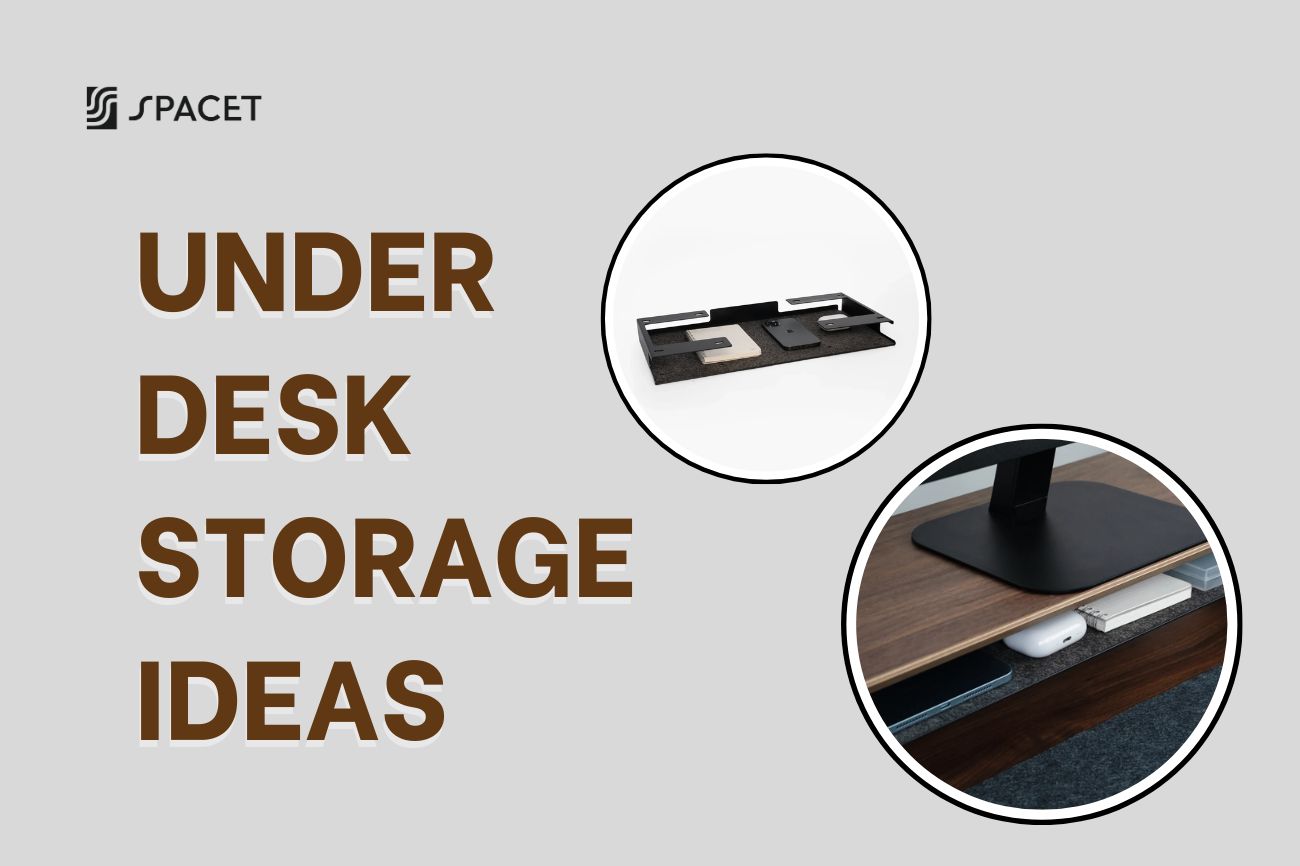
Beyond the shelves and stand, the Spacet Desk Shelf System also includes the Desk Tray Drawer v2.0 and Storage Drawer for expanded organization that still feels minimal. Everything is designed to work as a unified system rather than a collection of mismatched add-ons.
FAQs: Curved Monitor vs Flat Monitor
Are curved monitors better than flat monitors?
Curved Monitors are better in specific situations, but not for everyone. For screens 32 inches and larger, long work sessions, or immersive gaming and media, curved has a clear comfort and focus advantage. For precision design work or multi-monitor setups, Flat Monitors still come out ahead.
Are curved or flat monitors better for your eyes?
Curved Monitors generally put less strain on your eyes, since they reduce the difference in focal distance between the center and edges of the screen. That said, eye fatigue is heavily influenced by room lighting, monitor brightness, viewing distance, and whether you take regular breaks, not just the shape of the screen.
Curved vs flat monitor for gaming, which is better?
Curved wins for single-player, open-world, and story-driven games; Flat wins for esports and competitive play. Nearly 98% of professional esports players use Flat Monitors to avoid edge distortion that can affect precision aiming and target tracking.
Which is better, curved or flat monitor for work?
Curved ultrawides are better for multitasking, coding, and data-heavy work; Flat Monitors are better for graphic design, photo editing, and video color work where straight lines and exact proportions matter. Many professionals now run a combination of both.
Can you wall mount a Curved Monitor?
Yes, but it's more complex than mounting a Flat Monitor. Curved Monitors require a compatible arm or bracket and tend to be heavier, so weight capacity is something to check before buying. A desk shelf is often the more practical solution for keeping your setup organized without needing to mount anything.
Are curved monitors more expensive than flat monitors?
Yes, typically 15 to 30% more at the same size and spec level. However, if you're factoring in a curved ultrawide replacing two separate flat monitors, the total cost can end up comparable or even lower when you account for desk space and cable savings.
Final thoughts: Curved Monitor vs Flat Monitor
After all of that, the honest takeaway is this: the Curved vs Flat Monitor debate isn't about which one is objectively better, it's about which one fits the way you actually work and play.
If you value immersion, spend long hours at your desk, and want a workspace that feels intentional, a curved ultrawide is an investment worth making. If you need pixel-level accuracy, run multiple screens, or want the most options for the budget, Flat Monitors are hard to argue against.
Either way, your monitor is only one piece of the puzzle. The way you organize everything around it, the shelf, the cable routing, the lighting, the peripherals, is what determines whether a setup actually works or just looks good in photos. Spacet exists for exactly that: thoughtfully designed desk accessories that give every object on your desk a reason to be there.
Browse more workspace guides at Spacet Blog and explore the full Desk Shelf System to start building the setup that works for you.

Share: