


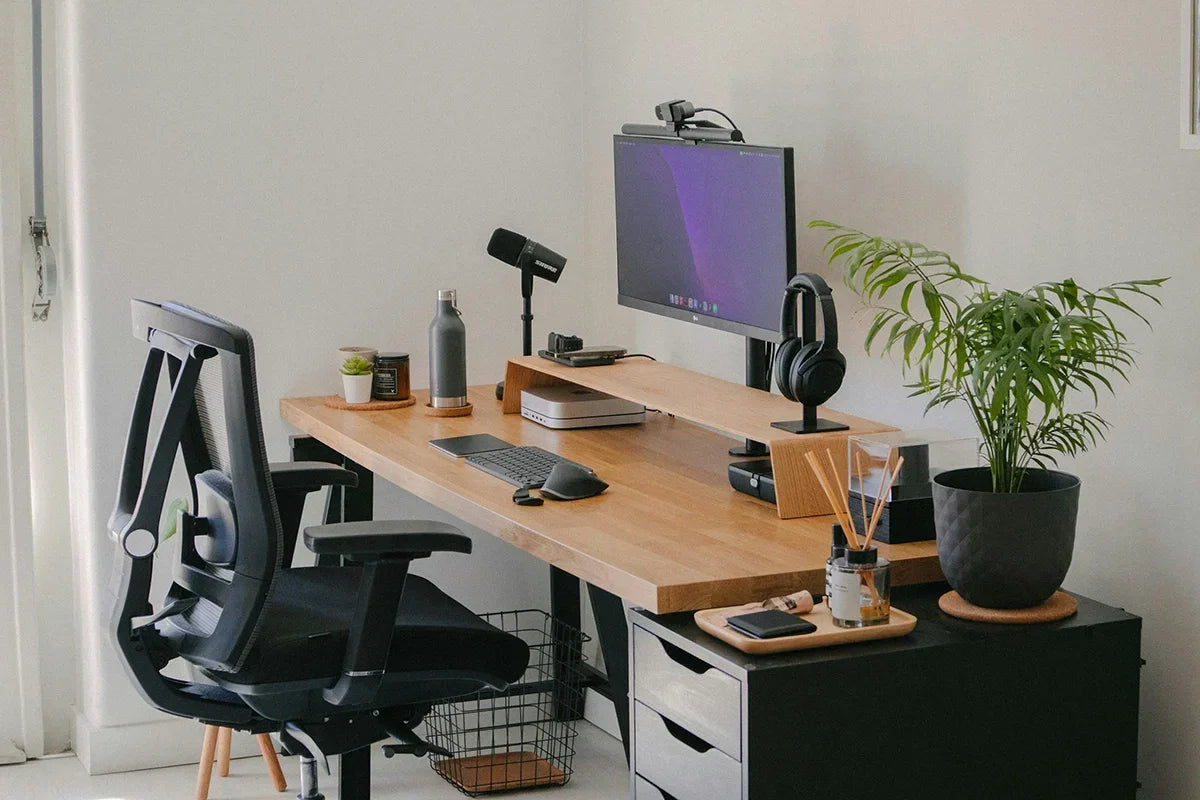
If you’re setting up a remote desk setup, it is essential to know that working from home has changed the way we live and work. A great work from home desk setup doesn’t just look good, or rather it makes you more comfortable, productive, and ready to take on challenges without distractions.
In this guide, Spacet will walk you through key steps and some top product ideas you can link to build your perfect work from home office setup. Let’s make it from the ground up.
What an Effective Remote Desk Setup Bring About?

A great remote desk setup is more than just putting a laptop on a table: it combines ergonomics, organization, comfort, and style to help you work longer with less fatigue and more focus. A well-designed workspace should provide these function:
- Support your posture: Raise screens and keyboards to reduce neck and wrist strain.
- Maximize usable desk space: Use shelves, trays, and vertical design to keep essentials accessible but not cluttered.
- Balance form and function: Premium materials and thoughtful design elevate your work area and your motivation.
- Grow with your needs: Modular systems let you expand as your tasks or tech change.
These principles make your work from home desk setup comfortable, efficient, and visually inspiring, whether you’re taking calls, writing reports, or doing creative work.
Top 20 Must-have Items for Remote Desk Setup
Let’s explore the best products that bring qualities of an ergonomic remote desk setup to life.
1. Desk Shelf: Elevate Your Workspace

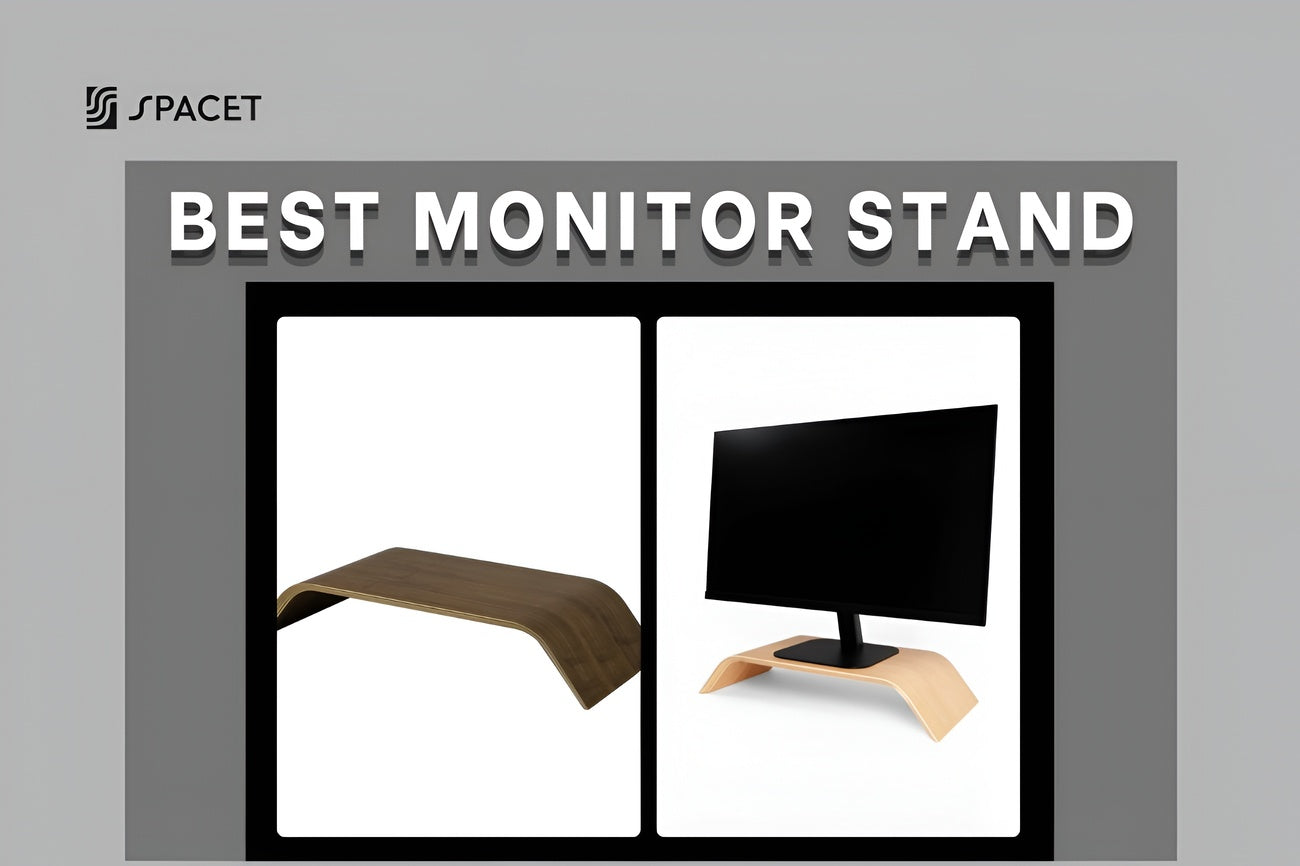
A desk shelf is one of the most important upgrades in a remote desk setup because it directly affects posture, screen positioning, and desk efficiency. When working from home, most people use a laptop together with at least one external monitor, which often results in poor viewing angles if placed directly on the desk.

A high-quality desk shelf elevates your screen to a natural eye level, helping you stay comfortable during long video meetings, writing sessions, or deep-focus work. It also creates structured space and tiers underneath for daily-use items like keyboards, notebooks, or drawers to keep your work from home desk setup organized.
2. Modular Desk Shelf: Customized Organization

Unlike normal desk shelf, the modular one maximizes vertical space and are ideal for smaller offices or remote desk setup. As your workflow changes by adding a tablet, phone stand, or second monitor, a fixed desk layout often becomes limiting. A modular system solves this with its no-tier design, allowing flexible arrangement without replacing your entire setup.

For a work from home office setup, modular shelves are ideal because they support multitasking across devices while maintaining a clean, intentional layout. This is especially useful for professionals who alternate between laptop work, external keyboard, and tablet reference screens throughout the day.
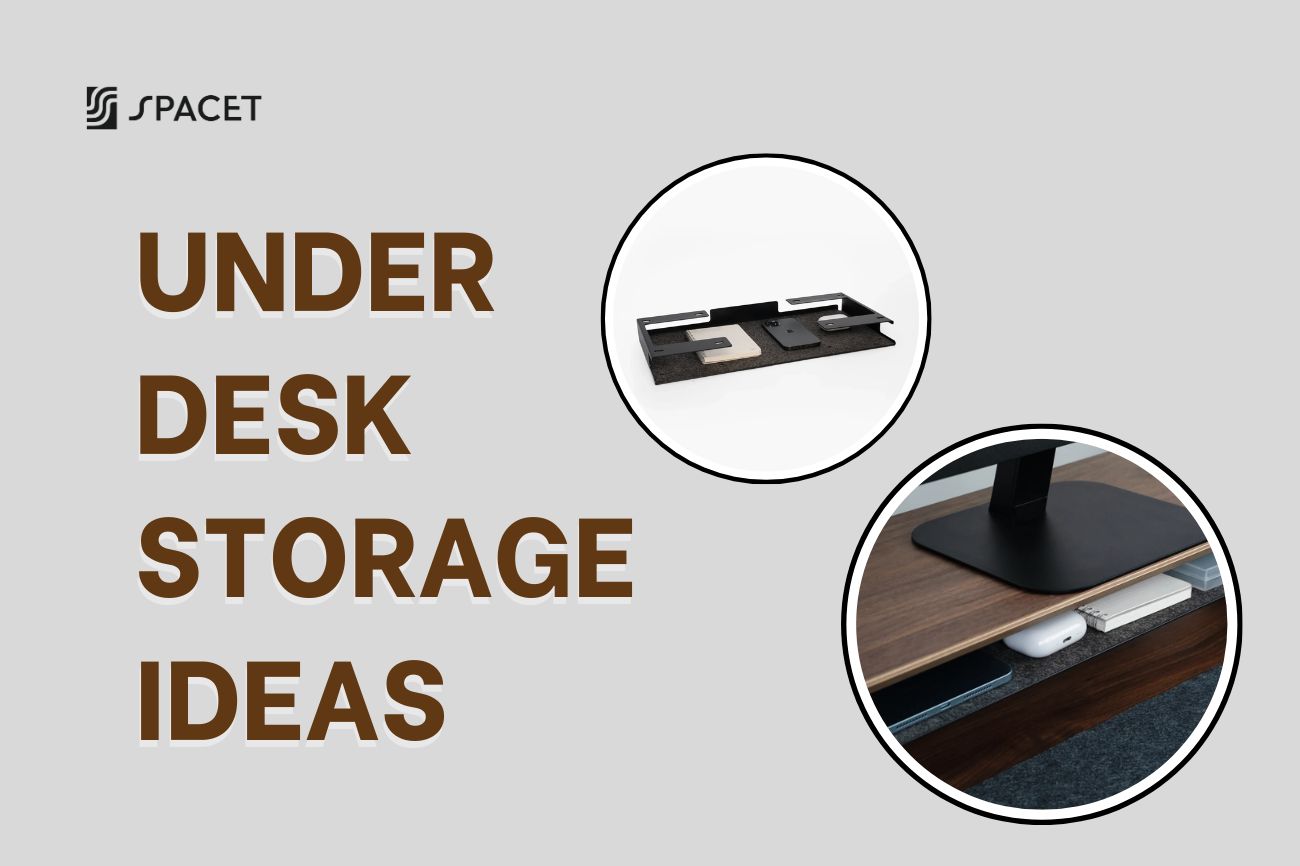
3. Desk Tray Drawer: Hidden Desk Storage

In a remote work environment, small items quickly clutter the desk — charging cables, USB drives, pens, earbuds, and sticky notes. Therefore, you need a desk tray drawer to keep these essentials accessible without occupying visible desk space while still maintain focusing during work hours.

This drawer is especially useful for people who work from home and frequently switch between tasks, meetings, and devices. By keeping small tools organized and hidden, your remote desk setup stays visually calm and mentally less distracting.
- Stores small work essentials without cluttering the desk surface
- Keeps frequently used items within arm’s reach during work sessions
- Improves desk aesthetics by hiding visual noise
4. Storage Drawer: Expand Your Workspace Storage

Another essential item for remote desk setup is a storage drawer designed for larger or less frequently used items that still need to stay close. In a work from home setup, this often includes external hard drives, chargers, adapters, notebooks, or backup devices.

Unlike open storage, a dedicated drawer helps separate “active” tools from “support” tools, creating a more structured workflow. This separation improves efficiency and prevents your desk from becoming overloaded during long workdays.
- Provides storage for bulkier items used during remote work
- Helps separate daily tools from occasional accessories
- Adds weight and stability to larger desk shelf systems
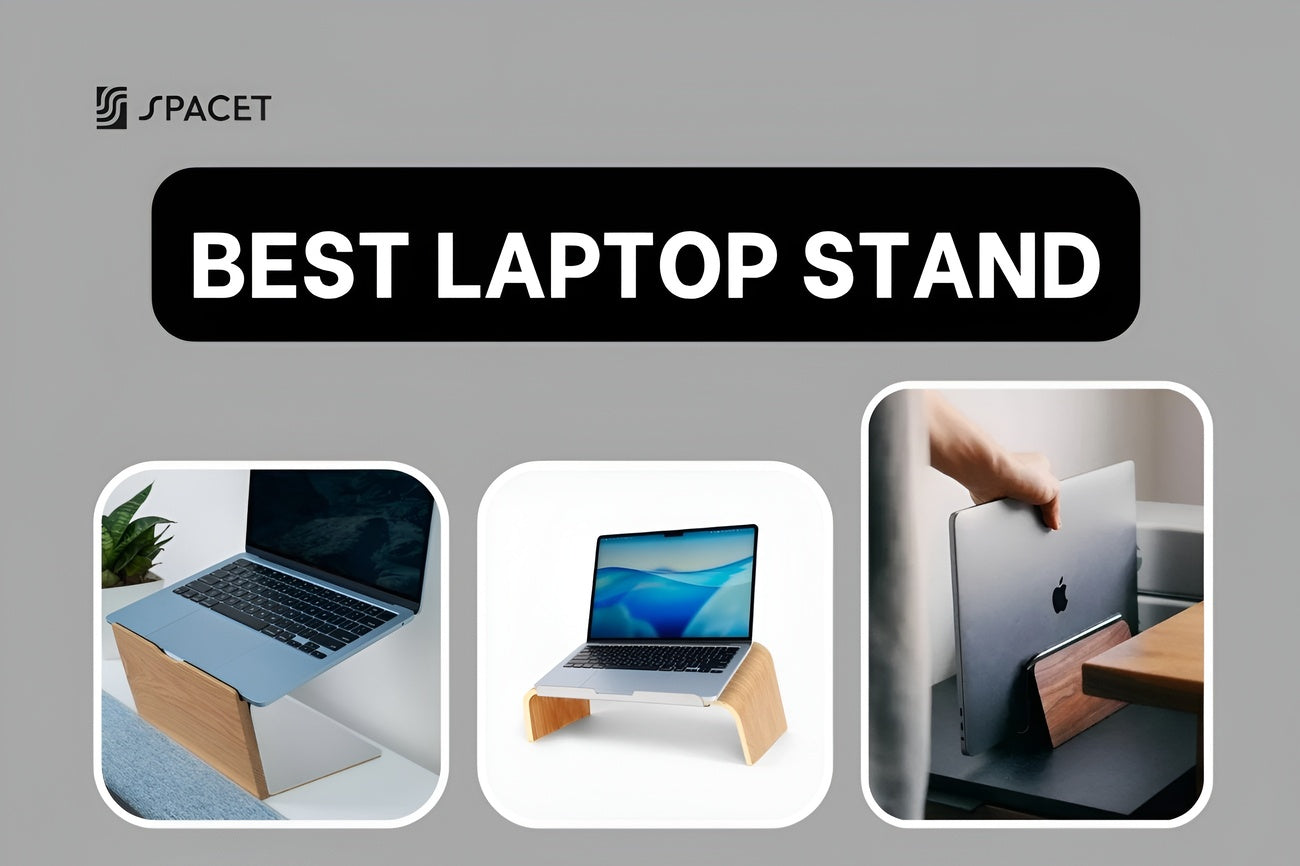
5. Vertical Laptop Stand: Space-Saving Laptop Holder

Many remote workers build their remote desk setup with a laptop as their main computer while connecting it to an external monitor. A vertical laptop stand or laptop riser is essential in this scenario, as it frees up desk space and improves airflow while keeping the laptop easily accessible.

For video meetings, presentations, or multitasking, this stand allows you to switch between laptop-only and dual-screen setups without constantly rearranging your desk. It’s a small but highly effective upgrade for a work from home desk setup.
- Saves desk space when using an external monitor
- Improves laptop ventilation during long work sessions
- Keeps cables and devices neatly aligned
6. Monitor Arm: Flexible Screen Placement

A monitor arm gives you full control over screen height, distance, and angle. This flexibility is crucial for ergonomic alignment and helps free up desk space underneath the screen.

For remote workers juggling multiple tasks and meetings, adjustable screens make transitions smoother and more comfortable.
- Allows precise ergonomic screen positioning
- Frees desk surface for storage or accessories
- Supports single or dual-monitor workflows
7. iPhone MagSafe Stand: Always-Ready Phone Holder

Phones play a critical role in remote work, from quick calls and authentication messages to calendar alerts and video meetings. Leaving your phone flat on the desk often causes distractions and poor visibility. A MagSafe phone stand keeps your device upright, visible, and ready.

For work-from-home professionals, this stand supports hands-free calls, quick glances during meetings, and smoother multitasking between phone and computer screens.
- Keeps phone at eye level for calls and notifications
- Enables hands-free video or voice meetings
- Reduces desk clutter and misplaced devices
8. Tablet Stand: Multi-Device Workflow Booster

Tablets are increasingly used as secondary screens in remote work: displaying calendars, task managers, notes, or video calls. A tablet stand integrates the tablet naturally into your desk layout instead of letting it float awkwardly on the desk.

In a remote desk setup, this creates a three-screen workflow (monitor, laptop, tablet) that improves efficiency without overwhelming the desk surface.
- Turns tablets into functional secondary displays
- Positions tablet at a comfortable viewing angle
- Stabilizes the device during typing or video calls
9. Desk Pad: Smooth, Unified Work Surface

If you are building an effective remote desk setup, a desk pad is the key to define your workspace visually and functionally. During long work-from-home hours, your wrists, forearms, and hands constantly contact the desk surface. A high-quality desk pad improves comfort while protecting your desk from wear.

Beyond comfort, a desk pad creates a clear “work zone,” helping separate professional tasks from personal space as an important mental boundary in a home office.
- Cushions wrists during typing and mouse use
- Protects desk surface from scratches and spills
- Visually anchors your work area for better focus
10. Mouse Pad: Precision and Comfort

When working at home with remote desk setup, precise cursor movement is essential for productivity, especially for design work, spreadsheets, or multitasking across screens. A dedicated mouse pad improves accuracy while reducing friction and wrist fatigue.

In a work from home desk setup, a quality mouse pad complements external keyboards and monitors, ensuring smoother interactions during long hours of work.
- Enhances mouse tracking accuracy
- Reduces wrist strain during extended use
- Fits neatly into compact desk layouts
11. Keyboard & Mouse Combo: Typing Comfort Upgrade

Laptop keyboards are not designed for long typing sessions. An external keyboard and mouse allow better posture and reduce wrist strain, especially when your laptop is elevated on a stand.

This upgrade is one of the fastest ways to improve comfort in a work from home desk setup.
- Promotes neutral wrist positioning
- Improves typing speed and accuracy
- Works seamlessly with laptops and monitors
12. Webcam: Professional Video Presence for Remote Work

A dedicated webcam is essential for any remote desk setup, especially for professionals who attend frequent video meetings, interviews, or client calls. Built-in laptop cameras often sit too low and lack image clarity, which can create an unflattering angle and reduce your on-screen professionalism.

An external webcam allows you to position the camera at eye level, creating a natural line of sight that improves communication and engagement during calls. Paired with proper lighting and monitor placement, it significantly upgrades your work from home office setup.
- Delivers clearer video quality than most built-in laptop cameras
- Allows eye-level positioning for natural, confident communication
- Improves professionalism for meetings, presentations, and interviews
13. Noise-Canceling Headphones: Focus and Call Clarity

Working from home often means dealing with background noise such as traffic, family members, or shared living spaces. Noise-canceling headphones help create a focused work environment while also improving audio quality during meetings.

For remote workers who spend hours on video calls or need deep focus, this is a must-have accessory in a work from home desk setup.
- Reduces background noise during meetings and focused work
- Improves call clarity for both speaking and listening
- Helps maintain concentration in non-office environments
14. Headphone Stand: Keep Headsets Accessible

Headphones are essential for meetings, focus, and privacy. A dedicated stand keeps them accessible without cluttering your desk or damaging cables.

This is especially useful for remote workers who switch frequently between calls and focused work.
- Keeps headphones organized and protected
- Saves desk space during meetings
- Improves workflow efficiency
15. Work Desk: The Foundation for Productivity

The desk itself is the foundation of every remote workspace. A well-chosen desk supports your devices, accessories, and posture while fitting comfortably into your home environment.

For work-from-home users, the desk must accommodate laptops, monitors, drawers, and shelves without feeling cramped.
- Provides sufficient surface area for multi-device setups
- Supports ergonomic alignment with chair and monitor height
- Enables clean cable routing for a tidy workspace
16. Monitor Light Bar: Eye-Friendly Task Lighting

A monitor light bar is one of the smartest lighting upgrades for a work from home desk setup, especially if you work long hours in front of a screen. Instead of lighting the entire room, it focuses light directly onto your desk surface, reducing glare and eye strain.

For remote workers who frequently switch between reading documents, typing, and video calls, balanced lighting improves both comfort and concentration throughout the day.
- Illuminates the desk evenly without reflecting on the monitor
- Reduces eye fatigue during long screen sessions
- Saves desk space compared to traditional desk lamps
17. Ergonomic Chair: Comfort for Long Workdays

Remote work often involves sitting for extended periods, making chair quality critical. An ergonomic chair supports natural posture and reduces fatigue, allowing you to stay productive without discomfort.

Paired with the right desk height, a good chair completes the ergonomic foundation of your work from home office setup.
- Supports lower back and spine alignment
- Adjustable height and tilt for different body types
- Encourages healthier sitting habits
18. Cable Management Kit: Tidy & Safe Workspace

Cables are unavoidable in a work-from-home environment, but unmanaged cables create distractions and safety issues. Cable management keeps your setup clean and functional.

A tidy cable system complements drawers and shelves, completing a professional remote desk setup.
- Prevents tangled or damaged cables
- Improves desk safety and cleanliness
- Enhances overall workspace aesthetics
19. Desk Clock or Digital Timer: Time Management Tool

When working from home, it’s easy to lose track of time. A desk clock or digital timer helps structure your day, manage breaks, and stay aware of meeting schedules without constantly checking your phone.

This small addition supports better productivity habits and reduces unnecessary phone distractions.
- Helps manage work sessions and breaks
- Reduces reliance on phone notifications
- Encourages healthier work-life boundaries
20. Footrest: Lower Body Support for Long Sitting Hours

When working from home, people often overlook lower-body ergonomics. A footrest helps maintain proper posture by keeping your legs and hips aligned while sitting for extended periods.

This is especially useful if your desk height cannot be adjusted perfectly or if you sit for many hours during meetings or focused work sessions.
- Improves circulation and sitting posture
- Reduces pressure on lower back and legs
- Helps maintain ergonomic alignment with desk and chair
Final Thoughts
A well-designed remote desk setup is the key to staying productive, comfortable, and focused while working from home. By choosing the right furniture, ergonomic accessories, and smart storage solutions, you can create a work from home desk setup that supports long hours of laptop use, video meetings, and multitasking across devices. With thoughtfully designed solutions from the Spacet brand, building a clean, functional, and flexible work from home office setup becomes simple and sustainable for the long term.

Share: