



Standing desks are becoming a go-to choice for improving posture, energy, and overall well-being. What once felt like a luxury is now a practical part of modern workspaces. Whether you work from home, study, or build a creative setup, a well-designed standing desk setup can make a real difference in your comfort and focus.
In this article, Spacet highlights the key factors to consider when setting up a standing desk, along with the criteria to help you choose the best standing desk for your needs.
1. The Standing Desk: Height, Stability & Range
Your standing desk is the structural foundation of your entire workspace. If the desk height is incorrect or the frame lacks stability, no amount of ergonomic accessories will fully compensate. A high-quality standing desk setup starts with a desk that supports natural posture, adapts smoothly to movement, and remains stable at every height.
Understanding Proper Desk Height
When sitting, your elbows should stay within an 80–100° angle, allowing your arms to rest comfortably without lifting your shoulders. Your forearms should remain level with the desk, while the monitor is tilted back about 10–20° to keep your neck and eyes in a neutral position.

When you stand up, the same alignment applies. The desk should rise so your elbows sit close to 90°, your shoulders stay relaxed, and your wrists remain straight. The monitor should still maintain a 10–20° tilt to prevent neck strain. Your forearms resting parallel to the floor while your shoulders relaxed and naturally dropped.

To support both positions, an ergonomic standing desk should offer a wide height range of around 24–25 inches for sitting and 48–50 inches for standing. Desks with limited adjustment often force poor posture, especially for taller users, which is why a dual-motor electric desk is ideal for smooth, stable height changes that preserve correct posture in both sit-down and stand-up work.
Why Stability Matters?

For any standing desk setup, desk wobble is more than an annoyance since it creates subconscious tension in your arms and shoulders as your body tries to stabilize movement. Therefore, an ideal standing set up must include a solid standing desk frame ensuring:
- Comfortable typing without vibration
- Secure monitor placement
- Confidence when adjusting height
The Advantage of Electric Desks with Memory Presets

Electric adjustable desks with memory presets remove friction from posture changes. When switching positions requires only a button press, users are far more likely to alternate between sitting and standing throughout the day, which is the real key to reducing fatigue and improving circulation of a standing setup.
2. Monitor Placement: Protect Your Neck & Eyes
Monitor placement directly affects neck health, eye comfort, and long-term spinal alignment. Incorrect screen height is the most common ergonomic mistake in standing desk setup and a leading cause of chronic neck strain.
Optimal Monitor Height & Distance
Correct monitor placement is critical for reducing neck strain and eye fatigue, especially in a standing desk setup. A properly positioned monitor supports a neutral head position and minimizes repetitive stress on the cervical spine.

When your screen is too low, you unconsciously tilt your head forward, increasing strain on your cervical spine. Over time, this can lead to persistent neck pain and tension headaches. From an ergonomic standpoint, your monitor should be:
- Position the monitor so the top edge of the screen sits at or slightly below eye level, ideally 0–5 cm below your natural line of sight
- Maintain a downward viewing angle of about 10–20 degrees, which is optimal for prolonged screen use and reduces neck strain
- Place the monitor at a distance of 50–70 cm (20–28 inches) from your eyes, roughly one arm’s length, to minimize eye fatigue and support visual comfort
Equally important is horizontal alignment in standing setup. The monitor should remain centered directly in front of your body, keeping your head, neck, and torso aligned.
Dual Monitor Ergonomics
For users who rely on dual monitors, proper alignment becomes even more important:
- The primary monitor should remain centered with your line of sight
- The secondary monitor should be placed slightly to the side and angled inward at approximately 15–30°, rather than positioned flat

If both monitors are used equally, positioning them symmetrically in a shallow “V” shape can help distribute movement evenly and prevent overuse of one side of the neck. This setup significantly reduces repetitive strain and helps maintain balanced posture during long standing sessions.
Why a Desk Shelf Makes a Difference
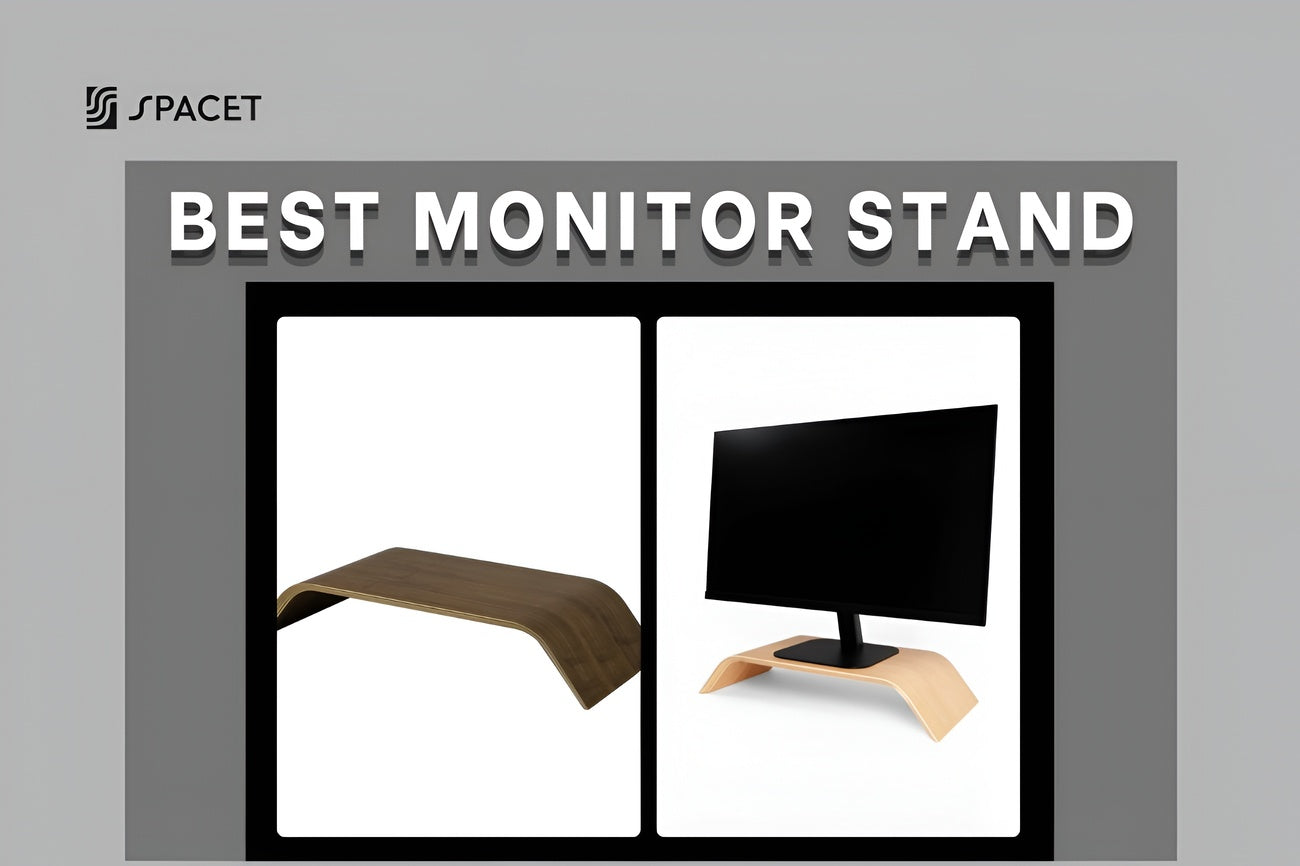
A desk shelf or monitor riser is one of the most effective tools for achieving proper monitor height without wall mounting or monitor arms for standing setup. By elevating the screen to the correct ergonomic level, a desk shelf:
- Improves posture without the need for permanent hardware
- Keeps monitors stable at standing height
- Frees valuable desk space underneath for storage and accessories

Beyond ergonomics, a desk shelf creates a layered workspace structure, visually separating your monitor, work surface, and storage zones. This organization reduces visual clutter and supports better focus.
Desk Shelf Workspace
The Space's Desk Shelf Workspace is designed to raise your monitor to ergonomic height while maximizing functional space below. By allowing drawers, trays, and daily-use accessories to sit neatly underneath, it helps maintain a clean desk surface and a structured workflow for your standing desk setup.

This setup not only reduces neck strain and eye fatigue but also transforms your standing desk into a purpose-built workstation - one that supports posture, efficiency, and long-term comfort without compromising aesthetics.
3. Keyboard & Mouse: Wrist-Friendly Setup
Hand positioning plays a critical role in long-term comfort. In standing positions, users often apply more weight through their arms compared to sitting. Without proper positioning and surface support, this leads to cumulative stress injuries such as wrist fatigue, forearm tightness, and shoulder discomfort over time.
Correct Keyboard & Mouse Positioning
An ergonomic keyboard and mouse setup should support a neutral wrist posture, where the hand remains aligned with the forearm. From a technical standpoint, this means:
- Wrist extension or flexion should stay within 0–5°, minimizing tendon friction and nerve compression
- Ulnar and radial deviation (side-to-side wrist bending) should be kept under 10°
- The keyboard and mouse should be placed on the same horizontal plane to prevent repetitive vertical reaching
- Elbows should rest at approximately 90–100°, staying close to the torso to reduce shoulder elevation

Keeping the mouse positioned immediately next to the keyboard reduces unnecessary reaching. Each additional 5 cm (2 inches) of reach increases shoulder muscle activation, which can contribute to upper-body fatigue during long time using standing desk setup.
Desk Pad
Normally crafted from natural cotton and linen, the Desk Pad provides both tactile comfort and ergonomic support. Technically, its woven textile surface:
- Provides a soft, breathable typing surface
- Absorbs pressure during standing work
- Protects your desk from wear and scratches
- Visually anchors your workspace

In standing desk setups where downward arm pressure is typically 15–25% higher than in seated positions, a quality desk pad significantly improves comfort and reduces cumulative strain.
Mouse Pad
Mouse control quality directly influences wrist movement patterns. Poor tracking surfaces often force users into repetitive micro-adjustments, increasing tension in the wrist extensors and forearm muscles.

This premium mouse pad combines precision engineering with material stability:
- Smooth leather surface ensures consistent sensor tracking and controlled glide
- Solid walnut wood base prevents flexing or vibration during movement
- Cork underside enhances friction with the desk surface, eliminating slippage
By maintaining a stable tracking environment, this mouse pad reduces unnecessary micro-movements and helps keep wrist motion within a controlled range. Over long work sessions, this translates to lower muscle activation, reduced fatigue, and improved fine-motor control, especially during detailed or repetitive tasks.
4. Storage & Organization: The Secret to Focus
A cluttered desk increases mental fatigue and reduces focus. In standing desk setups, clutter is even more disruptive because everything sits at eye level. Unlike seated desks with below-eye-line clutter, standing desks expose every object in your peripheral vision. This makes intentional storage design essential, not optional.
Why Integrated Storage Matters
Integrated storage is designed to work with your desk structure instead of adding layers on top of it. From a functional perspective, integrated solutions:
- Keep high-frequency items within a 30–50 cm reach zone, reducing unnecessary arm movement
- Maintain a clean horizontal visual line, which reduces visual noise
- Reduce decision fatigue by giving every item a consistent, predictable location

Studies on task efficiency suggest that reducing visual clutter can improve focus and task completion speed by up to 15–20%, particularly during cognitively demanding work.
Desk Tray Drawer
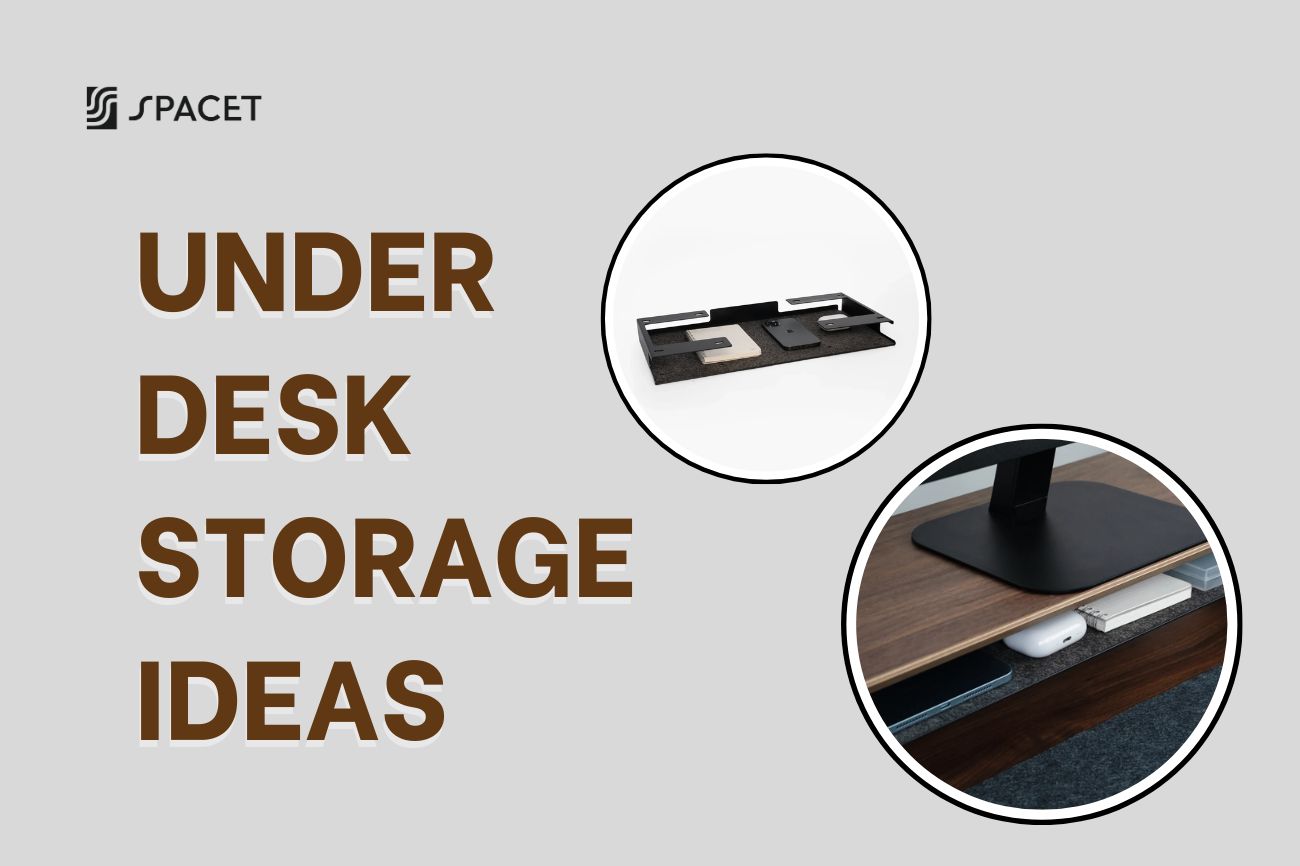
A desk tray drawer is designed to slide seamlessly beneath a desk shelf, staying completely out of sight when not in use. This placement keeps frequently used items accessible without occupying desk surface area.

It is ideal for:
- Pens, cables, notebooks, and small tech accessories
- Items used multiple times per day
- Maintaining a clean, distraction-free desktop
By keeping these tools hidden but reachable, tray drawers reduce surface clutter while preserving workflow efficiency.
5. Laptop Users: Docking for Ergonomics
Using a laptop alone forces a compromise between screen height and keyboard height - an ergonomic conflict that becomes more pronounced when standing. If the screen is at eye level, the keyboard is too high. If the keyboard is at a comfortable height, the screen is too low.

That is why a proper standing desk setup eliminates this compromise by separating screen height from input height.
Why Laptop Docks Are Essential
A laptop dock transforms a portable device into a full ergonomic workstation. Technically, a dock:
- Raises the laptop screen to eye level (typically 100–120 cm from the floor, depending on user height)
- Enables connection to one or more external monitors
- Centralizes power, display, and data cables
- Allows fast transitions between sitting and standing without reconnecting devices

This reduces repetitive setup adjustments and minimizes cable strain during desk height changes.
Complete Laptop Ergonomic Setup
For optimal posture and comfort, pair your laptop dock with:
- An external keyboard positioned at elbow height
- An external mouse aligned with the keyboard
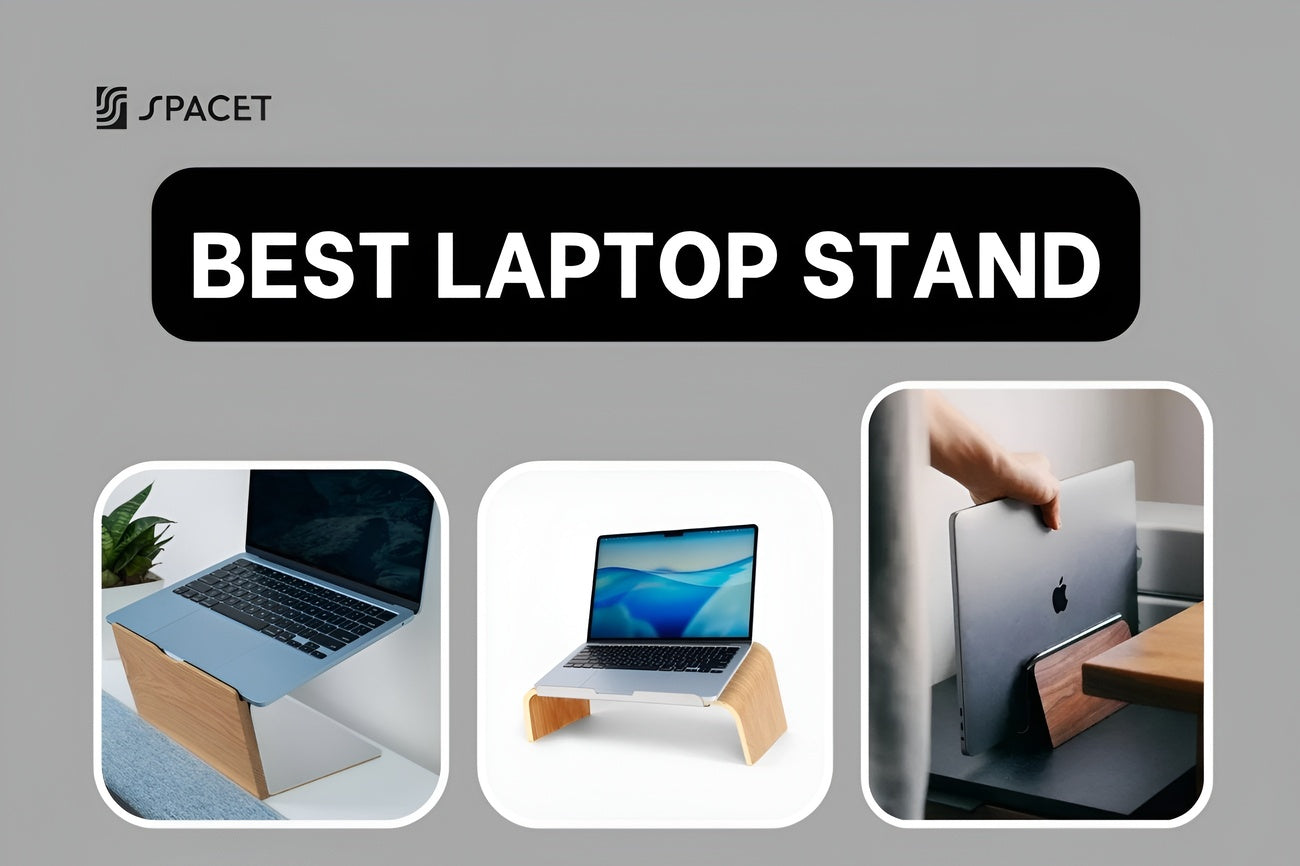
- A desk shelf or laptop stand to maintain proper screen elevation

This configuration:
- Restores neutral neck alignment
- Reduces shoulder elevation
- Improves typing accuracy and endurance
The result is a standing desk setup that supports long work sessions without forcing postural compromise.
6. Standing Comfort: Movement Over Stillness
Standing desks are not designed to replace sitting, or rather, they are designed to promote movement variability. Static standing increases muscle activation in the calves, lower back, and hips, leading to fatigue and joint stiffness over time. Biomechanical studies show that alternating postures reduces spinal compression and improves circulation far more effectively than standing alone.
How to Stand Comfortably
The most effective standing desk users follow these movement principles:
- Alternate between sitting and standing every 30–45 minutes
- Shift weight regularly between feet to reduce static load
- Use footrests or anti-fatigue mats to encourage micro-movement
- Perform brief stretches every 60–90 minutes

Anti-fatigue mats, in particular, can reduce lower-limb discomfort by up to 50% by promoting subtle muscle engagement and improving blood flow. Movement, not duration, is what makes standing desks sustainable long term.
7. Cable Management: Often Ignored, Always Important
Cable management plays a critical role in both functionality and aesthetics. In adjustable standing desks, poorly routed cables can restrict movement, create hazards, and damage equipment over time.
Problems Caused by Poor Cable Management
Without proper cable routing, users may experience:
- Visual clutter that breaks concentration
- Tension on cables during desk height changes
- Increased risk of cable wear, port damage, or accidental disconnection

Even minor resistance during height adjustment can discourage users from switching positions regularly.
Effective Cable Management Solutions
A clean cable system should include:
- Under-desk cable trays to support power bricks and adapters
- Velcro cable ties for flexible organization
- Adhesive cable clips to guide cables along controlled paths

Proper cable slack, typically 5–10 cm beyond maximum desk height, is essential to ensure smooth movement without tension. Remember that a well-managed cable system supports reliable desk operation and enhances the minimalist aesthetic of a modern standing desk setup.
How to Alternate Between Sitting and Standing?
Standing desks are not designed to keep you on your feet all day. Prolonged standing places continuous load on the lower back, hips, knees, and feet, which can lead to muscle fatigue, joint compression, reduced circulation and many of the same risks associated with prolonged sitting. The real ergonomic benefit comes from regular posture variation, not from standing longer.

Here’s a simple rhythm to alternate positions frequently enough to prevent static strain while maintaining productivity:
- 20–30 minutes standing: This duration activates postural muscles and improves blood circulation without overloading the lower limbs.
- 30–40 minutes sitting: Sitting allows recovery of leg muscles while maintaining spinal support when posture is correct.
- Repeat throughout the work session: Consistency is more important than exact timing.
Using a timer, smartwatch alert, or habit-tracking app helps enforce these transitions. Without reminders, most users unintentionally remain in one position for 90 minutes or more, which negates the ergonomic advantages of a height-adjustable desk.
Best Standing Desk Setup Checklist
A standing desk only performs well when the entire workstation is aligned to human biomechanics. Use this checklist to verify that your setup supports healthy posture in both sitting and standing modes:
- Monitor height: Top of screen at eye level
- Keyboard/mouse height: Elbows at ~90°
- Standing intervals: Alternate sitting/standing every 30 minutes
- Anti-fatigue support: Mat or soft surface under your feet
- Cable management: Clips, trays, drawers or ties to keep everything neat
When these elements work together, alternating between sitting and standing becomes effortless, sustainable, and genuinely beneficial, rather than a chore you abandon after a few weeks.
Final Thoughts
A best standing desk setup is not about standing longer, it’s about working smarter. When ergonomics, movement, and organization are aligned, your workspace actively supports better posture, reduced fatigue, and sustained focus throughout the day.
Spacet has these elements worked together by incorporate desk shelves, desk pads, storage drawers, and laptop docks to make your workspace become healthier, more efficient, and easier to use every day. Just make your workspace becomes more than just a desk!

Share: