


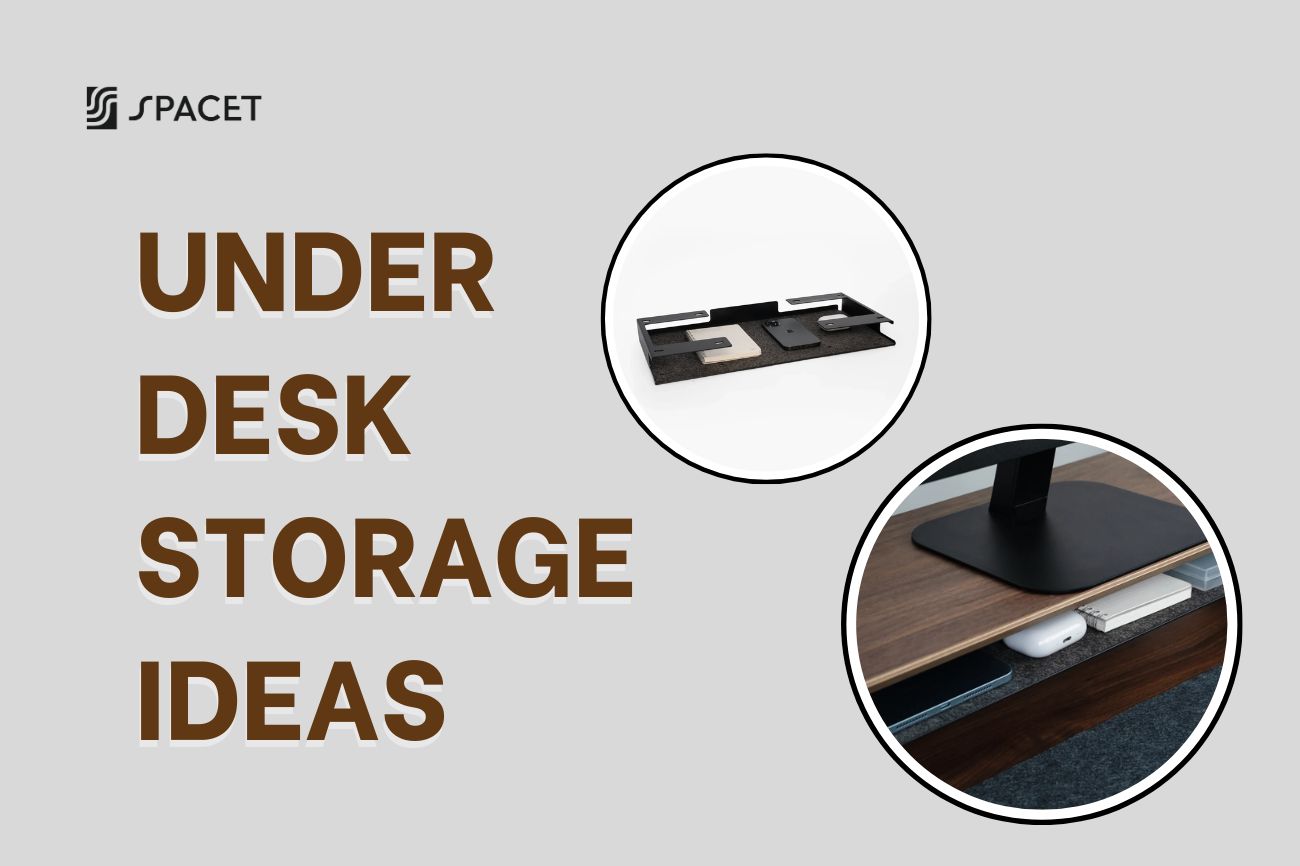
There's more room under your desk than you think. With the right setup and a few smart accessories, that empty space can become the perfect spot to tuck away cables, power strips, and everyday clutter without eating into your desktop. Spacet put together 9 practical under desk storage ideas below, along with a quick comparison table to help you pick the right one for your space.
Why the space under your desk deserves real attention
Most people treat the area under their desk as a place to hide things they don't want to look at. But a messy setup down there, with cables wrapped around your legs and a power strip sliding around the floor, directly affects how comfortable your workday actually feels. You end up avoiding stretching your legs or shifting position, and over time that small habit contributes to back pain and neck stiffness.

On the flip side, a tidy under desk area also affects how focused you stay. When your eyes aren't constantly catching on tangled cords or loose gadgets, your brain has one less distraction to filter out, which makes it easier to stay in a deep work state. That's exactly why cable management always comes first in any real under desk storage solutions plan, long before you start thinking about drawers or shelves.
Figure out what you actually need to store first
Before you buy anything, take a few minutes to write down exactly what needs a home under your desk. This one step saves you from buying something too bulky for the space you have, or something too small to actually be useful.
A simple way to sort this out is to split your items into three groups.
- Daily items: pens, notebooks, headphones, phone chargers, anything you reach for multiple times a day.
- Weekly items: work documents, backup hard drives, spare gear you don't need every hour but still want close by.
- Long term items: paperwork, records, accessories you rarely touch but still want within reach when the moment comes.
Once you've sorted your stuff this way, you'll know whether you need a simple cable tray or a more complete under desk organizer ideas setup with multiple layers.
9 under desk storage ideas, from quick fixes to full setups
1. Start with a cable tray to tame the mess
This is always the first move, because almost every messy under desk area starts with tangled charging cables, mouse cords, and monitor wires. A cable tray does one simple job well: it mounts to the underside of your desk with clips or screws, creating a long channel along the back edge so every wire sits inside it instead of dangling toward the floor.

The trick most people miss is placing the power strip right inside or next to the tray, so every charger only needs a short run instead of snaking across the whole desk. It also helps to group cords by device using zip ties or velcro, monitor cables in one bundle, charging cables in another, so cleaning or rearranging later doesn't turn into untangling a giant knot.
2. Mount your charging dock and power strip close to the desk
Once your cables are tidy, the next step is dealing with the charging dock, adapters, and multi plug strip that usually still end up loose on the floor even after the cords are managed. Mounting these pieces to the underside of the desk, right near the cable tray from step one, pulls your entire power setup into one tight cluster instead of scattering it across the floor.
This small change also cuts down on the chance of kicking a cord or stepping on a power strip while you shift around at your desk, which matters more than it sounds once you're sitting there for eight hours a day.
3. Add a pegboard or flexible hooks for small gear
If there's still open vertical space under your desk, a small pegboard mounted to the underside lets you hang hooks, fabric pouches, or pockets for things like a portable hard drive, a mini router, or a spare tablet. The best part of a pegboard setup is that you can move things around anytime without drilling new holes, which is handy if your storage needs tend to shift over time.

This is especially useful if you juggle several pieces of peripheral tech at once, since it keeps your "backup gear" zone completely separate from the power and cable area you set up in steps one and two, making cleaning and troubleshooting much simpler later on.
4. Install an under desk drawer for small items
An under desk drawer is the classic fix for anyone whose desk doesn't already have built-in storage, and it's especially common with standing desks. This type of drawer is perfect for pens, paper clips, memory cards, and portable chargers, small things you don't want sitting out on your desktop but still need to grab quickly.

When picking one of these under the desk storage ideas, look for a slim profile with a smooth sliding mechanism, since a bulky drawer eats into legroom that's already limited. If you need more capacity, you can stack a couple of shallow drawers vertically instead of going wide, as long as the total height still leaves your legs room to move.
5. Sort your drawer by how often you actually use each item
Having a drawer isn't enough if you just toss everything in without any system. A better approach is to organize by frequency, keeping daily items in the easiest to reach slot and pushing rarely used items to the back or bottom.
This simple habit is what separates a genuinely useful under desk organizer ideas setup from a drawer that quietly turns into a junk pile, the kind where finding one small item means digging around for a few frustrating minutes.
6. Bring items up from under the desk with a shelf that has a bottom tier
Don't assume the under desk organization has to stay confined to the floor space under your desk. If there's unused room right on your desktop, specifically the space beneath a monitor shelf, you can move a good portion of your clutter up there instead of cramming everything below your knees.
This is exactly why more people are switching to a desk shelf with a built in lower tier instead of relying only on drawers or hanging trays. Everyday items like notebooks, headphones, or a backup charger sit right within arm's reach under the monitor, so you're not bending down to dig through the space under your desk every time you need something.
If your current shelf doesn't have that lower tier, or you're shopping for a new one, the Desk Shelf Pro v2.0 from Spacet Desk Shelf System collection is worth a look. Its solid lower shelf holds up to 100kg, and it simply sits on your desk with no drilling or extra hardware required.

7. Hang accessories beside your shelf instead of below your desk
Beyond moving things onto the lower tier, there's one more spot most people overlook entirely, the space right beside your desk shelf, on either side of the frame. Spacet AIRY Modular Desk Shelf makes use of exactly that spot through its mounting grid, letting you attach a Power Strip Holder to keep your outlet suspended beside the shelf, or a Desk Shelf Tray for small items, without putting anything down under the desk at all.


Power Strip Holder and Desk Shelf Tray
This layout gives your setup a bit of a signature look compared to relying only on a drawer or a pegboard. You can browse the full range of compatible add-ons in the Modular Collection and add pieces gradually as your setup actually needs them, instead of buying an entire system upfront.
>> Read more: 18+ Desk Shelf Ideas That Will Change How You Work Every Day
8. Use the dead space behind your monitor stand
If you're running a standalone monitor stand rather than one built into a shelf, the space directly behind it is usually wasted completely. This spot works well for a small tray or a hook for items you rarely need, as long as it doesn't get in the way of adjusting your monitor's height.
Pairing this trick with a shelf that has a lower tier, from idea six, gives you several layers of storage in the same general area, making the most of your desk's full depth instead of leaning entirely on the space under it.
9. Switch to a mobile cart if you move around a lot
If you regularly change where you work within your home, every fixed solution above might not be the best fit. A multi tier rolling cart that sits beside your desk, or gets pushed underneath when you need the floor space, is far more flexible, letting you carry documents, bags, or personal items around the house without rebuilding your whole setup each time.
>> Read more: Ergonomic Desk Setup - The Complete Guide to a Workspace That Actually Works for Your Body

This works particularly well for rented spaces or shared offices, anywhere you'd rather not mount anything permanently to a desk or wall.
A quick comparison of under desk storage solutions
| Solution | Best for | Drilling required | Flexibility |
| Cable tray | People with tangled charging and mouse cords | No | Medium |
| Pegboard or hooks | People with unused vertical space | Yes | High |
| Under desk drawer | Small items you need to grab fast | Depends | Medium |
| Desk shelf with lower tier | People who want a monitor riser and storage in one | No | Medium |
| Modular system (AIRY) | People who want to build up their setup gradually | No | High |
| Mobile cart | People who move around often | No | High |
Mistakes to avoid when setting up under desk storage
One of the most common mistakes is buying too many separate accessories at once without thinking about your total legroom, which can leave your setup feeling more cramped than before you started. Always start with an integrated solution first, then add standalone pieces only if you genuinely still need them.
The second mistake is ignoring how materials look together, which leaves the space under your desk feeling mismatched with everything above it. If you want your whole setup to feel like one cohesive piece rather than a random mix of parts, check out Spacet Collection Line Up to see which product sets are designed to pair together in wood tone and style.
Frequently asked questions about under desk storage ideas
What are the best under desk storage ideas for a small desk?
For a small desk, prioritize solutions that mount directly to the desk rather than sitting loose on the floor, like a shelf with a lower tier or a slim under desk drawer. This makes use of vertical space instead of eating into a floor area that's already tight.
How do I hide cables under my desk neatly?
The most effective approach is pairing a fixed cable tray with a power strip mounted close to the desk instead of left on the floor. Many modern desk shelves, including Spacet's lineup, already build a cable channel into the design so you don't need to buy anything extra.
Does under desk storage actually improve how I sit?
Yes. Once cardboard boxes, tangled cords, and loose bins are out of your legroom, you can stretch out and shift position throughout the day much more easily. That small freedom matters a lot for maintaining good posture over long stretches of work.
Should I buy an integrated desk shelf instead of separate accessories?
For most people, an integrated shelf saves both time and money since it handles monitor height and storage in a single piece. That said, if you want more control over customizing your setup over time, a modular system gives you more room to adjust as your needs change.
Does an under desk drawer cut into legroom?
If you choose a slim model mounted in a sensible spot, an under desk drawer barely affects your legroom at all. Problems usually show up when someone installs several drawers at once or picks a model that's too deep for the actual clearance under their desk.
Start optimizing the space under your desk today
Cleaning up under your desk doesn't require buying everything on this list at once. Start with whatever bothers you most, usually the tangled cables, and expand from there with a drawer or a shelf once you actually feel the need.
If you're after one solution that handles both monitor height and storage at the same time, Spacet Desk Shelf Pro v2.0 and AIRY Modular Desk Shelf are two of the strongest picks available right now, clean looking and sturdy enough for daily use over the long run.
For more ways to round out your setup, browse the Spacet Blog for more practical tips from the team behind these under desk storage ideas.


Share: