


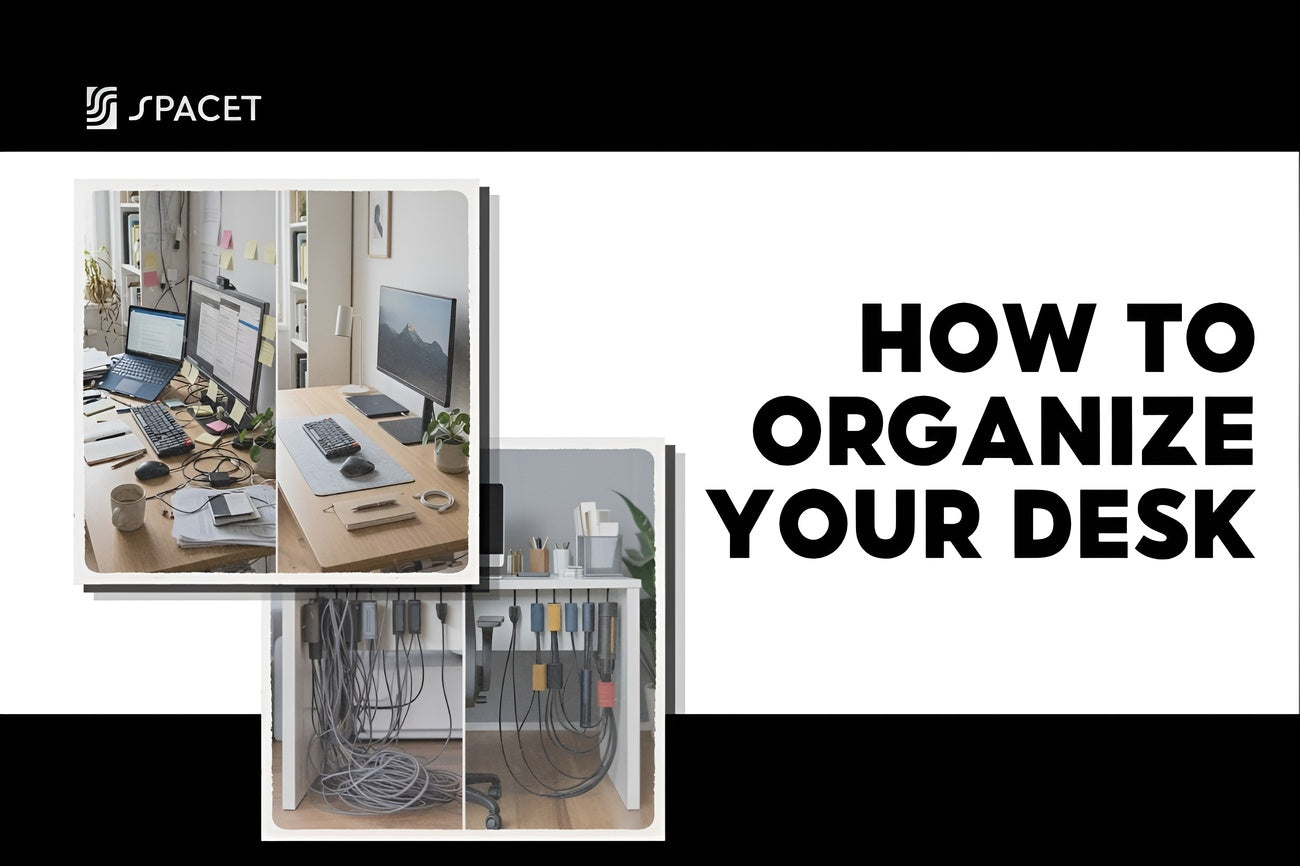
A cluttered desk doesn't just look messy, it hurts your focus and productivity. In this guide, Spacet shares practical desk organization tips to help you create a cleaner, more efficient workspace that stays organized.
Why your desk keeps getting messy
Most people don't intentionally let their desks pile up. But clutter has a way of building quietly on its own. The real problem isn't a lack of willpower, it's a lack of system. When nothing has a fixed place, everything ends up wherever it's dropped, and it just stays there.
A study by Princeton University Neuroscience Institute, Interactions of Top-Down and Bottom-Up Mechanisms in Human Visual Cortex, found that a cluttered environment directly competes for your attention and limits your brain's ability to focus. Every item sitting out of place on your desk is a small but constant distraction. So getting your desk organized isn't just about aesthetics, it's one of the most practical things you can do for your productivity.
Step 1: Clear everything off and start fresh
Before buying any organizers or accessories, start by taking everything off your desk, monitor, keyboard, cables, all of it. This one step is more useful than it sounds. Once the surface is completely empty, you can actually see how much space you have, and you're forced to make a real decision about what goes back.
While the desk is clear, wipe it down. Then sort what you had into three groups:
- Keep on the desk: Things you use every day or every week.
- Move somewhere else: Things that don't need to live on the desk surface: reference materials, spare cables, backup accessories.
- Throw away: Old papers, dead pens, broken or unused items.

The rule of thumb: if you didn't actively put it back, you probably don't need it there. This filter alone removes a surprising amount of clutter that's been building for months.
Step 2: Zone your desk by function
One of the most effective desk organization tips is to divide your desk into clear functional zones, rather than letting everything compete for the same flat surface. When every item has a designated area, you always know where things should go, and putting them back becomes automatic.
A well-organized desk usually breaks down into four zones:
- Center zone: Your monitor or laptop. This is your primary work area. Keep it open and unobstructed.
- Dominant-hand zone: The side you naturally reach toward most often. Ideal for your phone, a notepad, or a pen.
- Back zone: The area behind your monitor. Great for a desk shelf, headphone stand, a plant, or reference books you rarely touch.
- Storage zone: Drawers or trays for things that need to be accessible but don't need to be visible all the time.

Once each zone has a purpose, you stop making micro-decisions about where to put things, and those small decisions are exactly what wears you down over time. A strong desk organization system removes that friction entirely.
Step 3: Use vertical space with a desk shelf
One of the most common mistakes when trying to organize your home office desk is focusing only on the horizontal surface, shifting things left and right, but never thinking upward. The space above your desk is almost always unused, and it's actually the most valuable real estate you have.
A desk shelf lets you bring your monitor to eye level while freeing up the surface underneath for your keyboard, mouse, and daily essentials. Sitting at a screen set to the right height also reduces neck and shoulder strain, something most people don't think about until it's already causing discomfort.
At Spacet, two desk shelves stand out as the most popular choices:
Desk Shelf Pro v2.0
Desk Shelf Pro v2.0 is Spacet's flagship shelf, available in black walnut, oak, white oak, and all black. It's a solid, fixed-form shelf, clean and minimal, designed for people who want a polished setup without the complexity. The space underneath clears out completely for your keyboard and mouse, and the whole desk instantly looks more intentional.

AIRY Modular Desk Shelf
AIRY Modular Desk Shelf takes a more flexible approach, built around a mounting grid that lets you attach add-ons over time: trays, drawers, holders, without replacing the whole setup. It comes in two sizes (Medium 84cm and Large 116cm), making it easy to match to your desk. If you want a setup that grows with you, AIRY is the smarter starting point.

>> Browse the full Desk Shelf System collection to find the right fit for your desk size and style.
Step 4: Manage your cables
Even the most carefully organized desk can look chaotic if cables are tangled everywhere. Cable management is one of the most overlooked parts of a desk setup, but fixing it takes less effort than most people expect, and the visual difference is immediate.
A few practical approaches:
- Use cable clips or velcro straps: Bundle cables together and route them along the back or underside of the desk instead of letting them spread across the surface.
- Move your power strip out of sight: Keeping a power strip on the desk creates a hub of cords going in every direction. Mounting it under the desk or at the back wall is a quick fix.
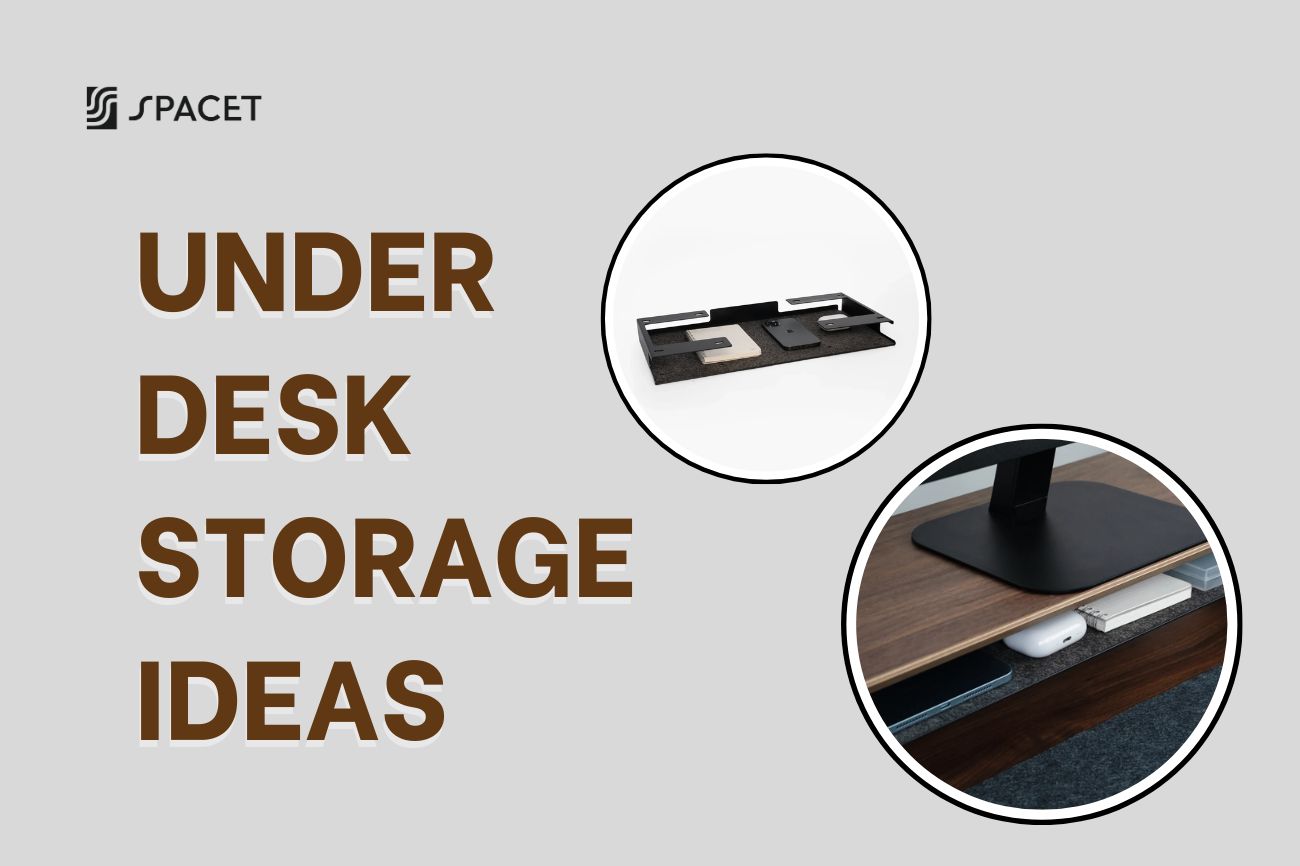
- Use a cable management tray: A tray mounted under the desk hides the power strip and all associated cables entirely.
- Label your cables: When several cables look identical, a small label means you always unplug the right one without tracing the whole wire.

The goal is simple: only one or two cables should be visible on or above the desk surface. Everything else should be routed, bundled, or hidden.
Step 5: Build a system for papers and small items
Once the physical setup is sorted, the next step is creating a desk organization system for documents and everyday supplies. Papers and small items are where most desks gradually fall apart: they accumulate quickly and nobody deals with them until it's too late.
For paperwork, a simple three-tier priority system works well:
- High priority: Active projects you're working on this week. Keep these visible on a tray or in a folder within easy reach.
- Medium priority: Documents you'll need this month but not every day. Store in a drawer or labeled folder.
- Archive: Anything you need to keep but rarely reference. Move this off the desk entirely, into a cabinet, a shelf, or a filing system elsewhere.
For pens, clips, and small accessories, the principle is the same: only what you actually use regularly earns a spot on the desk. One pen holder with two or three working pens is all you need. A cup with twelve pens where half are dried out is just noise.
Spacet's Desk Tray Drawer v2.0 and The Storage Drawer are both designed to integrate cleanly with the desk shelf, giving you contained, accessible storage without adding visual clutter.

Desk Tray Drawer v2.0
Step 6: Set your desk up for good posture
A well-organized desk isn't just about what's on the surface, it's about positioning everything so your body isn't working against itself while you work. Desk organization and ergonomics solve the same problem from different angles.
Key things to get right:
- Monitor height: The top of your screen should be at or just below eye level, roughly 50-70cm from your face. A desk shelf handles this without a monitor arm.
- Keyboard and mouse: Your elbows should sit at about 90 degrees, with your wrists flat and relaxed, not bent up or down.
- Phone and notepad: On your dominant side, within easy reach, so you're not twisting or reaching across to grab them.
- Lighting: Ideally coming from the side: left if you're right-handed, to avoid shadows when you write. A small desk lamp placed on your shelf works well here.
You don't need a standing desk to sit comfortably and productively. With the right monitor height and a clean, well-positioned setup, a seated desk works just fine, and for most people, it's the smarter, more sustainable option.
Step 7: Build habits that keep your desk tidy
Getting your desk organized is the easier part. How to keep your desk tidy in the long run is the real challenge. The answer isn't more willpower, it's simpler systems that don't require thinking.
A few habits that actually stick:
- The 2-minute rule: If something takes less than 2 minutes to put away, do it immediately. This one habit prevents most desk clutter from ever building up.
- End-of-day reset: Spend 5 minutes at the end of each workday putting everything back in its place. Starting each morning with a clear desk is worth far more than the time it costs.
- A holding tray: Keep a small tray or designated corner for things you haven't decided what to do with yet, instead of leaving them spread across the whole surface. Clear it out at the end of each week.
- Monthly review: Once a month, spend 10-15 minutes reassessing what's on your desk. Things accumulate, needs change, and a quick review keeps the system honest.
The core idea behind every good desk organization tip is this: every item needs a home. When things have a fixed place, putting them back is effortless, not a decision you have to make.
Quick reference: What to do and What to avoid
Do:
- Zone your desk into clear functional areas.
- Use a desk shelf to reclaim vertical space and raise your monitor to eye level.
- Hide cables behind or under the desk.
- Keep only what you use daily or weekly on the surface.
- Reset your desk for 5 minutes at the end of every workday.
Don't:
- Leave papers unsorted on the desk surface.
- Buy organizers before you've cleared and assessed what you actually need.
- Let cables run freely across or around the desk.
- Use the desk as a dumping surface for things unrelated to work.
- Skip the monthly review, clutter creeps back quietly.
Other Spacet products worth adding to your setup
Beyond the desk shelf and storage drawers covered above, Spacet offers a range of accessories that complement your setup without crowding it. All of them follow the same design language, so they mix and match easily.
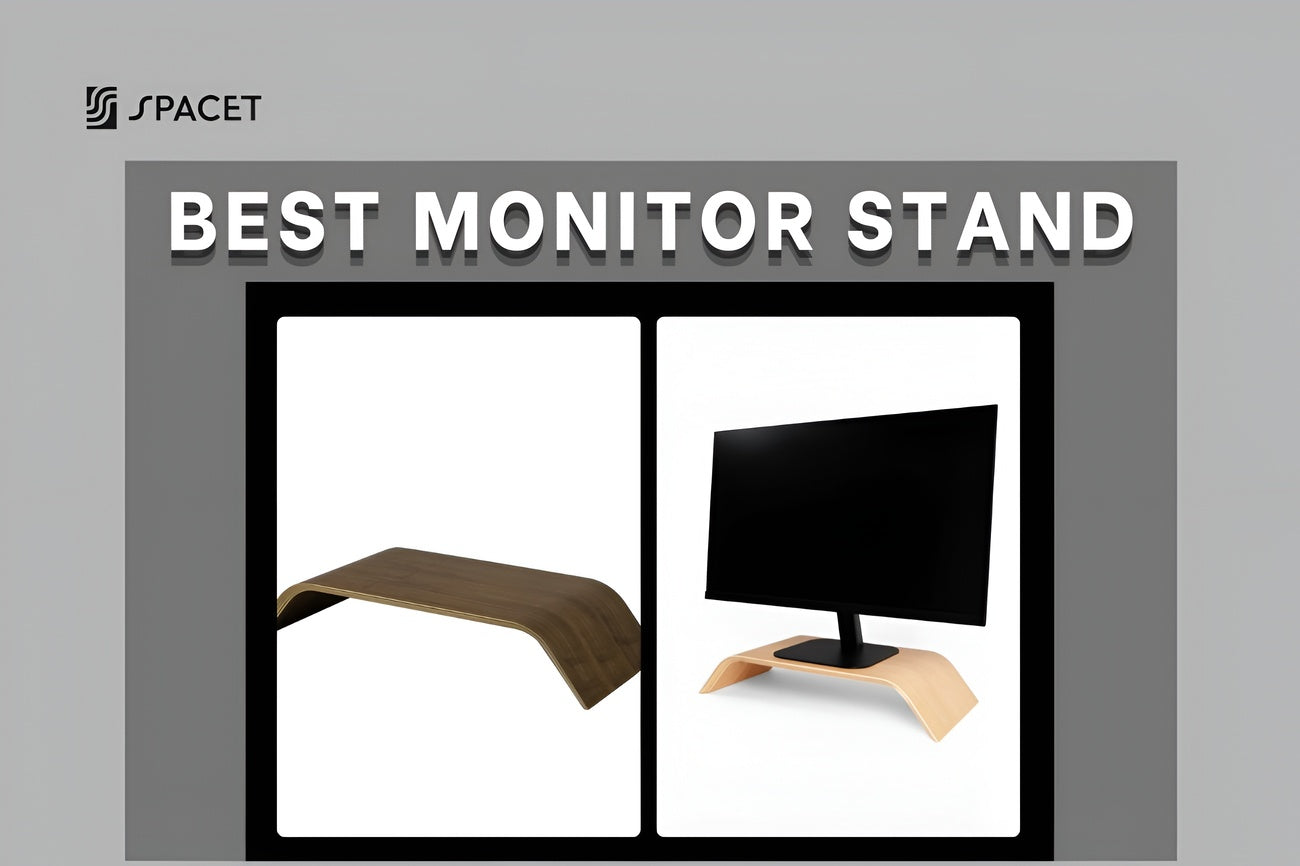
- Monitor Stand v2.0: A standalone riser that lifts your monitor to the right height and opens up useful space underneath for your keyboard and daily items.
- Desk Stand Slim v2.0: A slim, low-profile hardwood stand designed to hold your phone, tablet, or small desk essentials in one tidy spot. A clean way to keep everyday items upright and within reach without cluttering the surface.
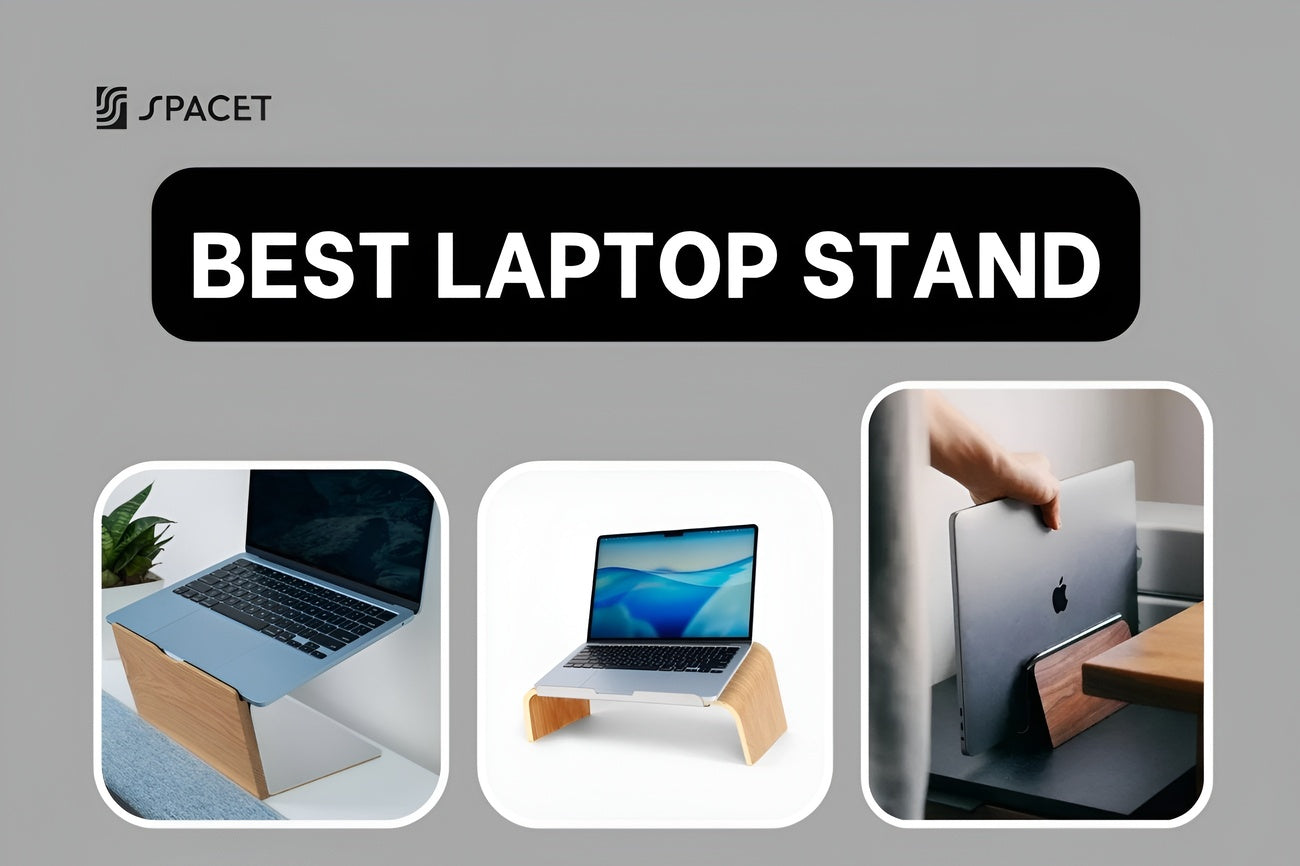
- Vertical Laptop Stand v2.0: Holds your laptop vertically when docked to an external monitor, freeing up a significant amount of desk space and making the whole setup feel more deliberate.
- The Pen Holder | Workspace: Keep your pens and small writing tools in one fixed spot so they stop migrating around the desk.
- MagSafe Stand v2.0: Charges your iPhone and keeps it propped up and visible on the desk, useful for notifications and quick calls without having to pick up your phone.

You can browse everything at Spacet and build your setup piece by piece, starting with what matters most to you.
FAQs about how to organize your desk
Where should I start when organizing my desk?
Start by removing everything from the desk surface, then sort items into three groups: keep, relocate, or discard. Only put back what you actively use. This forces real decisions and prevents the same items from drifting back onto the desk by default.
Is a desk shelf actually useful, or just decorative?
A desk shelf solves two real problems at once: it raises your monitor to eye level and adds a dedicated storage layer above the surface. For anyone who works at a computer daily, it's one of the most practical changes you can make to your desk setup.
How do I keep my desk tidy after organizing it?
Give every item a fixed home and build a short reset habit at the end of each workday. Most desks get messy again because things lose their designated place, not because the person organizing them ran out of motivation.
Should I buy organizers before or after cleaning up?
After. Use your desk as-is for a week or two once you've cleared it, and see what patterns emerge. Buy organizers based on actual habits, not assumptions. Buying storage first usually means buying the wrong things.
How do I organize a small home office desk?
Prioritize vertical space over horizontal. A desk shelf gives you an extra storage layer without taking up any additional floor or desk space. Beyond that, keep the surface to a strict minimum, only daily-use items stay on the desk, everything else gets stored in drawers or off the desk entirely.
Final thoughts
A well-organized desk isn't about perfection, it's about having a setup that supports the way you work, not one you have to fight against. The steps in this guide aren't complicated, but they compound: clear the surface, zone the space, use vertical storage, manage cables, and build a few simple habits. Done together, they change how a desk feels to work at.
If you want a single starting point, a desk shelf from Spacet is one of the most impactful first moves. It frees up surface space, sets your monitor at the right height, and gives the whole setup a cleaner visual structure, all in one step.
For more ideas on building a workspace you'll actually enjoy using, visit the Spacet Blog.

Share: