


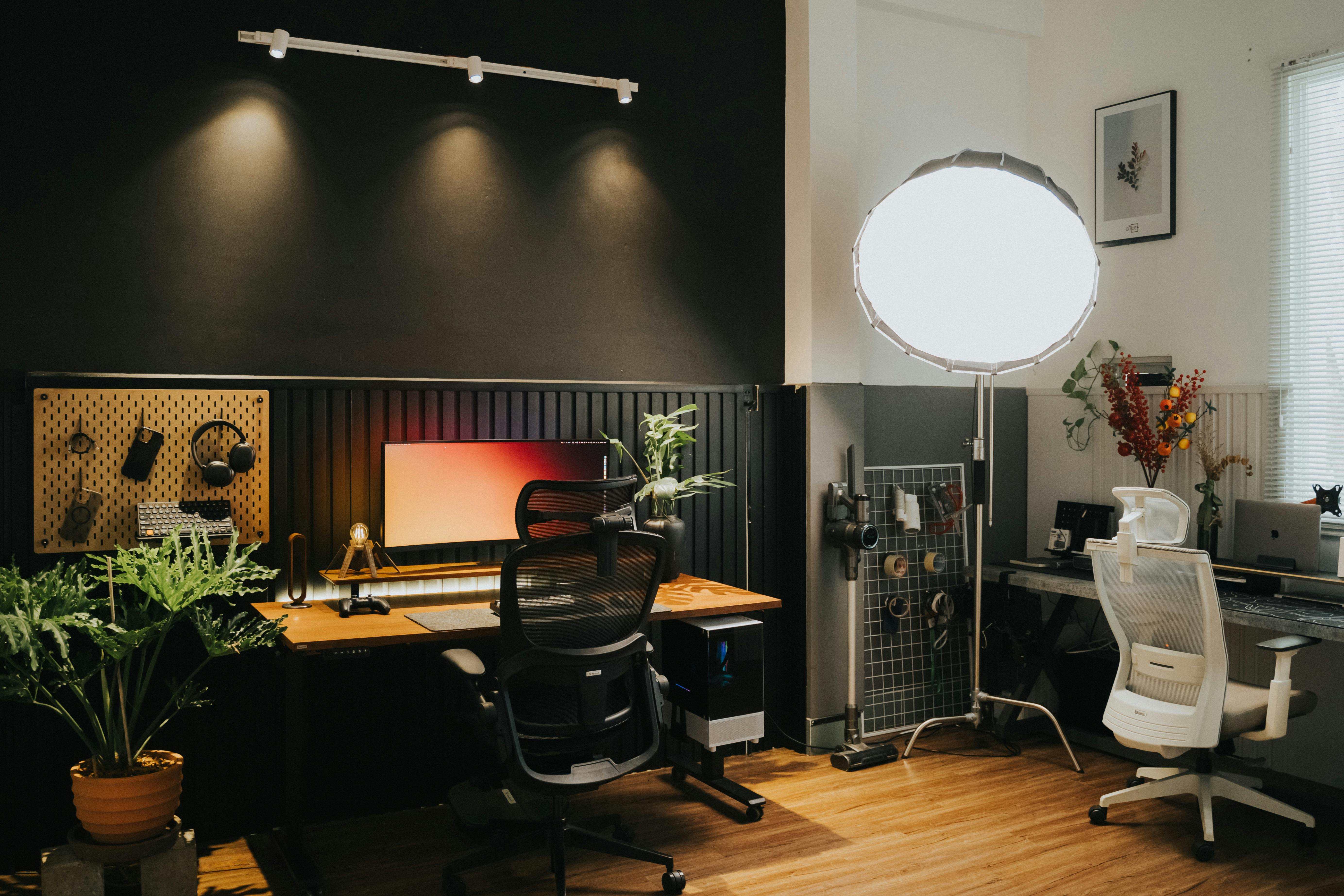
A great workspace is not about adding more things, but about choosing the right ones. At Spacet, we’ve seen that with just a few well-chosen best desk accessories, you can significantly improve both your productivity and daily comfort without rebuilding your entire setup.
Why Invest in Desk Accessories?
Before jumping into the list, it’s important to understand why desk accessories matter more than most people think. When chosen correctly, they directly impact how you work every single day.
- Improve productivity: A well-organized desk helps you reduce time spent searching for items or dealing with small interruptions. Over time, these small improvements add up and help you stay focused longer, which is why many top desk accessories are designed around organization and workflow.
- Support better ergonomics: High-quality desk accessories like ergonomic stands, cable organizers, and smart storage solutions contribute to a clutter-free environment, reducing distractions and prevent some symptoms such as back pain, eye strain, poor circulation, carpal tunnel syndrome, etc.
- Boost motivation and focus: A clean and visually pleasing workspace makes you more willing to sit down and start working. This is where cool desk accessories also play a role, as they help create a setup that feels personal and enjoyable.
Want more ideas to personalize your workspace? Check out our full inspiration on the list of 40+ Desk Setup Ideas.
Top 20+ Best Desk Accessories for 2026
Here's a breakdown of the 20+ essential desk accessories to consider for your 2026 workspace:
Group 1: Essential desk accessories for posture & foundation
These are the most important items in any setup because they directly affect how you sit, look at your screen, and interact with your workspace.
1. Desk Shelf
A desk shelf is one of the most impactful must have desk accessories because it improves both ergonomics and organization at the same time. By raising your monitor to eye level, it helps reduce strain on your neck and shoulders, which is especially important if you work long hours.
It also creates an extra layer of space underneath, allowing you to store your keyboard or accessories neatly. This makes your desk look cleaner and more structured instead of cluttered.
How to Choose the Right Desk Shelf:
-
Material & Design: Choose a desk shelf that enhances your workflow and blends naturally with your aesthetic. A well-built Desk Shelf System gives you structure, improves ergonomics, and creates a clean visual flow across your setup.
- Size & Capacity: Think about what you actually place on your desk daily. A good desk shelf should support monitors, speakers, notebooks, and accessories without overwhelming your workspace. The right system gives you more surface area and keeps everything organized without clutter.
- Special Features:Some shelves go beyond basic elevation. Modular systems allow you to expand, reorganize, or personalize your setup as your needs evolve. This is especially important if you swap accessories, use dual monitors, or enjoy optimizing your workflow.
Meet the Spacet Desk Shelf System
Instead of treating a desk shelf as a simple add-on, Spacet designed it as a complete system with different product lines for different needs. This makes it easier to build a setup that actually fits your workflow instead of forcing everything into one solution.
Desk Shelf Pro v2.0: A more compact and minimal option, ideal for smaller desks or single-monitor setups. Even with its smaller size, it still delivers the key benefits of better posture and cleaner organization.

AIRY Modular Desk Shelf: Designed for flexibility, this version allows you to adjust and expand your setup over time. It is especially useful if your workflow changes often or if you like customizing your workspace.

Spacet AIRY Modular Desk Shelf
The biggest value of this system is that it helps you build a structured workspace where every item has a clear place, making your daily workflow smoother and more efficient.
2. Advanced Cable Management System
Cable management is often overlooked, but it is one of the most important parts of a clean setup. When cables are messy, your entire workspace feels cluttered and harder to manage.
Using tools like cable trays, clips, or organizers helps you group everything into a clean system. Once cables are under control, your desk immediately looks more organized and becomes easier to maintain.

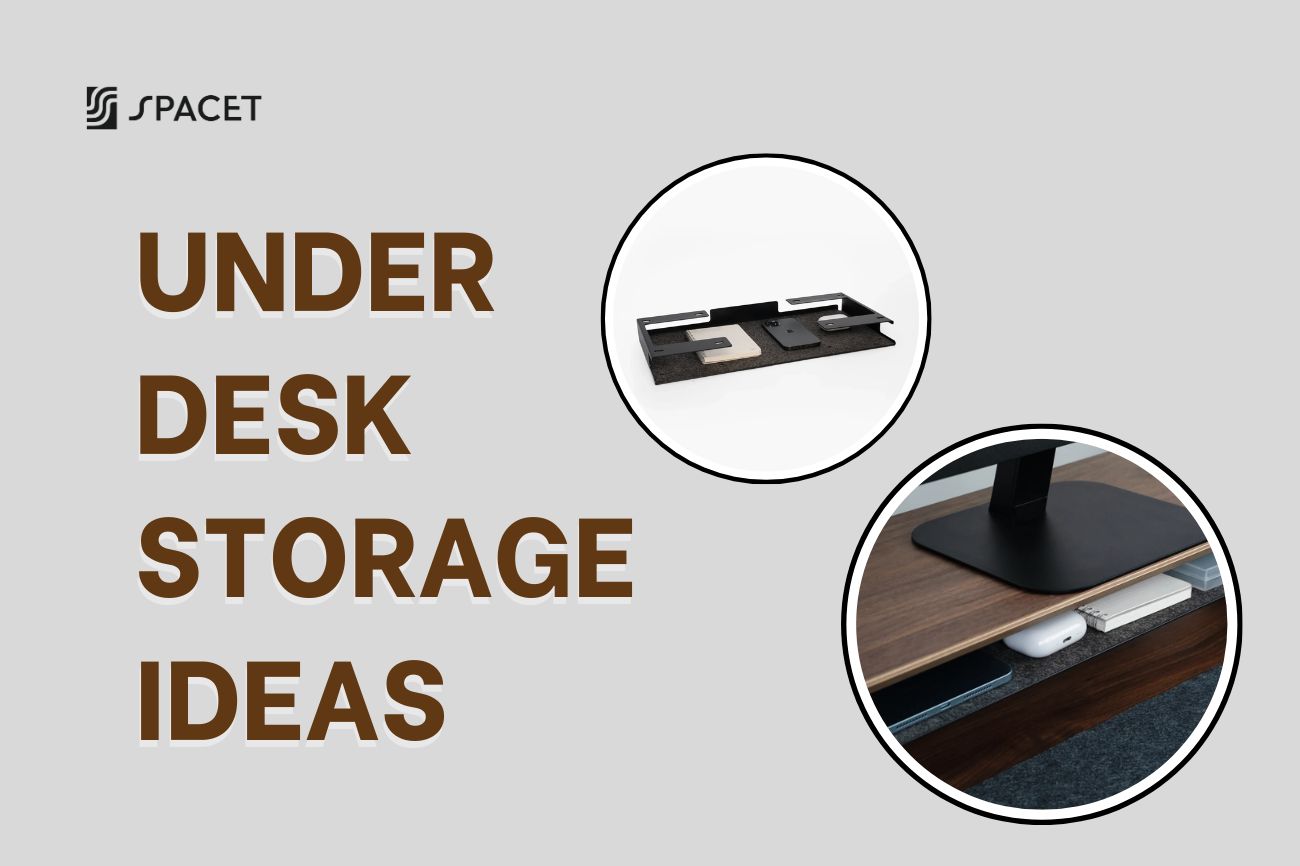
- Cable Trays: These discreetly hide cables under your desk.
- Cable Clips: Keep cords neatly routed along the edges of your desk.
- Cord Organizers: Tidy up the clutter behind your monitor and other devices.
- Surge Protectors with Cable Management: Maintain safeguard and convenience for your devices with built-in cable organization features.
3. Premium Desk Pad
A desk pad acts as the foundation of your workspace by providing a smooth and stable surface for your keyboard and mouse. It also helps reduce wrist fatigue by offering a softer resting area.
In addition, it protects your desk from scratches and helps unify the look of your setup, making everything feel more cohesive.
How to choose the right desk pad:
- Material: Genuine leather for a premium feel, or fabric for a softer touch, such as Desk Pad from Cotton & Linen.
- Size: Choose a size that covers a significant portion of your desk without overwhelming the space.
- Features: Some pads come with built-in wireless charging, waterproof coating, or stitched edges to prevent fraying.

If you’re looking for a high-quality option, Spacet offers Felt Desk Pad combines premium merino wool felt with a non-slip base, designed to deliver a smooth and responsive surface that feels just right under your hand.
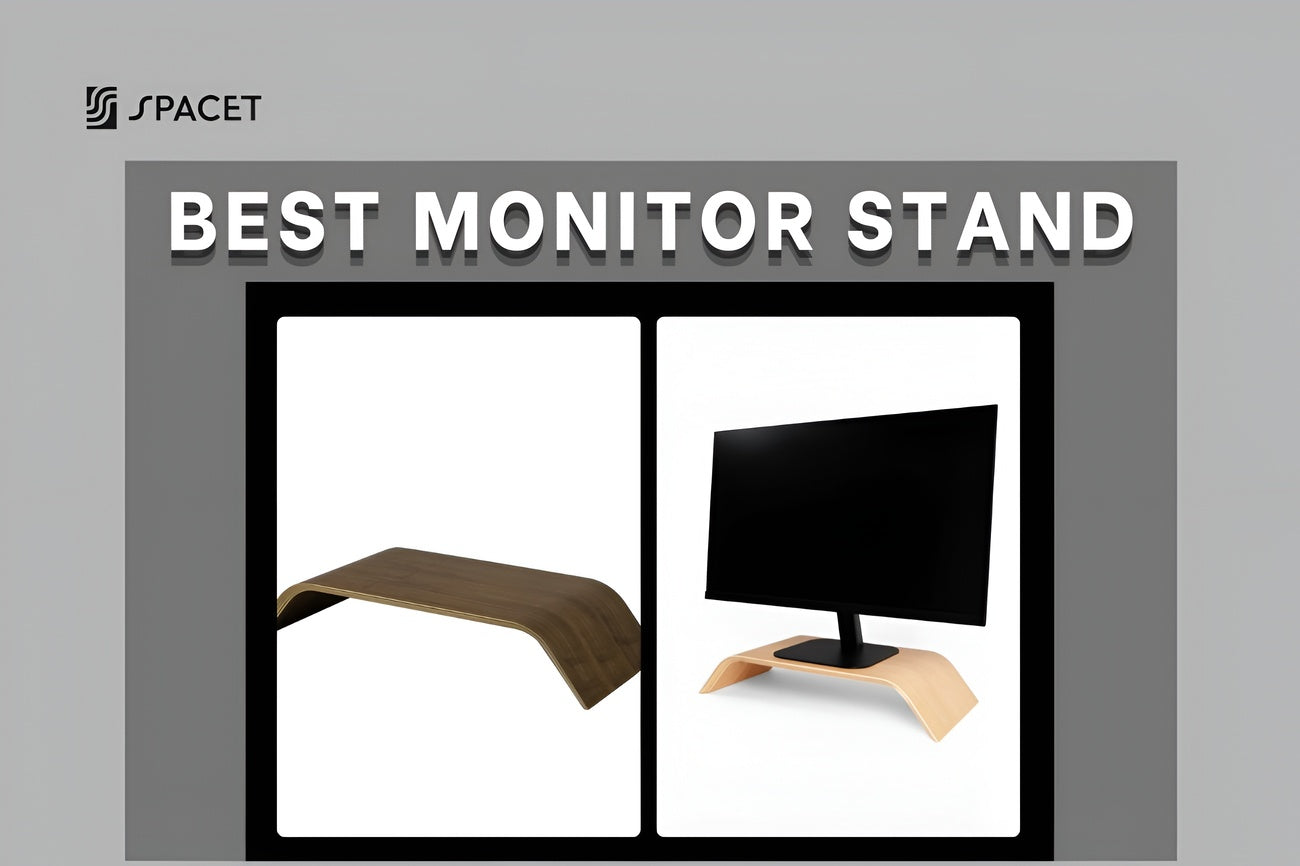
4. Monitor Stand with Storage
A monitor stand raises your screen to a better viewing height while also adding storage space. Versions with drawers or compartments allow you to hide small items, reducing clutter on your desk.
Choosing the Right One:
- Adjustable Height: Ensures proper alignment with your eye level.
- Material: Wooden for aesthetics, metal for durability, or acrylic for a modern look.
- Additional Storage: Drawers or compartments for storing small items like pens and sticky notes.

This makes it easier to stay focused while keeping your workspace visually clean.
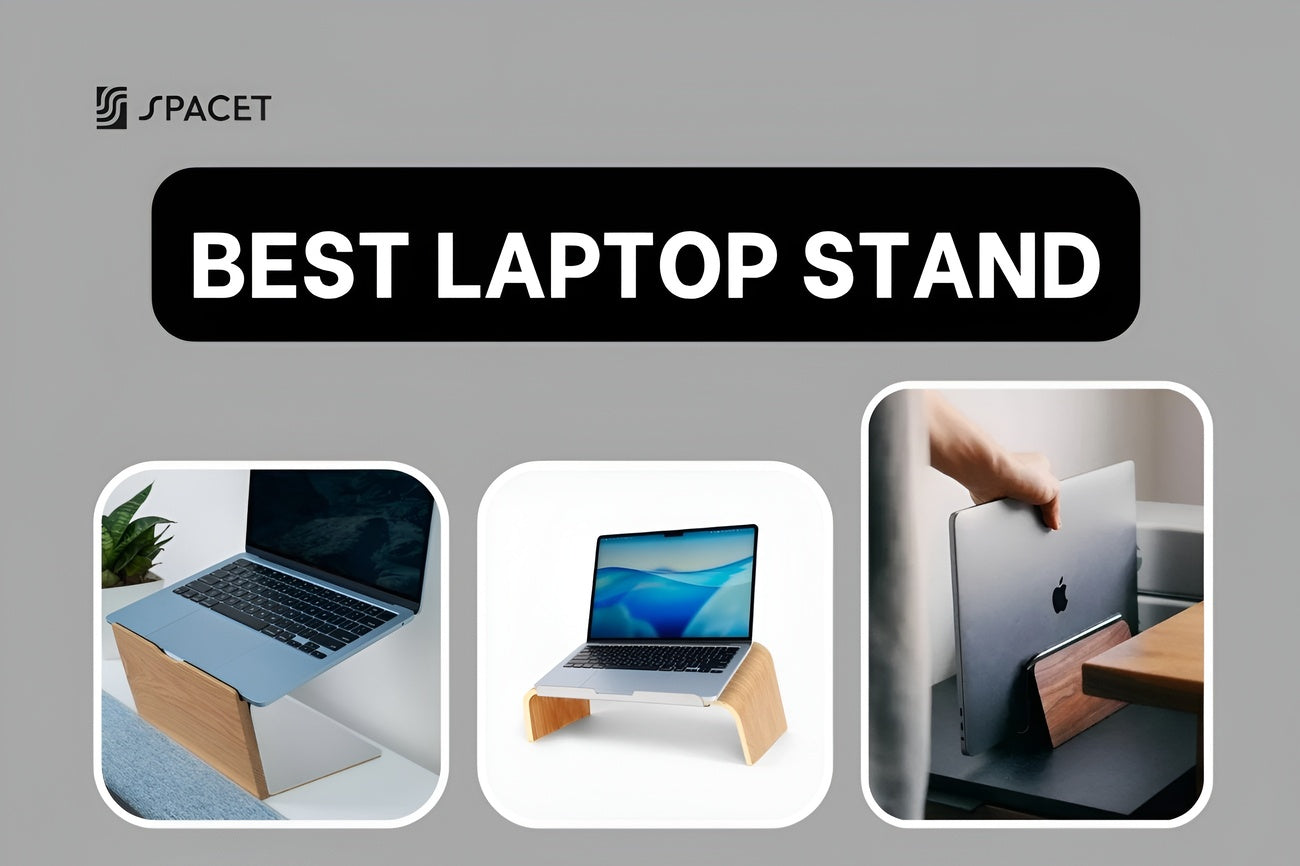
5. Laptop Stand
Using a laptop stand on a desk often forces you to look down, which leads to neck strain over time. A stand lifts your device to a better angle, improving posture and comfort.
It also improves airflow around your device, helping with cooling during long work sessions.

What to look for:
- Adjustable Height and Angle: Allows for personalized positioning.
- Sturdy Build: Aluminum or reinforced plastic for durability.
- Foldable Design: Makes it easy to carry or store when not in use.
6. Monitor Arm
A monitor arm gives you full control over your screen position, allowing you to adjust height, angle, and distance easily. This flexibility helps you create a more comfortable and ergonomic setup.
It also frees up desk space, making it one of the best work desk accessories for people who want a cleaner layout.
If you're working with a dual screen layout, don’t miss our detailed tutorial on how to set up stacked monitors for your home office for maximum productivity and space optimization.

How to Select the Best Monitor Mount:
- VESA Compatibility: Ensure it fits your monitor’s mounting standard.
- Adjustability: Swivel, tilt, and height adjustments provide flexibility.
- Weight Capacity: Choose one that supports your monitor’s weight.
Group 2: Top desk accessories for organization & clean setup
Once your posture is optimized, the next step is organizing your space to reduce clutter and improve daily usability.
7. Desk Tray
A desk tray helps you group small items like notebooks, papers, or accessories into one place instead of spreading them across your desk. This reduces visual clutter and makes your workspace easier to manage.

Spacet Desk Shelf Tray | The Modular
For a premium solution, consider the Storage & Accessories. Crafted from high-quality aluminum and cork, this tray offers a sleek design that complements any office decor.
Selection Guide:
- Stackable Design: Maximizes vertical storage.
- Material: Aluminum for durability, cork for affordability, wood for aesthetics.
- Compartments: Multiple sections help with better organization.
8. Pen Drawer
A pen drawer is a hidden storage solution that keeps small items out of sight. Instead of leaving pens and tools on your desk, you can store them neatly in a drawer.
This creates a cleaner and more minimal workspace, which helps reduce distractions and improve focus.

Selection Guide:
- Size: Compact for minimal clutter or larger for extensive storage needs.
- Material: Wooden designs for a classic look, plastic for affordability, or metal for durability.
- Compartments: Multiple sections help separate different stationery items for better organization.
9. Headphone Stand
A headphone stand gives your headphones a dedicated place instead of leaving them on your desk. This not only protects the device but also keeps your setup organized.
It can also act as a subtle design element, adding structure and balance to your workspace.
Investing in a quality stand like the Spacet Headphone Stand System ensures your headphones remain protected and your workspace stays organized.

Choosing a Headphone Stand:
- Stability: A weighted base ensures it stays upright.
- Material: Wooden for a premium feel, metal for durability.
- Additional Features: USB charging ports or hooks for cable management.
10. USB Hub
A USB hub expands your connectivity and reduces the need to constantly plug and unplug devices. By connecting everything through one hub, your workflow becomes smoother and more efficient.
It also helps keep cables more organized, which improves the overall look of your desk.
Key Features to look for:
- Memory Foam or Gel Support: Provides comfort and molds to your wrist shape.
- Non-Slip Base: Ensures stability and prevents sliding during use.
- Smooth Surface: Enhances precision for both optical and laser mice.
Group 3: Best work desk accessories for productivity
These accessories focus on comfort and efficiency, especially if you spend long hours working at your desk.
11. Ergonomic Mouse Pad with Wrist Support
An ergonomic mouse pad supports your wrist and keeps it in a natural position, reducing strain during long periods of use. This helps prevent discomfort and improves long-term usability.
Even though it is a small upgrade, it has a big impact on daily comfort.
12. Anti-fatigue Foot Rest
A footrest helps support your legs and improves your sitting posture. When your lower body is properly positioned, it reduces pressure on your back and makes long work sessions more comfortable.

Choosing the Best Foot Rest:
- Adjustability: Look for height-adjustable models to suit different desk setups.
- Material: Memory foam for softness or firm plastic for better foot support.
- Non-Slip Base: Ensures stability, especially on smooth flooring
13. Wireless Charging Station
A wireless charging station simplifies your setup by removing extra cables. You can charge your devices by simply placing them on the surface, making your workflow smoother.
Features to look for:
- High-Speed Data Transfer: USB 3.0 or higher for fast file transfers.
- Multiple Ports: Ensure enough slots for all your peripherals.
- Compact Design: Saves desk space while keeping devices accessible.
14. Docking Station
A docking station allows you to connect multiple devices through one port, making it easier to switch between setups. This is especially useful for laptop users.

Key Features:
- Compatibility: Ensure it supports your smartphone and other wireless charging-enabled devices.
- Fast Charging: Look for 10W or higher for quick power-ups.
- Multi-Device Support: Some models charge a phone, smartwatch, and earbuds at the same time.
Group 4: Cool desk accessories to enhance your setup
These items improve both function and aesthetics, making your workspace more enjoyable.
15. Designer Coasters
Coasters protect your desk from water damage while also adding a small design detail. They are simple but useful additions to any setup.
16. Desktop Humidifier
A humidifier improves air quality and reduces dryness, which helps you stay comfortable during long work sessions.

Group 5: Advanced desk accessories to level up your setup
These are optional upgrades that can significantly enhance your experience once your setup is already optimized.
17. Monitor Light Bar
A light bar provides focused lighting without causing glare, making it easier to work at night and reducing eye strain.
18. Mechanical Keyboard
A mechanical keyboard improves typing speed and accuracy while also adding personality to your setup. It is one of the most popular cool desk accessories today.
19. Stream Deck
A stream deck allows you to automate tasks and assign shortcuts, helping you work faster and more efficiently. It is especially useful for creators and professionals.
20. Mini Desk Fan
A mini desk fan keeps your workspace cool, helping you stay comfortable and focused for longer periods.

How to Choose the Right Desk Accessories
Choosing the best desk accessories is about solving real problems, not just adding more items to your desk.
- Start by identifying your biggest issue, whether it is posture, clutter, or workflow inefficiency, so you can focus on what matters most.
- Prioritize function over looks, because a good-looking item that does not improve your experience will not be useful in the long run.
- Build your setup step by step, starting with ergonomics, then organization, and finally aesthetics to create a balanced workspace.
Common Mistakes When Buying Desk Accessories
Many people make the same mistakes when building their setup, which leads to clutter instead of improvement.
- Buying based on trends instead of actual needs often results in unused items.
- Lack of a clear system makes the setup feel disconnected and harder to maintain.
- Focusing too much on aesthetics can reduce comfort and usability.
- Ignoring ergonomics limits the effectiveness of all other accessories.
Best Desk Accessories FAQs: What You Need to Know
What are the most essential desk accessories?
Desk shelves, cable management systems, and desk pads are among the most important essential desk accessories because they impact both comfort and organization.
Do I need all these accessories?
No, you only need the ones that solve your current problems and improve your workflow.
Are these suitable for gaming setups?
Yes, many of these can also be considered best gaming desk accessories, especially items like monitor arms, light bars, and mechanical keyboards.
How do I keep my desk minimal?
Focus on multi-functional items and avoid adding accessories that do not serve a clear purpose.
Conclusion
Incorporating these 20 must-have desk accessories can significantly enhance your workspace, boosting both productivity and comfort. To stay updated on the latest office accessory trends and innovations, visit Spacet's Blog for more insightful articles and products.

Share: