


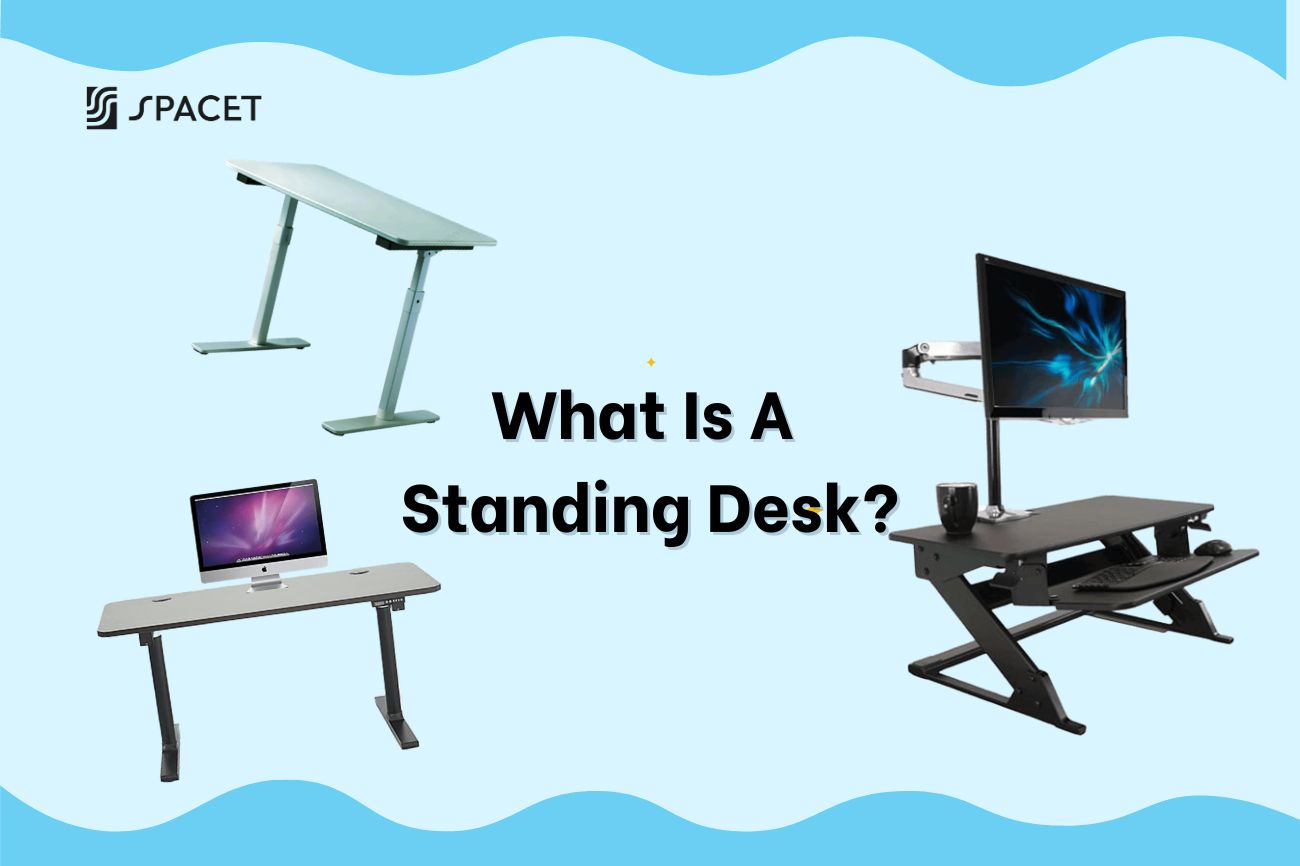
Le bureau debout est l'un des termes les plus recherchés dans la communauté du bureau à domicile en ce moment. Chez Spacet, c'est aussi le sujet sur lequel nous sommes le plus souvent interrogés : qu'est-ce que c'est exactement, vaut-il réellement l'investissement, et que faut-il savoir avant d'en acheter un ? Ce guide couvre tout cela.
Qu'est-ce qu'un bureau debout
Un bureau debout (également appelé bureau assis-debout ou bureau à hauteur réglable) est un bureau qui vous permet de travailler debout au lieu de rester assis toute la journée. La plupart des versions modernes sur le marché sont des bureaux assis-debout, ce qui signifie qu'ils peuvent être ajustés en hauteur afin que vous puissiez alterner entre la position assise et debout tout au long de votre journée de travail.

La principale différence avec un bureau ordinaire réside dans la flexibilité posturale. L'objectif d'un bureau debout n'est pas de rester debout toute la journée, mais de rompre le cycle de la position assise prolongée, que la recherche ergonomique a constamment liée aux risques pour la santé à long terme des travailleurs de bureau.
Pourquoi les gens utilisent-ils des bureaux debout ?
Lorsque vous passez plus de 8 heures par jour à votre bureau, l'optimisation ne s'arrête pas à une meilleure chaise ou un écran plus grand - elle revient finalement au bureau lui-même. Et à mesure que la prise de conscience des risques pour la santé liés à la position assise prolongée s'est accrue, les bureaux debout sont passés d'un avantage de bureau de luxe à un choix courant pour le bureau à domicile.
Les prix ont également considérablement baissé par rapport à il y a 5 à 10 ans, grâce à une fabrication à plus grande échelle et à un marché plus concurrentiel. Mais la question plus importante est la suivante : pourquoi les gens font-ils réellement ce changement ? Les raisons varient, mais quelques tendances reviennent constamment :
- Maux de dos chroniques dus à une position assise trop longue, et le désir de quelque chose de plus proactif que de simplement changer de chaise.
- Intégrer un mouvement léger dans la journée de travail sans avoir à quitter le bureau.
- Améliorer la configuration du bureau à domicile après avoir déjà investi dans une bonne chaise, un écran et un clavier.
- Rester concentré et maintenir des niveaux d'énergie stables tout au long de la journée, surtout l'après-midi.
Beaucoup de gens commencent par vouloir juste essayer, et après quelques semaines, revenir en arrière leur semble étrange.
Avantages des bureaux debout : ce que dit réellement la recherche
Beaucoup de gens se demandent si les avantages d'un bureau debout sont réels ou simplement marketing. La réponse honnête : oui, ils sont réels, mais seulement si vous l'utilisez correctement. Voici les avantages d'un bureau debout qui apparaissent le plus constamment dans l'utilisation réelle.
-
Réduction de la pression sur la colonne vertébrale et les hanches : L'alternance entre la position assise et debout répartit la charge sur votre corps au lieu de comprimer les mêmes points pendant des heures. C'est un soin préventif, pas une guérison, et c'est particulièrement précieux si vous n'avez pas encore une excellente chaise ergonomique.
-
Meilleur contrôle de la glycémie et circulation : Un léger mouvement et la position debout après les repas aident votre corps à traiter le glucose plus efficacement. Cela améliore également le flux sanguin dans vos jambes, qui a tendance à ralentir considérablement lorsque vous restez immobile pendant de longues périodes.
-
Plus d'énergie, moins de coup de barre l'après-midi : La position debout maintient vos muscles légèrement actifs et améliore le flux sanguin vers le cerveau. De nombreux utilisateurs de bureaux debout remarquent que le coup de fatigue après le déjeuner devient beaucoup plus doux une fois qu'ils ont établi une routine assis-debout.
-
Meilleure posture au fil du temps : Lorsque votre bureau est réglé à la bonne hauteur, la position debout engage naturellement votre tronc et favorise une colonne vertébrale plus droite. Au fil du temps, cette habitude a tendance à se répercuter sur la façon dont vous vous tenez en dehors du travail également.
- Combustion passive de calories : La position debout brûle environ 50 % de calories de plus que la position assise pour la même durée. Cela semble faible par heure, mais cumulé sur des mois et des années, cela représente une différence significative pour quiconque n'a pas beaucoup de temps pour faire de l'exercice en dehors du travail.

Types de bureaux debout et fonctionnement des bureaux debout
Un bureau debout n'est pas un seul produit. Il existe en fait 4 types courants sur le marché, chacun avec un mécanisme et un niveau de commodité différents. Connaître la différence vous aide à choisir le bon dès le départ.
- Bureau debout électrique : utilise un moteur électrique et une vis sans fin à l'intérieur de chaque colonne de pied pour soulever et abaisser le plateau lorsque vous appuyez sur un bouton. Un boîtier de commande maintient les deux pieds synchronisés afin que la surface reste de niveau. L'option la plus pratique et le choix le plus populaire pour les bureaux à domicile professionnels.
- Bureau debout manuel/à manivelle : La hauteur est ajustée avec une manivelle. Coût inférieur, mais nécessite un effort physique à chaque fois que vous souhaitez changer de position.
- Bureau debout fixe : Réglé à une seule hauteur, sans ajustement. Rarement recommandé pour une utilisation quotidienne à long terme en raison de son manque de flexibilité.
- Convertisseur de bureau : Se place sur votre bureau existant pour surélever votre écran et votre clavier. Point d'entrée économique, mais valeur ergonomique globale limitée.
Les bureaux debout électriques sont les plus largement préférés pour une bonne raison : ils vous permettent de changer de position d'une simple pression, sans perdre votre concentration. Les modèles de qualité sont également équipés d'un préréglage de mémoire qui enregistre 2 à 4 de vos hauteurs préférées et d'un système anti-collision qui arrête automatiquement le bureau s'il heurte quelque chose en descendant.
Bureau debout vs bureau ordinaire : lequel vous convient le mieux ?
Il ne s'agit pas vraiment de savoir lequel est le meilleur, il s'agit de savoir lequel correspond à vos habitudes de travail réelles. Un bureau ordinaire et un bureau debout ont tous deux leur place, selon la façon dont votre journée est structurée.
| Critères | Bureau ordinaire | Bureau debout |
| Posture de travail | Fixe, principalement assis | Flexible, alternance assis-debout |
| Idéal pour | Quelques heures de travail de bureau par jour, mode de vie actif | Longues heures au bureau avec peu de mouvement |
| Coût | Moins cher, plus accessible | Coût initial plus élevé, investissement à long terme |
| Flexibilité | Convient bien à une installation fixe | S'adapte à différents utilisateurs et postures |
| Accessoires supplémentaires nécessaires | Basique | Vaut la peine d'ajouter un gestionnaire de câbles, un tapis anti-fatigue |
Si vous passez plus de 4 heures par jour à votre bureau et ne bougez pas beaucoup pendant les heures de travail, un bureau debout mérite d'être sérieusement envisagé. Si vous n'utilisez votre bureau que quelques heures et restez actif tout au long de la journée, un bon bureau ordinaire avec une chaise ergonomique de qualité reste un excellent choix et plus économique.
Ce qu'il faut rechercher dans un bureau debout
Le marché des bureaux debout est vaste et les prix varient beaucoup. Que vous cherchiez quel est le meilleur bureau debout réglable ou quel est le meilleur bureau debout électrique pour votre installation, la réponse revient presque toujours à faire correspondre vos besoins réels à ces spécifications de base :
- Plage de hauteur : Doit couvrir confortablement vos hauteurs assise et debout. Une plage de 60 à 125 cm convient à la plupart des gens.
- Capacité de poids : Additionnez votre moniteur, votre ordinateur portable et vos accessoires, puis assurez-vous de rester en dessous de 80 % de la charge maximale pour une utilisation quotidienne.
- Type de moteur : Les configurations à double moteur sont plus stables et plus durables qu'un seul moteur au fil du temps.
- Niveau sonore : Un bureau électrique bien construit fonctionne à moins de 50 dB, assez silencieux pour que vous ne le remarquiez pas pendant les appels ou le travail concentré.
- Préréglage de la mémoire : Recherchez au moins 2 à 4 préréglages de hauteur enregistrés pour que changer de position soit sans effort.
- Certification de sécurité : La certification UL, CE ou équivalente garantit que le bureau répond aux normes de sécurité électrique et mécanique.
- Surface et matériau : Assurez-vous que le plateau est suffisamment large pour votre installation et construit à partir de matériaux durables et qui correspondent à votre esthétique.

Comment utiliser correctement un bureau debout
Posséder un bureau debout n'apporte pas automatiquement des avantages pour la santé, la façon dont vous l'utilisez est tout aussi importante. Quelques principes fondamentaux à garder à l'esprit :
- Alternez entre la position assise et debout toutes les 30 à 60 minutes au lieu de rester debout toute la journée. La station debout continue provoque de la fatigue tout comme la position assise continue.
- Réglez la bonne hauteur debout : Coudes à 90 degrés, écran au niveau des yeux, épaules détendues.
- Utilisez un tapis anti-fatigue si vous êtes debout sur des planchers en bois dur ou en carrelage.
- Réglez une minuterie ou utilisez les préréglages de votre bureau pour vous souvenir de changer de position, la plupart des gens oublient sans rappel.
Complétez votre installation après avoir acheté un bureau debout
Voici quelque chose que la plupart des articles sur les bureaux debout oublient : le bureau n'est que la base, c'est la façon dont vous organisez votre plateau qui détermine la productivité au quotidien.
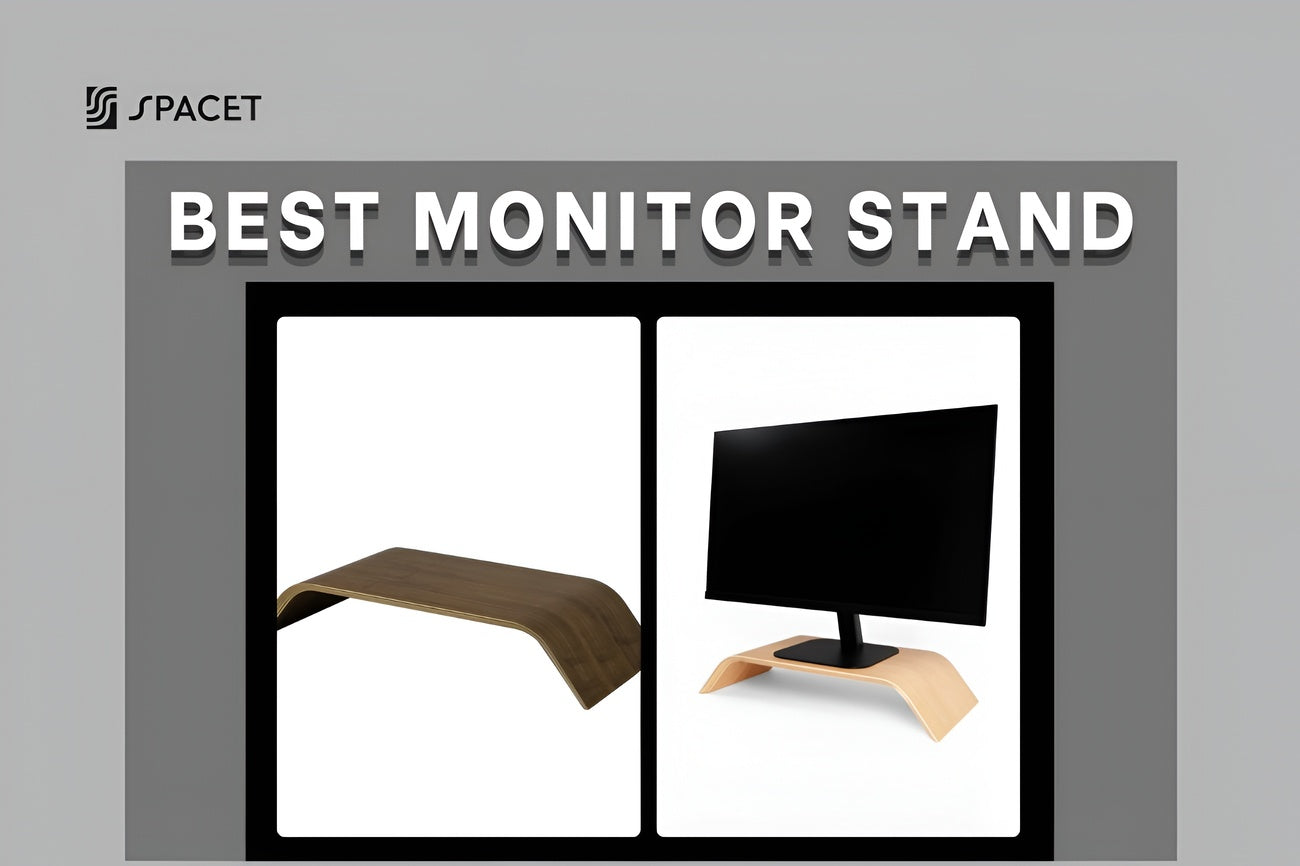
Lorsque vous avez un bureau assis-debout, la surface monte et descend régulièrement. Cela signifie que les câbles, les accessoires et les appareils doivent être disposés de manière à rester propres, stables et sans enchevêtrement chaque fois que vous ajustez la hauteur. C'est précisément là qu'un système d'étagère de bureau trouve sa place, surélevant votre moniteur et votre équipement d'un niveau, créant un espace de rangement en dessous et améliorant considérablement votre configuration ergonomique globale.
Chez Spacet, deux produits de notre collection Desk Shelf System sont spécialement conçus pour s'harmoniser avec les bureaux debout :
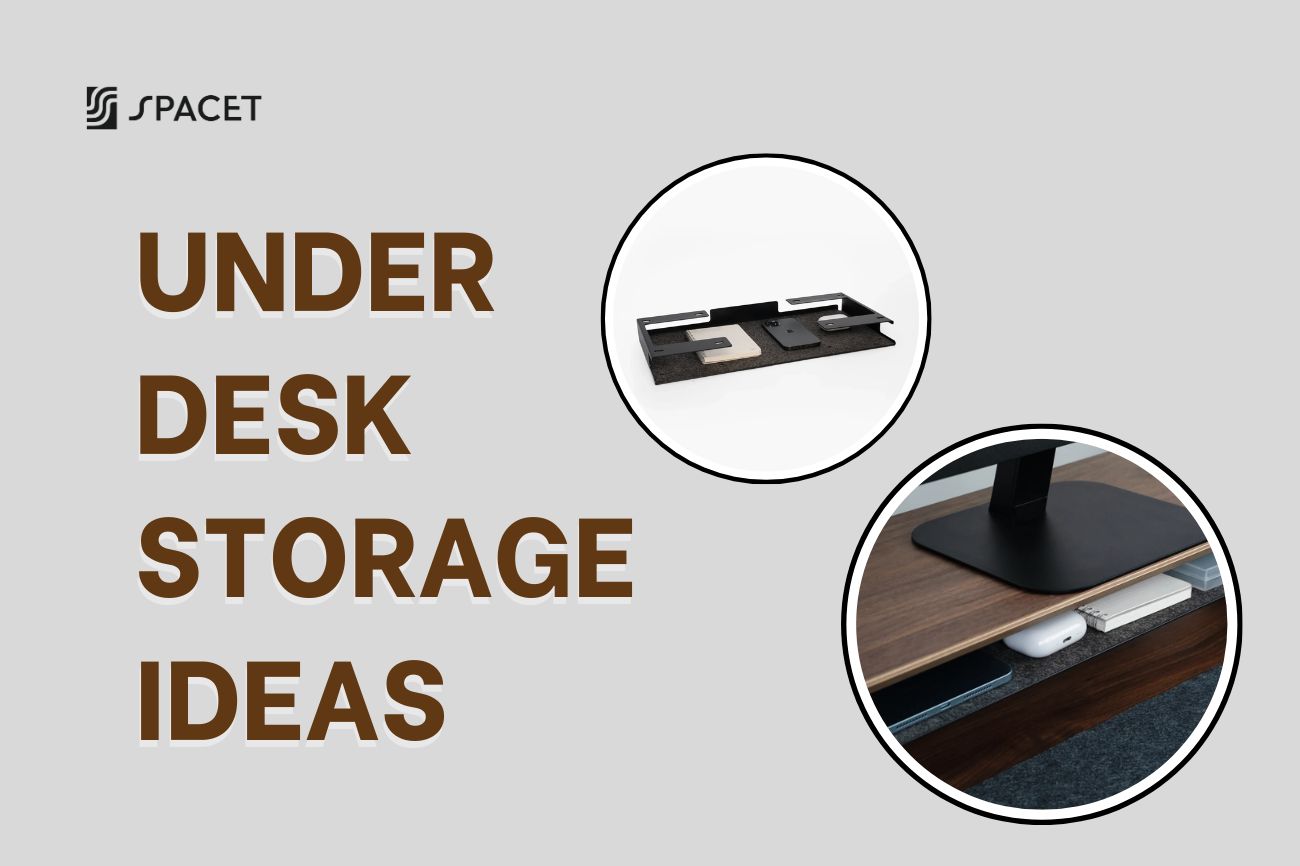
L'étagère de bureau Pro v2.0 est l'étagère phare de Spacet, fabriquée en contreplaqué de bois dur de qualité supérieure avec un cadre en aluminium et une surface en liège. Elle est dotée d'un compartiment de rangement intégré en dessous, ce qui en fait une solution tout-en-un pour tout ce qui se trouve sur votre bureau. Disponible en grand (117 cm) et moyen (80 cm) pour s'adapter aux bureaux pleine taille et compacts.

L'étagère de bureau modulaire AIRY est le choix idéal pour tous ceux qui apprécient la flexibilité et la possibilité de la personnaliser au fil du temps. La grille de montage modulaire vous permet d'étendre et d'ajouter des modules accessoires à mesure que votre installation évolue, sans avoir à tout recommencer. Disponible en Grand (116cm) et Moyen (84cm), avec plusieurs options de finition.

Étagère de bureau modulaire AIRY
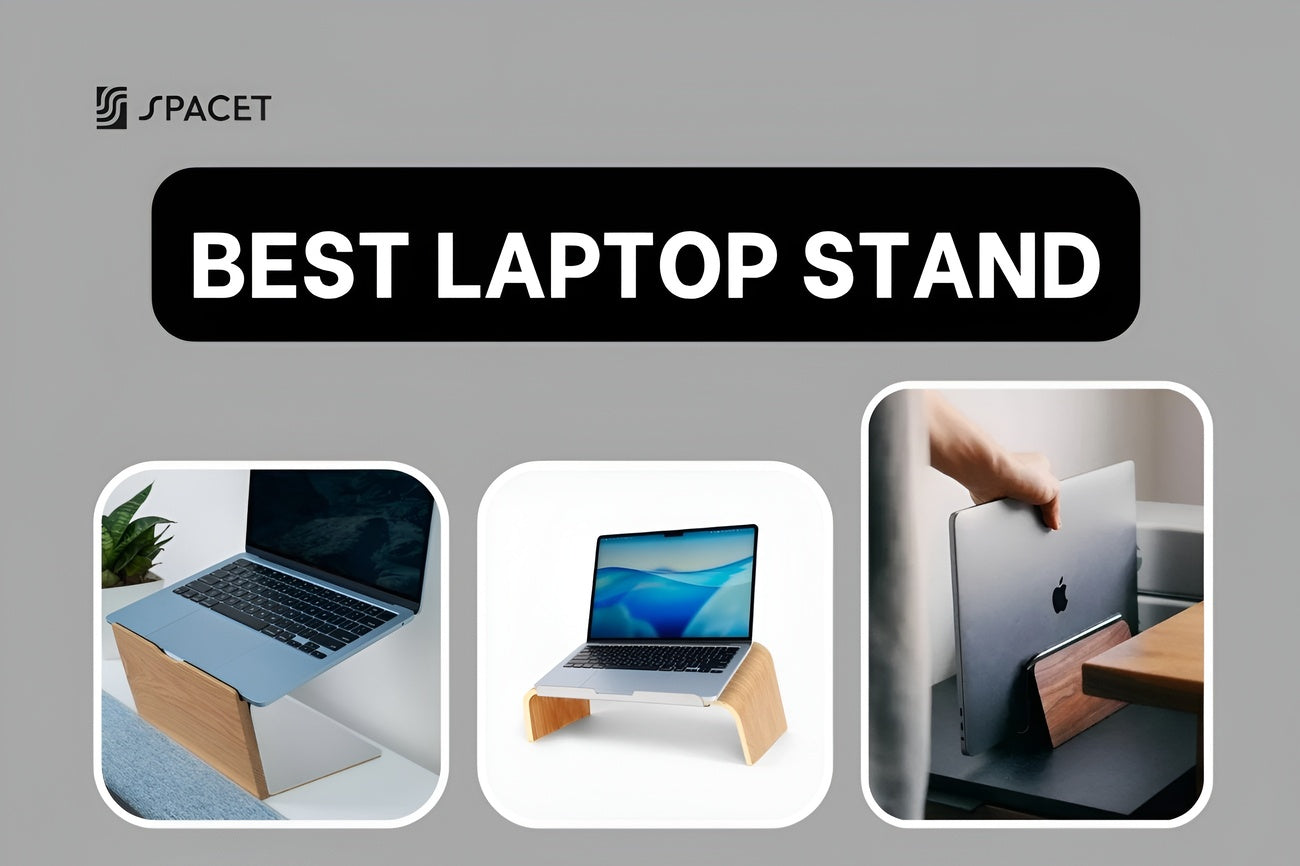
Au-delà de l'étagère, nous proposons également une gamme complète d'accessoires de bureau pour compléter votre installation : Support d'ordinateur portable v2.0, Support de casque v2.0, Tapis de bureau en feutre, etc., tous conçus pour fonctionner ensemble visuellement et fonctionnellement.
>> Parcourez la gamme complète dans notre Collection.
FAQ sur les bureaux debout
Les avantages d'un bureau debout s'appliquent-ils à tout le monde ?
Majoritairement oui, mais l'ampleur de la différence que vous ressentirez dépend de la façon dont vous l'utilisez. Les personnes qui passent de longues heures à leur bureau ressentiront davantage l'impact que celles qui ne sont assises que quelques heures par jour. La clé est d'alterner correctement les postures ; rester debout trop longtemps ou dans la mauvaise position crée sa propre forme de fatigue.
Un bureau debout est-il vraiment bon pour la santé ?
Oui, tant que vous alternez entre la position assise et la position debout plutôt que de rester debout toute la journée. Les avantages les mieux documentés sont la réduction de la pression vertébrale, une meilleure circulation sanguine et une meilleure régulation de la glycémie après les repas.
Combien de temps faut-il rester debout à un bureau debout chaque jour ?
Les experts en ergonomie recommandent généralement 15 à 30 minutes de position debout par heure, en alternant toutes les 30 à 60 minutes de position assise. Viser un total de 3 à 4 heures de position debout tout au long de la journée est suffisant pour observer de réels bienfaits pour la santé.
Quelle est la différence entre un bureau debout électrique et un bureau debout manuel ?
Un bureau électrique s'ajuste avec un moteur, rapidement, précisément et sans effort d'une simple pression sur un bouton. Un bureau manuel utilise une manivelle, moins cher à l'achat, mais suffisamment peu pratique pour que de nombreuses personnes finissent par l'ajuster beaucoup moins souvent qu'elles ne l'avaient prévu.
Avez-vous besoin d'un tapis anti-fatigue ?
Oui, cela en vaut la peine si vous vous tenez debout sur du bois dur ou des sols durs. C'est un petit ajout qui fait une différence notable dans la sensation de vos pieds et de vos jambes après de longues sessions de position debout.
De quoi d'autre avez-vous besoin pour compléter une configuration de bureau debout ?
Une étagère de bureau pour garder votre bureau organisé, un support d'ordinateur portable ou un bras de moniteur pour que votre écran soit à hauteur des yeux, et une gestion des câbles pour que tout reste bien rangé lorsque le bureau monte et descend.
Pourquoi les bureaux debout électriques sont-ils plus chers que les bureaux ordinaires ?
Le coût provient du système moteur, du boîtier de commande, des colonnes de levage et des composants mécaniques et électriques internes. C'est un investissement à long terme pour votre santé et votre façon de travailler, pas un achat de mobilier standard.
Réflexions finales
Un bureau debout est l'une des améliorations les plus pratiques que vous puissiez apporter à votre santé et à votre productivité à long terme, surtout si vous passez la majeure partie de votre journée à un bureau. Cela dit, le bureau seul ne représente qu'une partie de l'équation. Un espace de travail bien organisé est ce qui permet à tout de s'harmoniser.
Chez Spacet, nous vous aidons à construire un espace de travail qui vous convient vraiment, des étagères de bureau aux supports d'ordinateur portable, en passant par les supports de casque et les tapis de bureau. Si vous aménagez ou améliorez votre bureau à domicile, consultez le Blog Spacet pour des guides plus détaillés, ou explorez notre collection de systèmes d'étagères de bureau pour trouver ce qui convient le mieux à votre configuration.

Partager: