


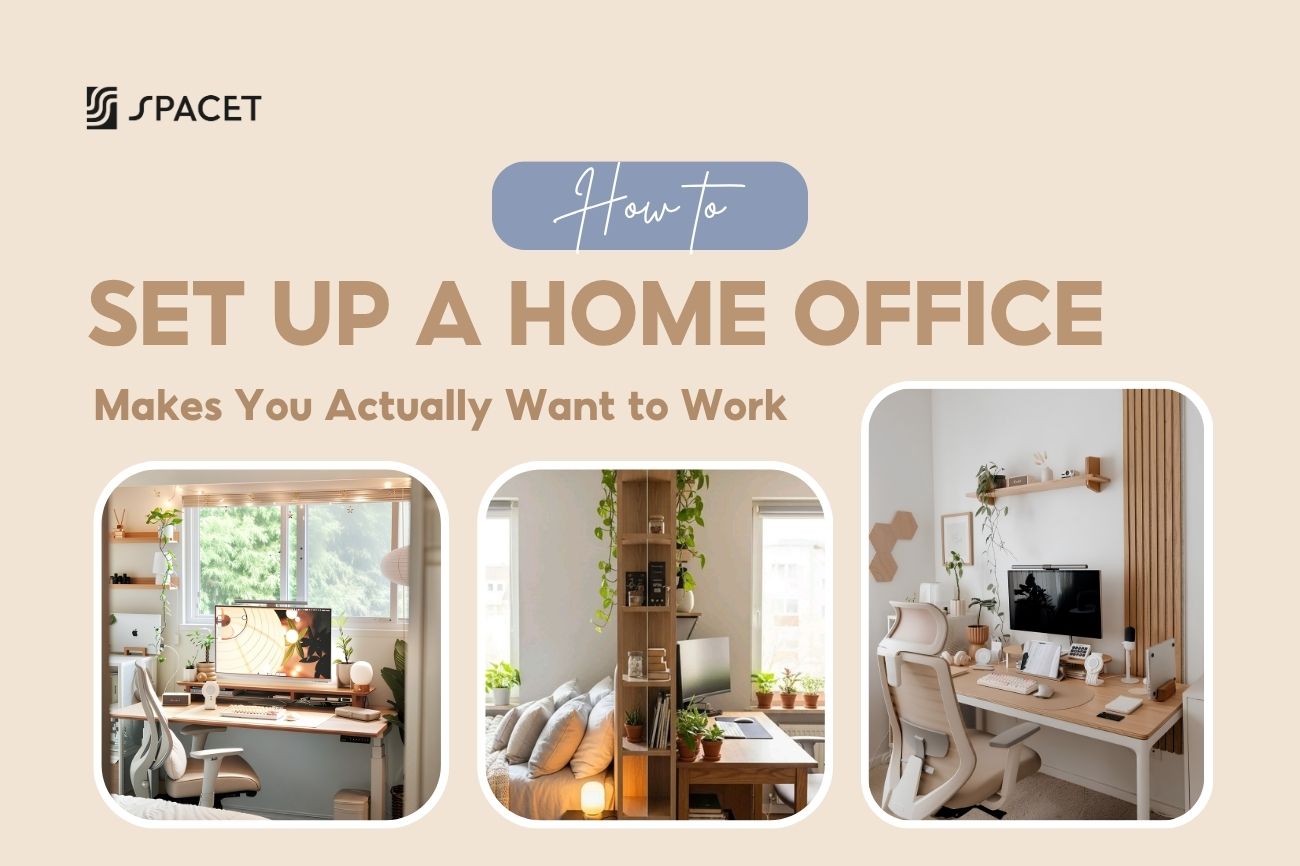
Pour la plupart des gens, le télétravail se résume à un ordinateur portable posé sur la première surface disponible. Ça fait le travail, mais pas très bien. Un bureau à domicile correctement aménagé change votre façon de travailler, la sensation de votre corps et l'envie de vous asseoir chaque matin. Voici comment aménager un bureau à domicile qui répond à ces trois objectifs - avec Spacet pour vous y aider.
Étape 1 : Choisissez le bon emplacement
La lumière naturelle est votre priorité numéro un lorsque vous décidez où placer votre bureau. Positionnez-le près d'une fenêtre, mais ne laissez pas votre écran faire directement face à la lumière, sinon l'éblouissement sera un problème constant. Au-delà de la lumière, choisissez l'endroit de votre maison où vous êtes le moins susceptible d'être interrompu.

Transformez votre productivité en créant une délimitation visuelle claire pour un espace de travail concentré. (Source : Pinterest)
Aménager un bureau à domicile dans votre chambre ? Créez une frontière visuelle claire entre votre zone de travail et votre zone de sommeil - tournez le dos au lit ou utilisez une étagère comme séparateur. Lorsque la journée de travail se termine, rangez votre bureau et éteignez l'écran. Votre cerveau a besoin de ces signaux pour réellement se déconnecter.

Vous travaillez dans un petit espace ? Pensez vertical plutôt qu'horizontal. Voici comment aménager un bureau à domicile dans un petit espace sans qu'il ne semble exigu :
- Choisissez un bureau mince qui n'occupe pas d'espace au sol avec des pieds encombrants.
- Utilisez une étagère de bureau pour ajouter une deuxième couche de rangement au-dessus de la surface au lieu de vous étendre latéralement.
- Donnez à chaque élément une place fixe afin que le bureau reste dégagé par défaut.

Étape 2 : Procurez-vous une bonne chaise avant tout
Votre chaise est la chose la plus importante sur laquelle dépenser de l'argent. Vous y êtes assis 6 à 8 heures par jour – elle affecte votre dos, vos épaules, votre cou, et honnêtement, votre humeur aussi. Une bonne chaise ergonomique doit avoir une hauteur réglable, un soutien lombaire et des accoudoirs mobiles.

Lorsque vous êtes bien assis, vos pieds sont à plat sur le sol, vos coudes sont à environ 90 degrés lorsque vous tapez, et votre dos est légèrement soutenu - sans être courbé en avant.
Étape 3 : Placez votre écran à hauteur des yeux
Le haut de votre écran doit se situer au niveau des yeux ou légèrement en dessous, à environ 50 à 70 cm de votre visage. La plupart des utilisateurs d'ordinateurs portables se trompent : un écran d'ordinateur portable plat est presque toujours trop bas, ce qui signifie des heures à pencher le cou vers le bas. C'est la principale cause de douleurs cervicales et dorsales chez les télétravailleurs.

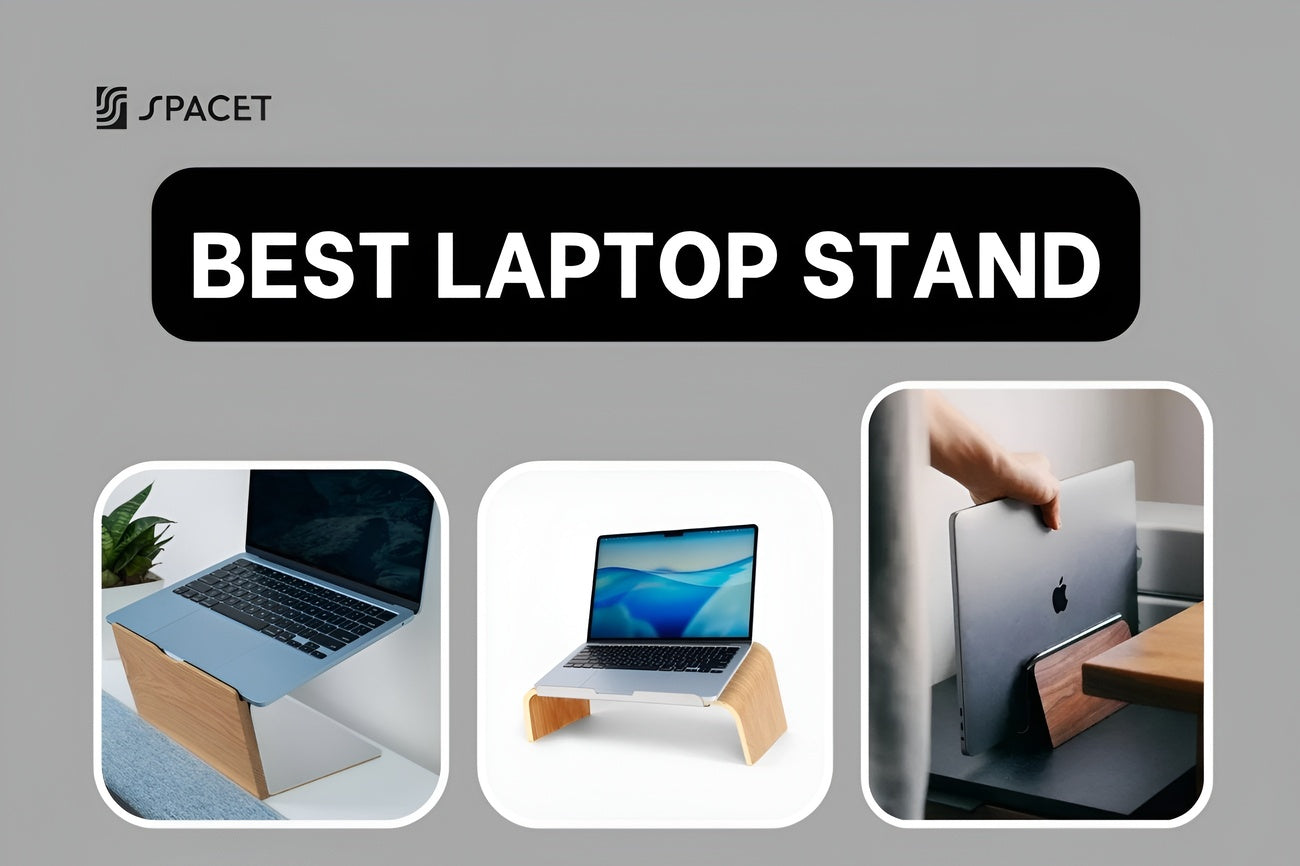
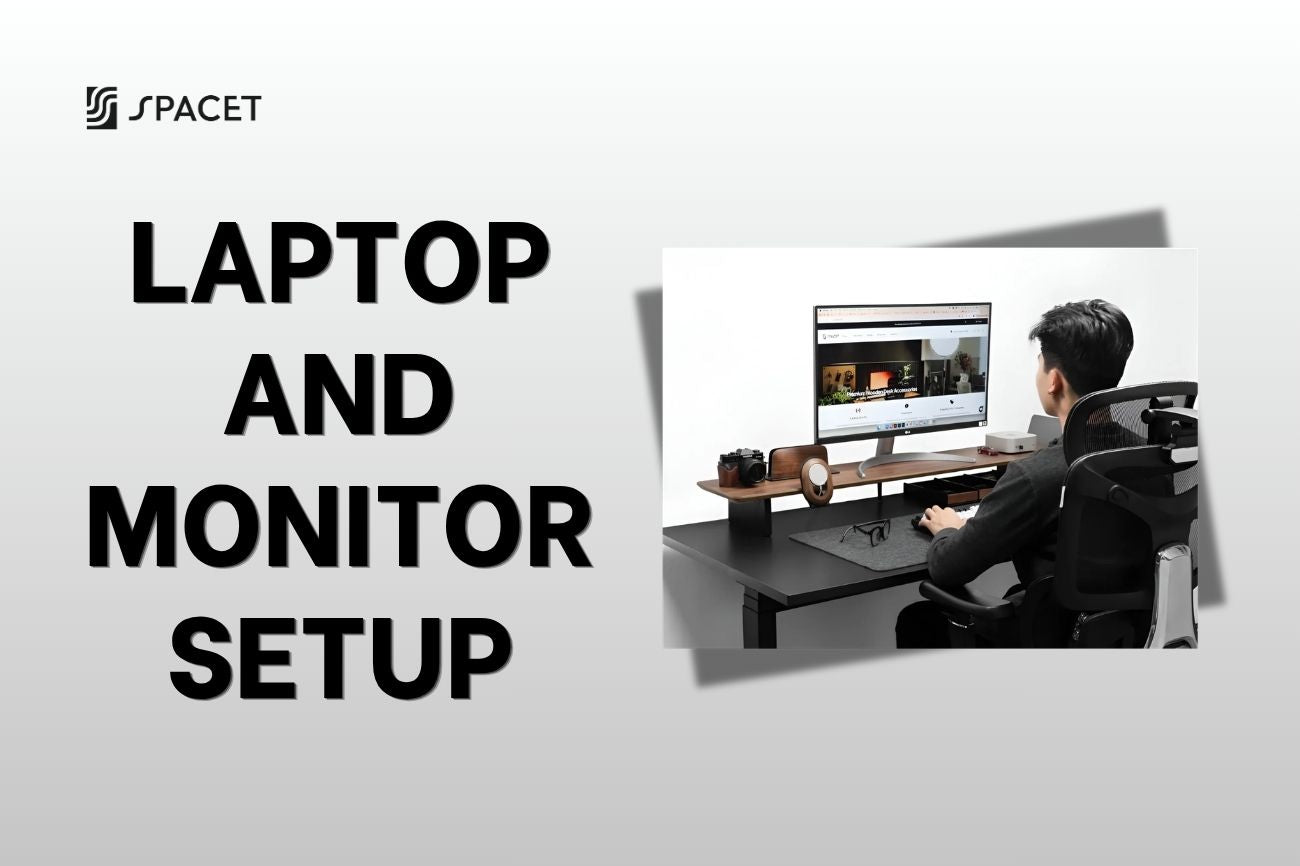
Utilisons une étagère de bureau ou un support d'ordinateur portable pour surélever l'écran, puis associons-le à un clavier et une souris externes. Si vous souhaitez installer un bureau à domicile avec deux écrans, placez votre écran principal droit devant vous et inclinez le second d'environ 30 degrés sur le côté. Les deux doivent être à la même hauteur - une étagère de bureau de 80 cm ou plus large gère cela sans avoir besoin de supports séparés.
Étape 4 : Choisissez la bonne étagère de bureau pour votre installation
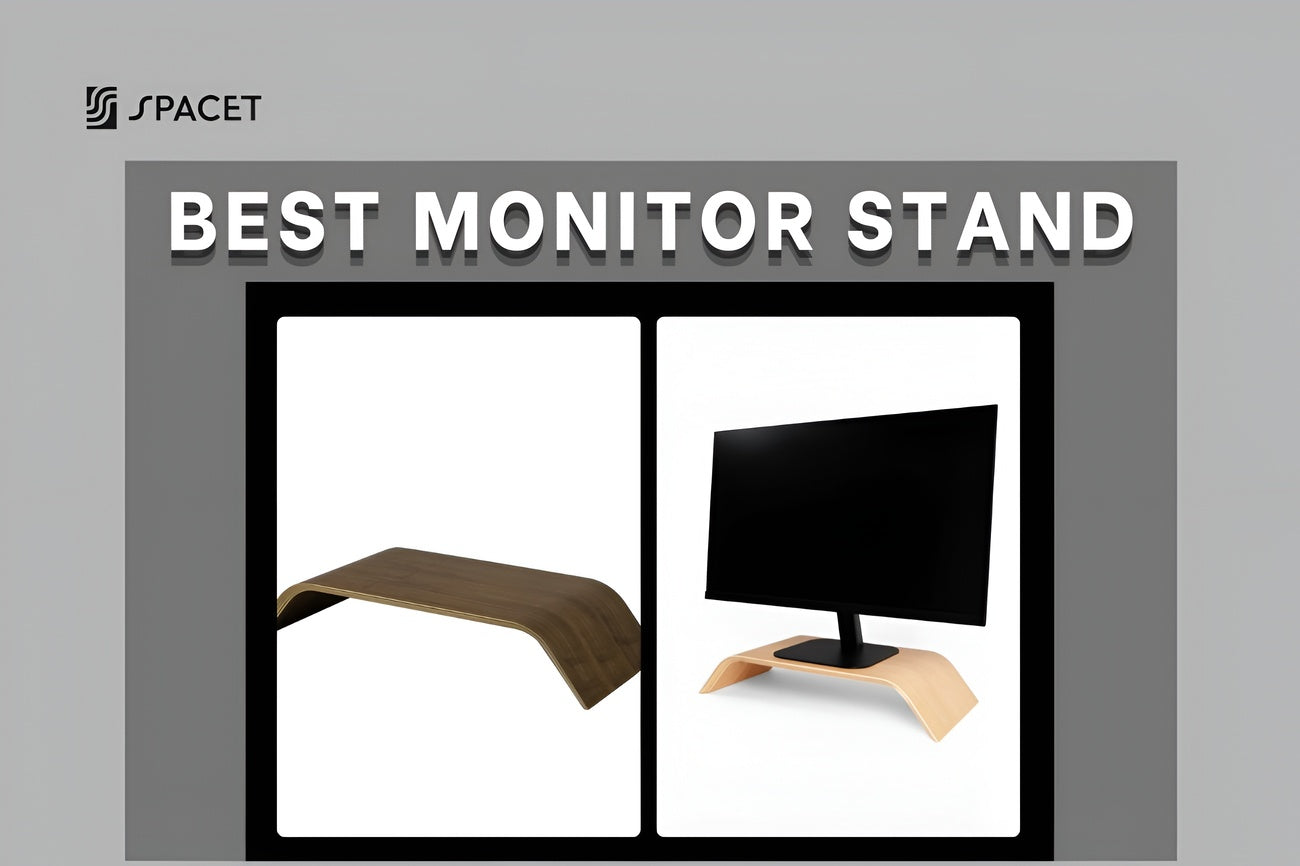
Si vous ne pouvez ajouter qu'une seule chose à votre installation, que ce soit une étagère de bureau. Elle ajuste la hauteur de votre moniteur, crée un espace de rangement en dessous pour votre clavier et votre équipement, et donne à l'ensemble du bureau un aspect intentionnel - sans acheter un nouveau bureau. Que vous cherchiez à aménager un bureau à domicile pour la première fois ou à améliorer un poste de travail existant, une étagère de bureau est l'ajout le plus impactant que vous puissiez faire.
Le Spacet Desk Shelf Pro v2.0 est destiné à ceux qui veulent une installation complète dès le premier jour. Fabriqué en contreplaqué de noyer noir 15 couches et en aluminium industriel, il dispose d'une étagère inférieure intégrée pour votre clavier et vos périphériques, ainsi que d'un canal de câbles arrière qui dissimule les fils. La taille Large de 117 cm peut accueillir deux moniteurs de 27 pouces côte à côte, supportant jusqu'à 100 kg.

Étagère de bureau Spacet Pro v2.0
Si vous préférez construire votre installation progressivement, l'étagère de bureau modulaire AIRY est le choix le plus judicieux. AIRY utilise un système de grille de montage qui vous permet de clipser des modules additionnels n'importe où - support de téléphone, support de casque, station d'accueil pour ordinateur portable, support de multiprise - sans outils. Commencez léger, ajoutez ce dont vous avez réellement besoin à mesure que votre installation évolue.

Étagère de bureau modulaire AIRY
>> Découvrez notre système d'étagères de bureau dès maintenant !
Étape 5 : Maîtrisez vos câbles et débarrassez votre bureau
Les câbles en désordre sont le moyen le plus rapide de ruiner un espace de travail par ailleurs excellent. Regroupez les câbles par appareil avec des attaches velcro, faites-les passer dans un passe-câbles sous le bureau et utilisez le canal de câbles intégré de votre étagère de bureau. Les utilisateurs du système modulaire AIRY peuvent clipser un support de multiprise directement sur l'étagère pour que tout soit bien rangé dès le départ.

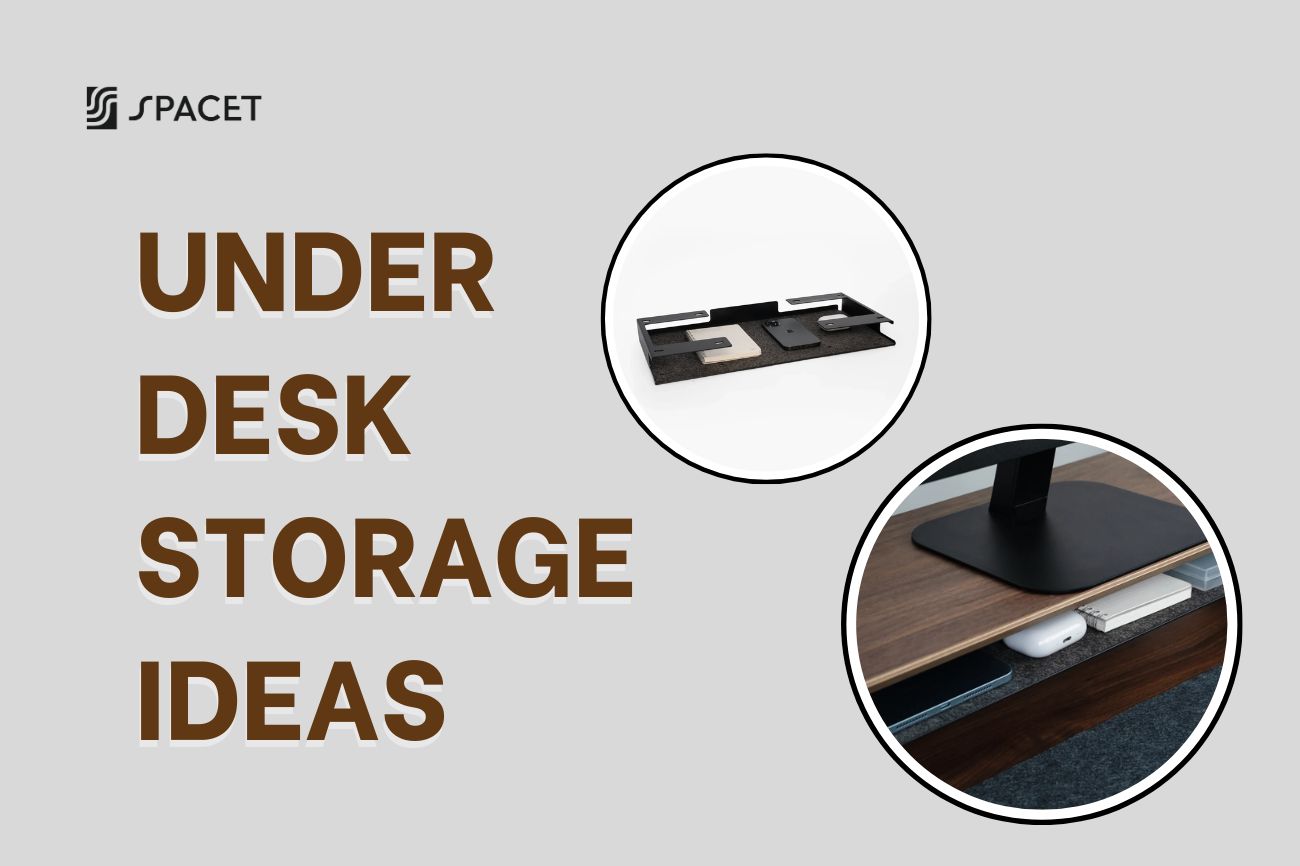
Sur la surface elle-même, ne gardez que ce que vous utilisez tous les jours. Les tiroirs de bureau Spacet et le tiroir de rangement offrent à chaque objet un emplacement approprié à portée de main - sans encombrer l'espace sur lequel vous travaillez réellement.
Étape 6 : Comment créer un bureau à domicile ergonomique durable
Lorsque les gens parlent de la façon de créer un bureau à domicile ergonomique, ils s'arrêtent généralement à "achetez une bonne chaise". Mais l'ergonomie est un système complet qui fonctionne ensemble. Si vous participez régulièrement à des appels vidéo, ces extras font une réelle différence :
- Une bonne webcam, ou utilisez votre téléphone avec des applications comme Camo ou Continuity Camera.
- Un casque anti-bruit pour pouvoir vous concentrer et être clairement entendu lors des appels.
- Une connexion Ethernet filaire si votre WiFi coupe pendant les réunions vidéo.
- Une lampe de bureau avec température de couleur réglable – blanc froid pendant la journée, lumière chaude le soir.
- Un support de casque pour protéger vos écouteurs et les maintenir hors de la surface – le support de casque Spacet v2.0 s'intègre naturellement à tout bureau épuré.

C'est en maîtrisant ces éléments que l'on passe d'une installation fonctionnelle pour quelques mois à une installation vraiment durable pour le télétravail à long terme.
Étape 7 : Comment aménager un bureau à domicile avec un budget limité
Vous n'avez pas besoin de dépenser beaucoup au départ – il vous suffit de dépenser sur les bonnes choses en premier. La chaise et la position de l'écran ont le plus grand impact sur votre bien-être, donc elles viennent en premier. Tout le reste est ajouté progressivement à mesure que vos besoins se précisent.
Un tapis de bureau japonais Spacet en coton et lin est l'un des meilleurs points de départ à faible coût - il donne instantanément à votre bureau un aspect plus intentionnel sans changer de meubles. À partir de là, ajoutez une étagère de bureau, un support d'ordinateur portable ou un espace de rangement au fur et à mesure que votre installation évolue.

Tapis de bureau japonais en coton et lin
C'est la façon la plus pratique d'aborder l'aménagement d'un poste de travail à domicile sans dépasser votre budget, en construisant le bureau à domicile parfait, une amélioration intentionnelle à la fois.
FAQ sur l'aménagement d'un bureau à domicile
Par où commencer pour aménager un bureau à domicile ?
Commencez par la position de votre chaise et de votre écran. Ces deux éléments ont le plus grand impact sur votre santé et sur la durabilité de votre installation à long terme. Mettez ces éléments en place en premier, puis ajoutez les accessoires.
Une étagère de bureau est-elle vraiment nécessaire ou juste un «plus» ?
C'est fonctionnel, pas seulement esthétique. Relever votre écran au niveau des yeux soulage vraiment votre cou et vos épaules – quelque chose que vous ressentirez en quelques jours. C'est constamment l'une des améliorations les plus précieuses que vous puissiez apporter.
Comment aménager un bureau à domicile dans ma chambre sans perturber mon sommeil ?
Maintenez une séparation visuelle claire entre votre zone de travail et votre zone de sommeil, et instaurez une habitude constante en fin de journée : rangez le bureau, éteignez les écrans, et quittez la pièce. Votre cerveau a besoin de ces indices pour se déconnecter réellement.
Quelle est la différence entre l'étagère de bureau Pro v2.0 et le AIRY Modular de Spacet ?
Le Pro v2.0 est complet dès le premier jour – étagère inférieure intégrée, rien à ajouter. Le AIRY Modular est plus léger au départ et s'agrandit via une grille de montage au fur et à mesure que votre configuration évolue. Les deux supportent 100 kg et deux écrans. Il s'agit de savoir si vous voulez tout avoir maintenant ou si vous préférez construire au fil du temps.
Aménager un bureau à domicile n'est pas un projet unique - c'est quelque chose que vous continuez à affiner à mesure que vous découvrez la meilleure façon de travailler. Commencez par l'essentiel, ne négligez pas l'ergonomie et ajoutez le reste au fur et à mesure.
Spacet propose des étagères de bureau, des supports d'ordinateur portable, des tapis de bureau et des rangements, tous conçus pour fonctionner ensemble – de sorte que rien ne semble dépareillé. Et pour plus d'idées d'espaces de travail et des analyses honnêtes de matériel, le blog Spacet vous couvre.

Partager:
Plus de 11 idées d'étagères d'angle pour bureau pour exploiter l'espace inutilisé et maximiser chaque centimètre
Qu'est-ce qu'un bureau rehausseur ? Le guide honnête avant d'acheter